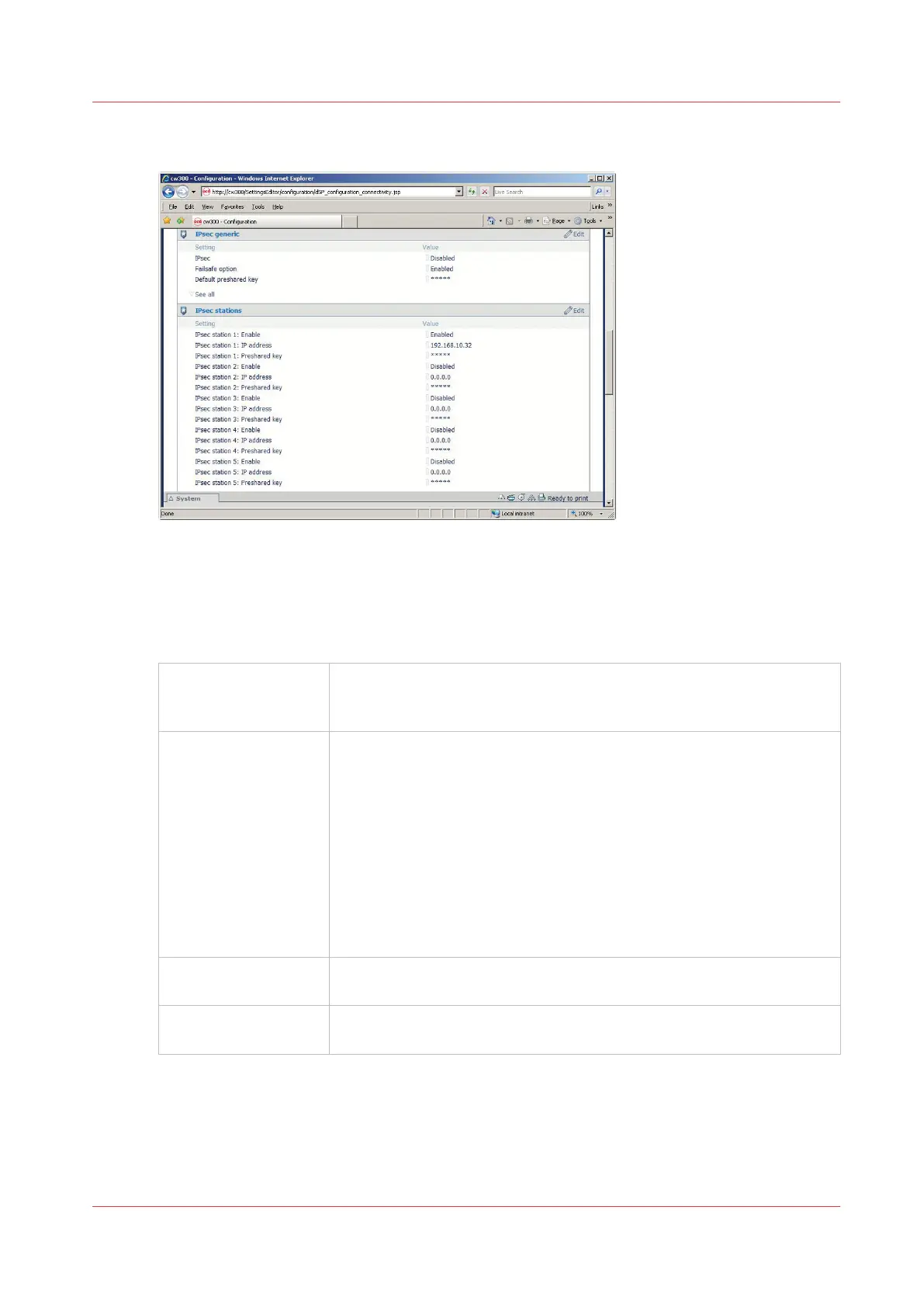
Illustration
IPsec parameters in the Océ Express WebTools (EWT)
The following IPsec parameters are available in the Océ Express WebTools :
IPsec Generic section:
IPSec
Enabled/Disabled
General setting to enable or disable IPsec.
Once enable, only the network traffic defined by the IPsec configuration
rules is authorised.
Failsafe option
Enabled/Disabled
Keep this option enabled during the IPsec configuration, until the com-
plete and successful IPsec communication between the printer/copier
system and the configured station.
- When the option is Enabled (with IPsec enabled), only the network
traffic defined by IPsec configuration rules is authorised.
All other network traffic is denied except the HTTP traffic* for Océ Ex-
press WebTools with any workstation: this allows to change some IP-
sec settings via Océ Express WebTools, from any workstation.
- When the option is Disabled (with IPsec enabled): only the network
traffic defined by the IPsec configuration rules is authorised. All other
network traffic is denied.
Default preshared key
You can define a default preshared key that will be used for all the sta-
tions connected by IPsec to the printer/scanner system.
Other settings You can display the other IPsec generic settings ('See all').
Keep them unchanged.
* and HTTPS traffic for Océ Plotwave 900.
IPsec stations section:
You can configure a maximum of 5 IPsec communications between the printer/copier system and
5 workstations.
IPsec presentation
Chapter 2 - Security on Océ PlotWave 300/350, PlotWave 750, PlotWave 900 and ColorWave 300
41









 To Next Page