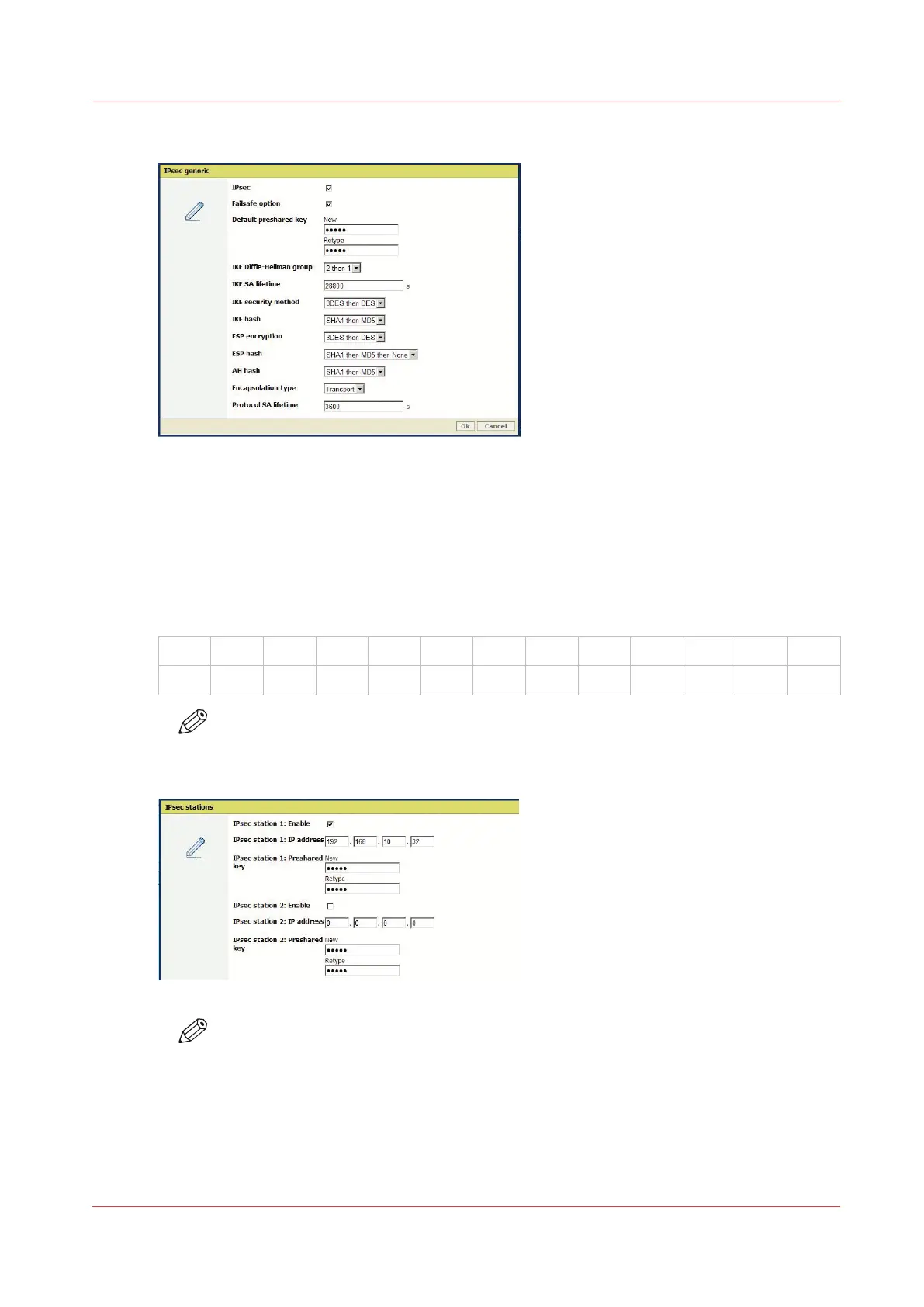
6.
Keep the other parameters as they are.
7.
In the 'IPsec stations' section, click 'Edit'
8.
Select '"IPsec station 1: Enable'
9.
Enter the 'IPsec station 1: IP address' of the workstation
10.
Create and enter the 'IPsec station 1: Preshared key' using the following policy:
• 256 characters maximum
• Any number [0-9]
• Any letter lowercase/upper-case [a-z][A-Z]
• the following special characters:
_
- ~ ! @ # $ % ^ * ? { }
( ) = + , . ; : [ ] / | \
NOTE
Write it down, this preshared key will be required during the IPsec configuration on the
workstation.
NOTE
In the 'TCP/IP: IPv6' section, make sure TCP/IP (IPv6) is disabled.
Result
The IPsec settings are configured on the controller for a connection to a workstation (which can
be a print server).
Configure the IPsec settings in the Océ controller
Chapter 2 - Security on Océ PlotWave 300/350, PlotWave 750, PlotWave 900 and ColorWave 300
43









 To Next Page