The IJ Scan Utility main screen appears.
Note
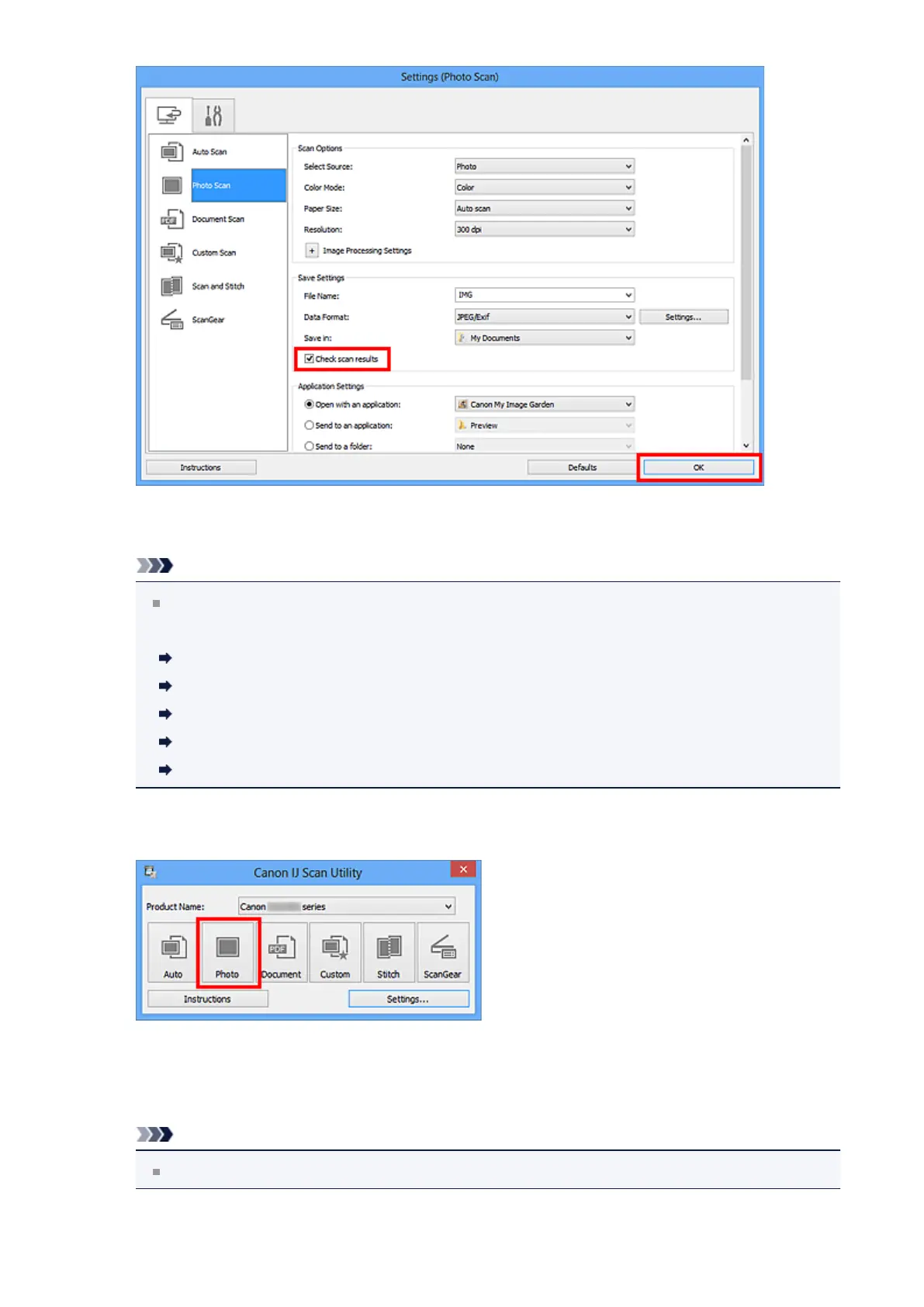
Refer to the following pages for details on the setting items in the Settings dialog
box.
Settings (Photo Scan) Dialog Box
Settings (Document Scan) Dialog Box
Settings (Custom Scan) Dialog Box
Settings (Scan and Stitch) Dialog Box
Settings (ScanGear) Dialog Box
5. Click Photo.
Scanning starts.
When scanning is completed, the Save Settings dialog box appears.
Note
Click Cancel to cancel the scan.
292












 To Next Page