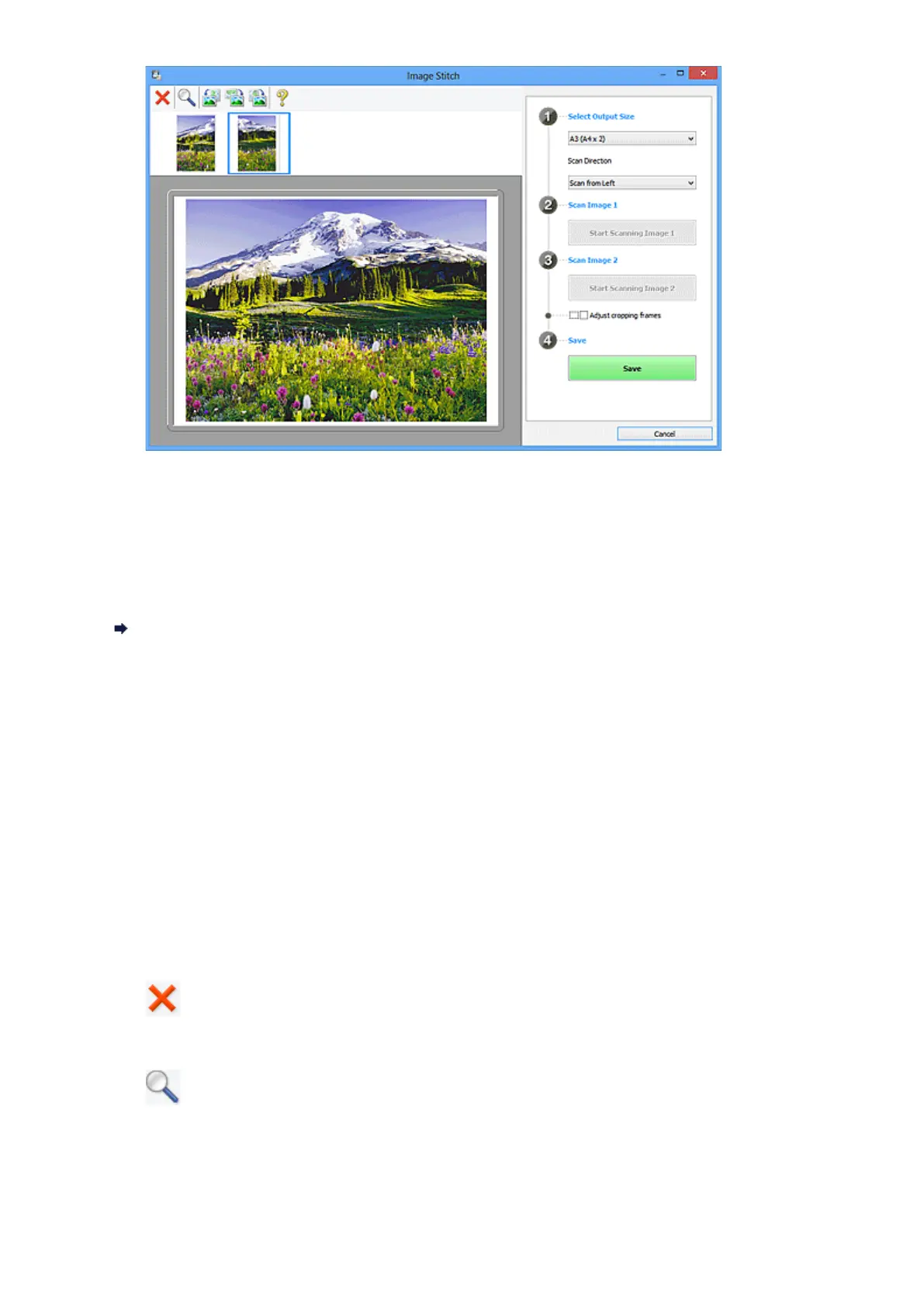
• Adjust cropping frames
You can adjust the scan area in preview.
If no area is specified, the image of the size selected in Select Output Size will be
saved. If an area is specified, only the image in the cropping frame will be scanned and
saved.
Adjusting Cropping Frames in the Image Stitch Window
• Save
• Save
Saves the two scanned images as one image.
• Cancel
Cancels Stitch scan.
(2) Toolbar
• Toolbar
You can delete the scanned images or adjust the previewed images.
• (Delete)
Deletes the scanned image.
• (Enlarge/Reduce)
Allows you to enlarge or reduce the preview image.
Left-clicking the Preview area enlarges the displayed image.
Right-clicking the Preview area reduces the displayed image.
341












 To Next Page