• (Rotate Left)
Rotates the preview image 90 degrees counter-clockwise.
• (Invert Vertically)
Rotates the preview image 180 degrees.
• (Rotate Right)
Rotates the preview image 90 degrees clockwise.
• (Open Guide)
Opens this page.
(3) Thumbnail View Area
• Thumbnail View Area
Displays the thumbnails of the scanned images. Appears blank if none has been
scanned.
(4) Preview Area
• Preview Area
Displays the scanned images. You can adjust the layout by dragging the scanned
image or check the results of the settings made in "(1) Settings and Operation Buttons."
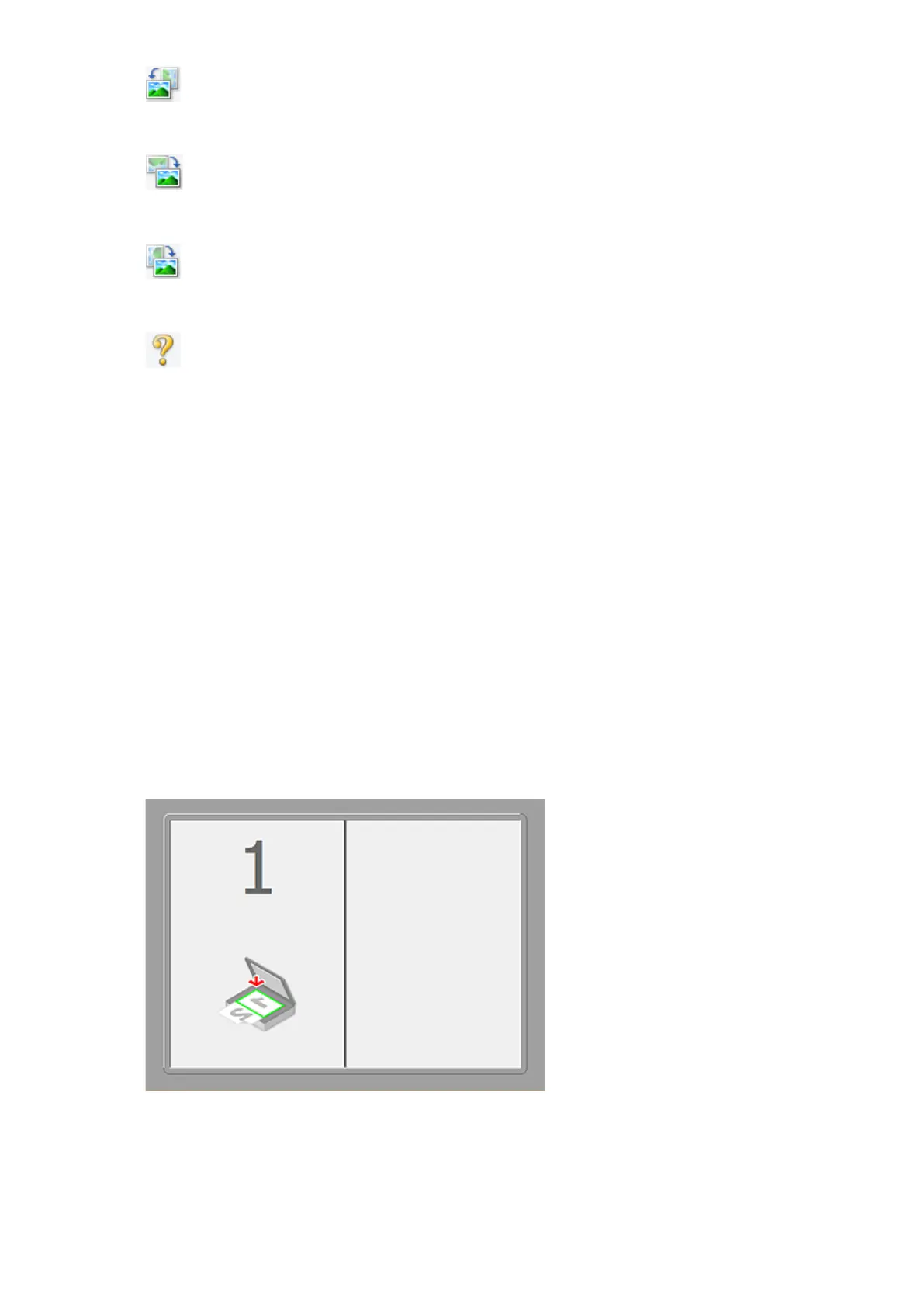
• When no image has been scanned
• After scanning the first item by clicking Start Scanning Image 1
342












 To Next Page