13 ImageBrowser Software User Guide
Chapter 1
Try It! ImageBrowser
Printing Images (2/2)
4.
When the Page Setup dialog box appears, click [OK].
The Layout Options dialog closes.
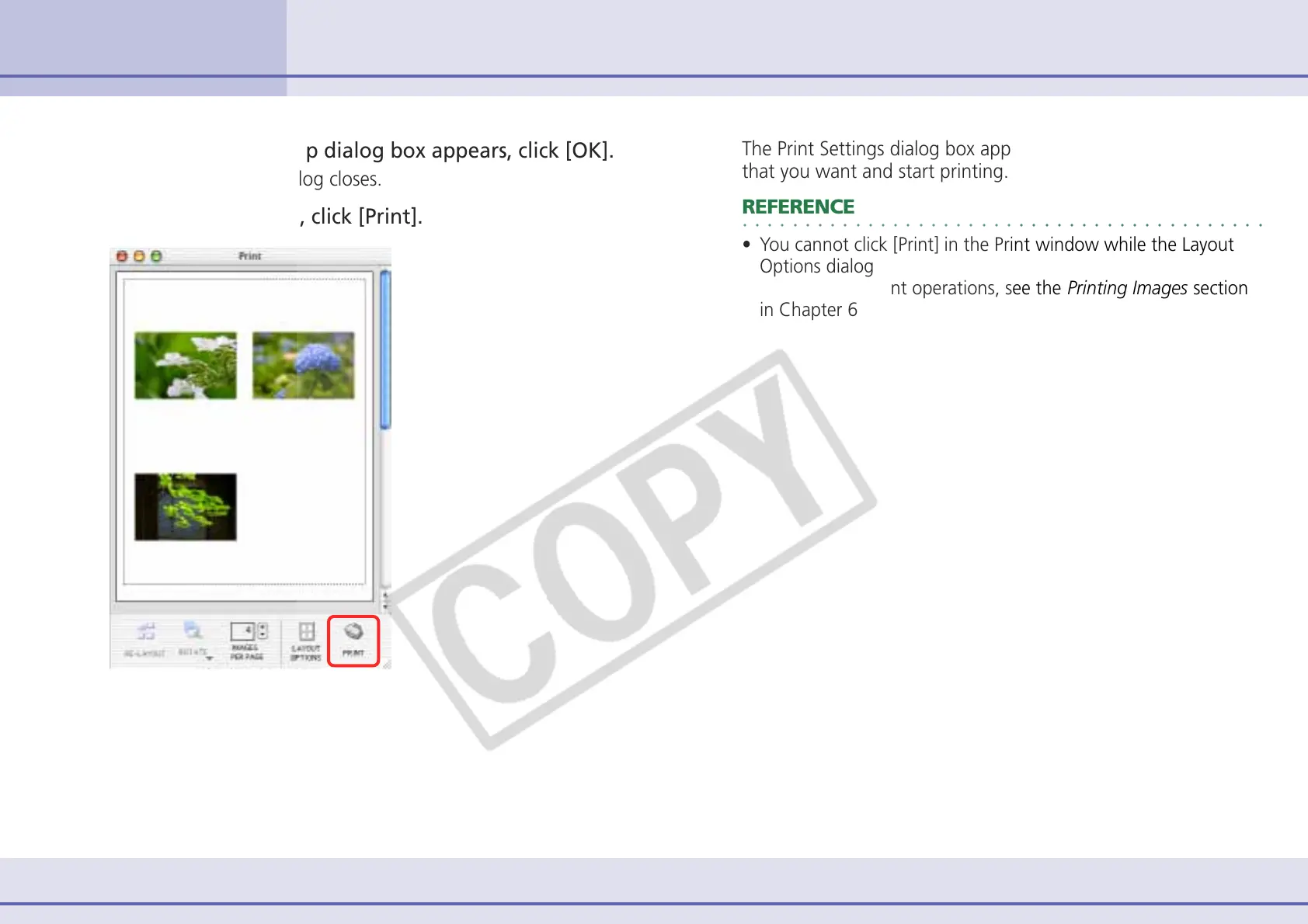
5.
In the Print window, click [Print].
The Print Settings dialog box appears. Select the print options
that you want and start printing.
○○○○○○○○○○○○○○○○○○○○○○○○○○○○○○○○○○○○○○○○○○
REFERENCE
• You cannot click [Print] in the Print window while the Layout
Options dialog is open.
• For details on print operations, see the Printing Images section
in Chapter 6.












 To Next Page