32 ImageBrowser Software User Guide
Chapter 3
Managing Images
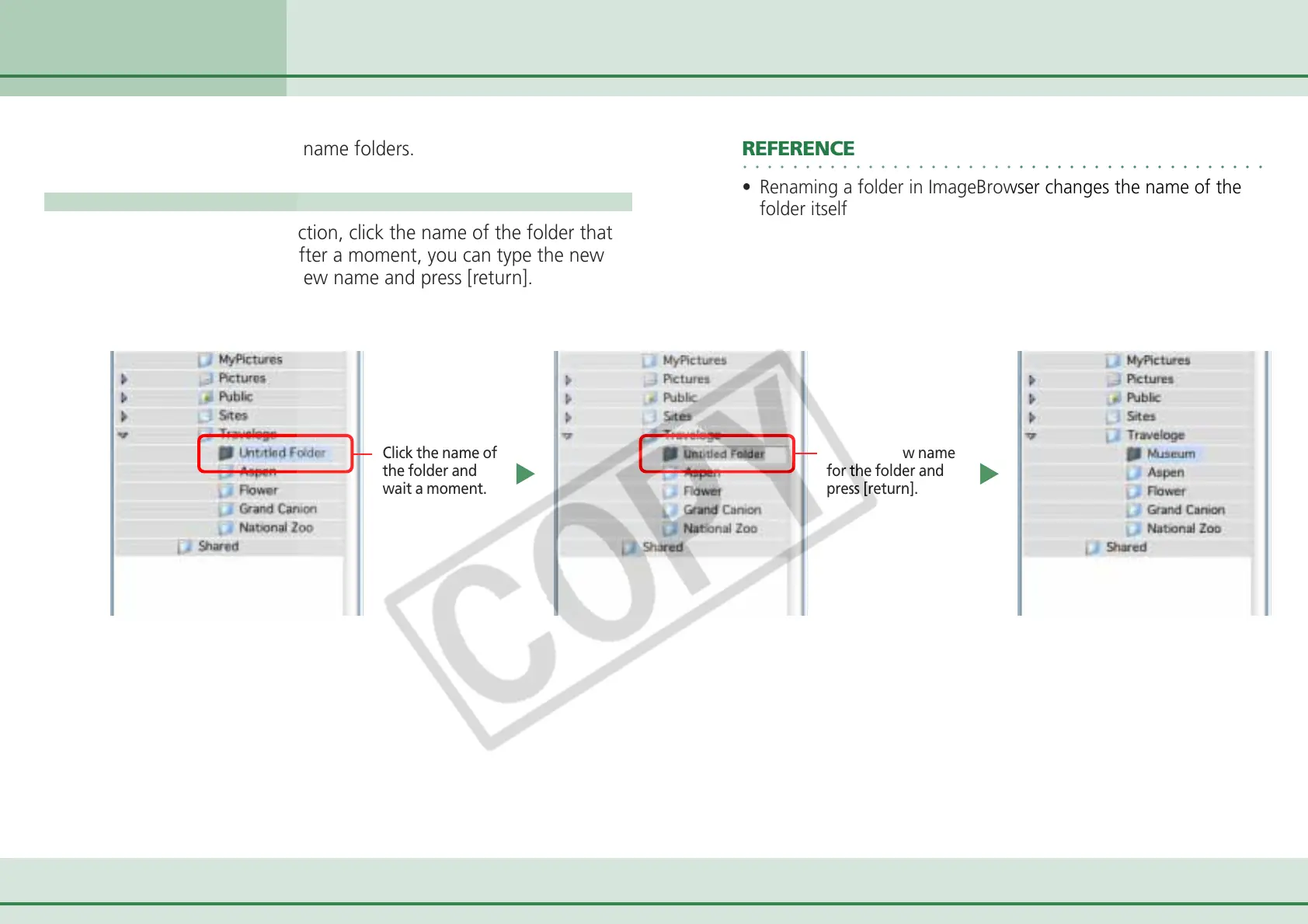
This section describes how to rename folders.
How to rename a folder
In the Explorer View Section, click the name of the folder that
you want to rename. After a moment, you can type the new
folder name. Type the new name and press [return].
Click the name of
the folder and
wait a moment.
Renaming Folders
○○○○○○○○○○○○○○○○○○○○○○○○○○○○○○○○○○○○○○○○○○
REFERENCE
• Renaming a folder in ImageBrowser changes the name of the
folder itself on your computer.
Type the new name
for the folder and
press [return].












 To Next Page