31 ImageBrowser Software User Guide
Chapter 3
Managing Images
This section describes how to create folders within disks or other folders.
How to create a folder
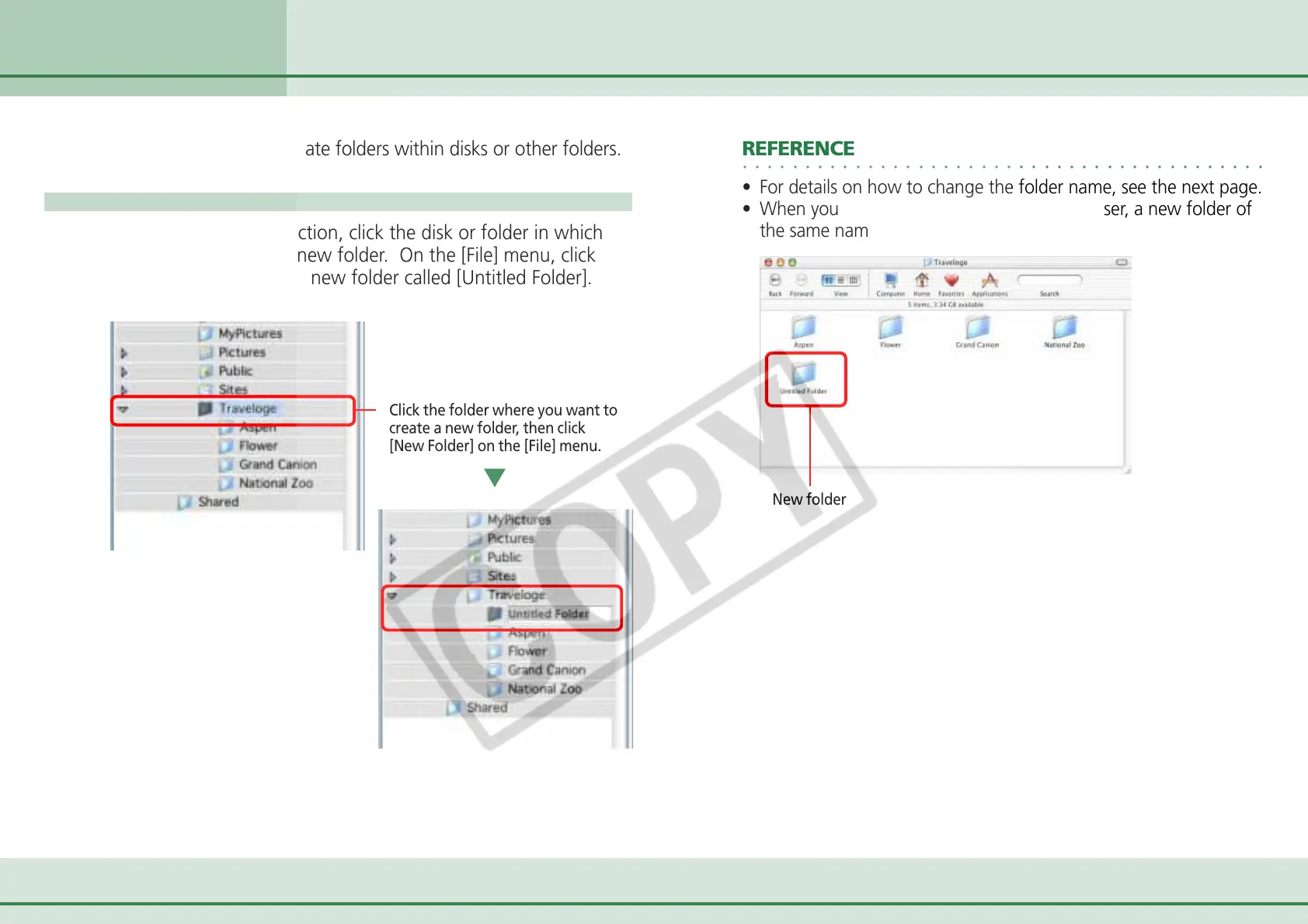
In the Explorer View Section, click the disk or folder in which
you wish to create the new folder. On the [File] menu, click
[New Folder] to create a new folder called [Untitled Folder].
Click the folder where you want to
create a new folder, then click
[New Folder] on the [File] menu.
New folder
Creating Folders
○○○○○○○○○○○○○○○○○○○○○○○○○○○○○○○○○○○○○○○○○○
REFERENCE
• For details on how to change the folder name, see the next page.
• When you create a new folder in ImageBrowser, a new folder of
the same name appears in the Finder.












 To Next Page