41 ImageBrowser Software User Guide
Chapter 4
Viewing Images
It is possible to edit images that you have selected in ImageBrowser
using a different image editing program that you have registered. This
section describes how to perform this operation.
○○○○○○○○○○○○○○○○○○○○○○○○○○○○○○○○○○○○○○○○○○
REFERENCE
• If you installed the image editing program included with your
product (contained on a CD-ROM other than the Solution Disk),
it should automatically be registered in the ImageBrowser
menu.
• To register other programs, click the [ImageBrowser] menu (in
Mac OS 9, click the [Edit] menu) and select [Preferences] and
[Browser Window], and add the program to the [Register
Application] category.
Editing Images with Other Programs
A
Select an image.
B Select your application from this
submenu (program names vary
according to the camera model).
Editing Images with Other Programs
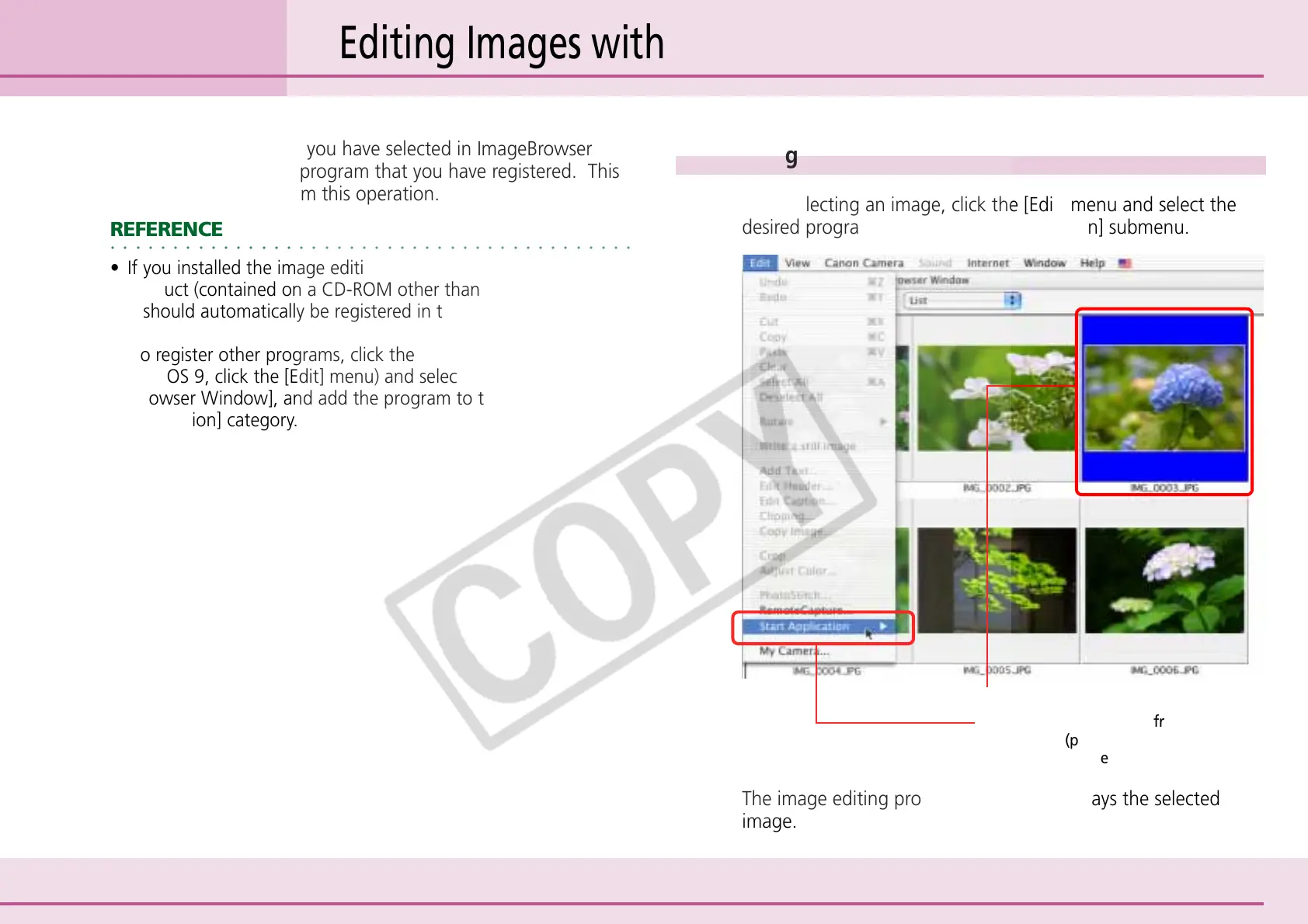
After selecting an image, click the [Edit] menu and select the
desired program from the [Start Application] submenu.
The image editing program starts and displays the selected
image.












 To Next Page