4 ImageBrowser Software User Guide
Chapter 1
Try It! ImageBrowser
This chapter covers the ImageBrowser basics, such as starting the
program, downloading images from the camera and printing images. It
begins with the procedures for starting ImageBrowser.
○○○○○○○○○○○○○○○○○○○○○○○○○○○○○○○○○○○○○○○○○○
IMPORTANT
• This guide assumes that all the relevant software programs and
drivers have been correctly installed on your computer. If you
have not yet installed the software, please read the guide
supplied with your product and install it.
Starting ImageBrowser (1/5)
Starting ImageBrowser with Mac OS X
○○○○○○○○○○○○○○○○○○○○○○○○○○○○○○○○○○○○○○○○○○
IMPORTANT
• You can also use this procedure to start ImageBrowser in Mac
OS X when using a memory card reader.
1.
Use the interface cable to connect the camera to the
computer.
Please see the manual supplied with your camera for
connection instructions.
Some models cannot connect with the computer unless you set
them to a particular mode, such as the Playback mode. As
described in the guides for these models, set the camera to the
correct mode to transfer data.
2.
Close iPhoto or Image Capture if either program starts up.
3.
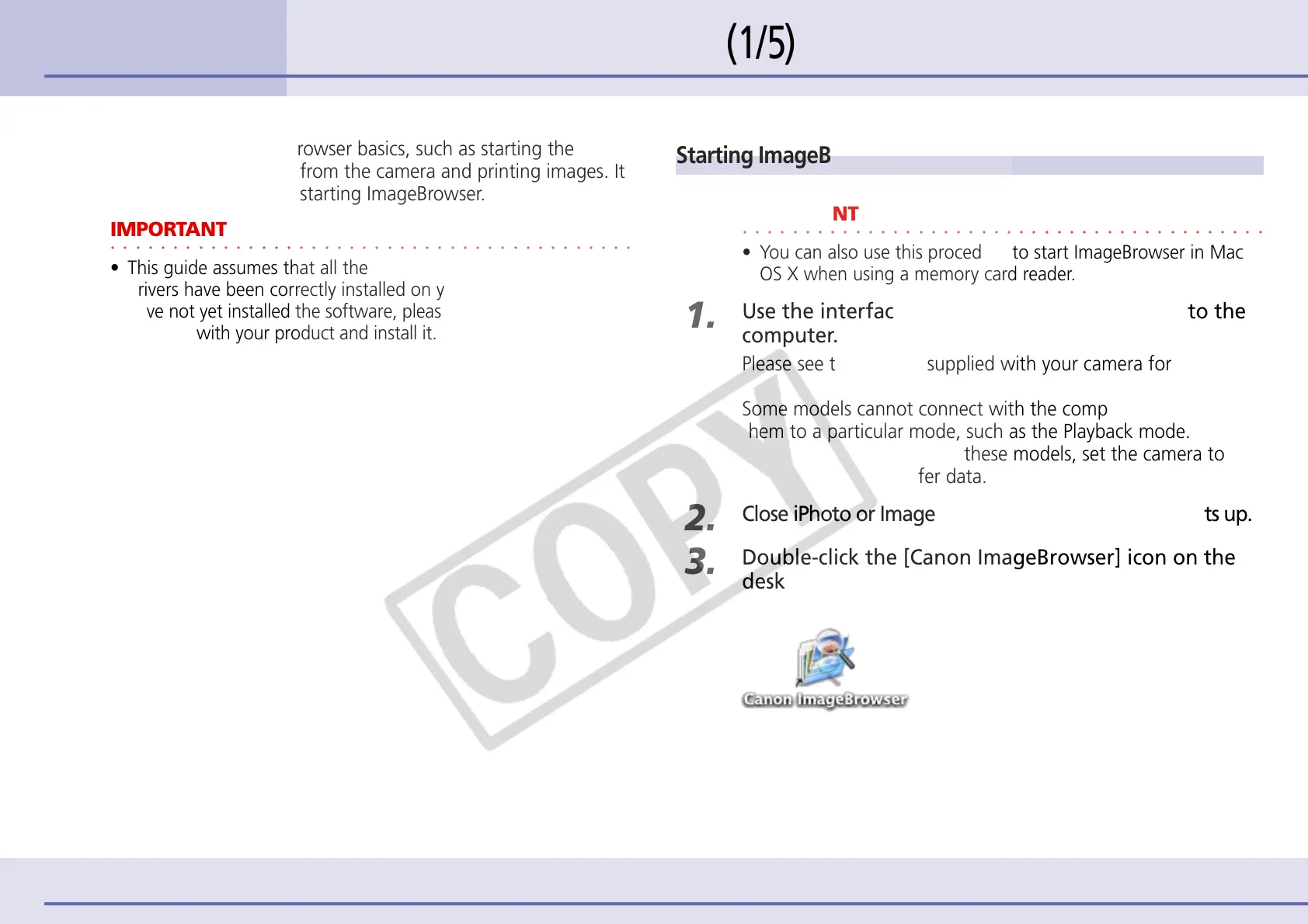
Double-click the [Canon ImageBrowser] icon on the
desktop.
ImageBrowser starts.












 To Next Page