36 ImageBrowser Software User Guide
Chapter 4
Viewing Images
This section describes how to change the magnification of an image.
How to change the zoom ratio with the buttons
in the image window
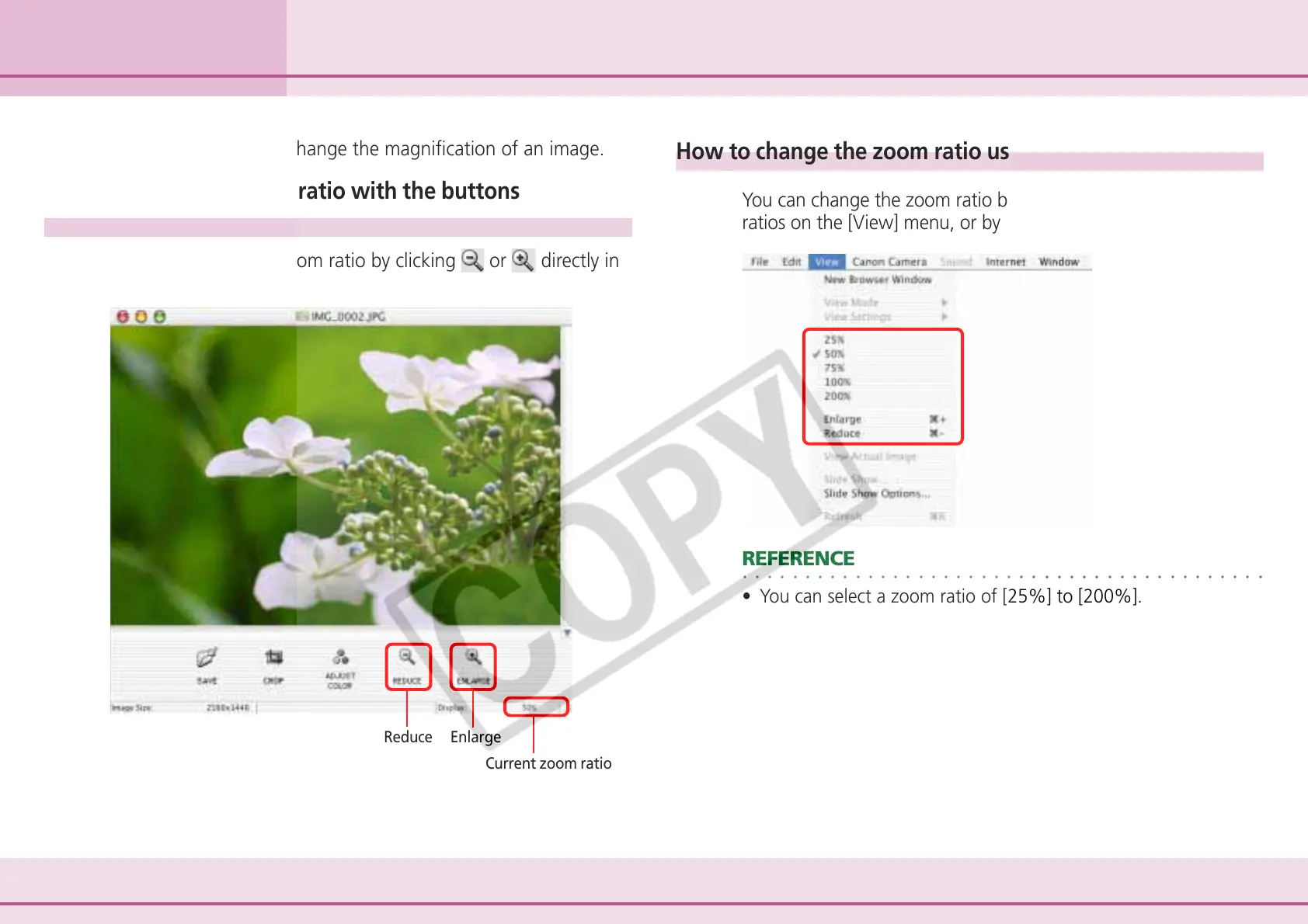
You can change the zoom ratio by clicking or directly in
the image window.
Current zoom ratio
Changing the Magnification
How to change the zoom ratio using the Display menu
You can change the zoom ratio by clicking one of the zoom
ratios on the [View] menu, or by clicking [Enlarge] or [Reduce].
○○○○○○○○○○○○○○○○○○○○○○○○○○○○○○○○○○○○○○○○○○
REFERENCE
• You can select a zoom ratio of [25%] to [200%].
Reduce Enlarge












 To Next Page