24 ImageBrowser Software User Guide
Chapter 3
Managing Images
Moving and Copying Images (2/3)
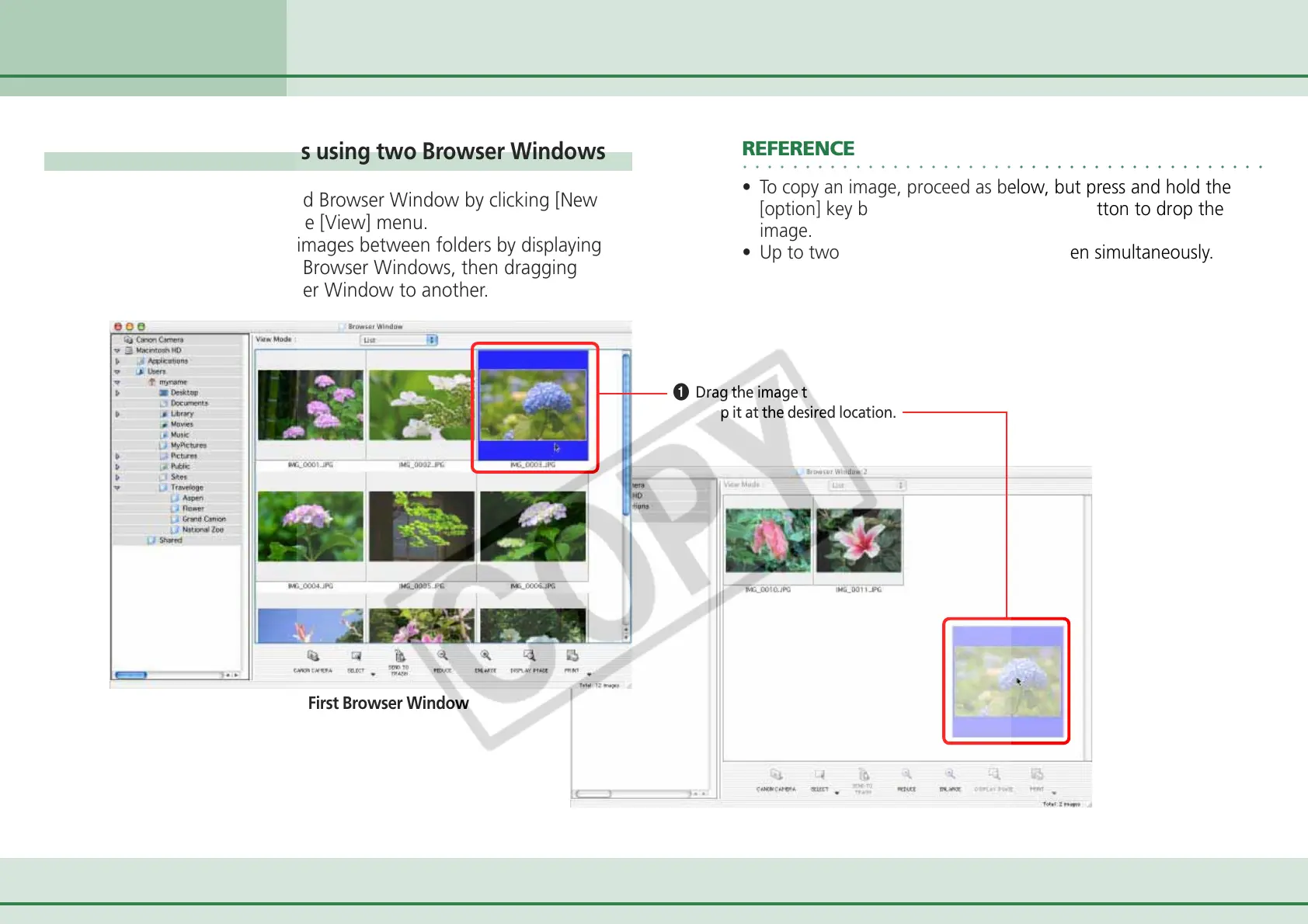
Moving or copying images using two Browser Windows
You can display a second Browser Window by clicking [New
Browser Window] on the [View] menu.
You can move or copy images between folders by displaying
different folders in two Browser Windows, then dragging
images from one Browser Window to another.
The First Browser Window
The Second Browser Window
○○○○○○○○○○○○○○○○○○○○○○○○○○○○○○○○○○○○○○○○○○
REFERENCE
• To copy an image, proceed as below, but press and hold the
[option] key before releasing the mouse button to drop the
image.
• Up to two Browser Windows can be open simultaneously.
A Drag the image that you want to move.
B Drop it at the desired location.












 To Next Page