39 ImageBrowser Software User Guide
Chapter 4
Viewing Images
Editing Images (3/4)
Adjusting colors
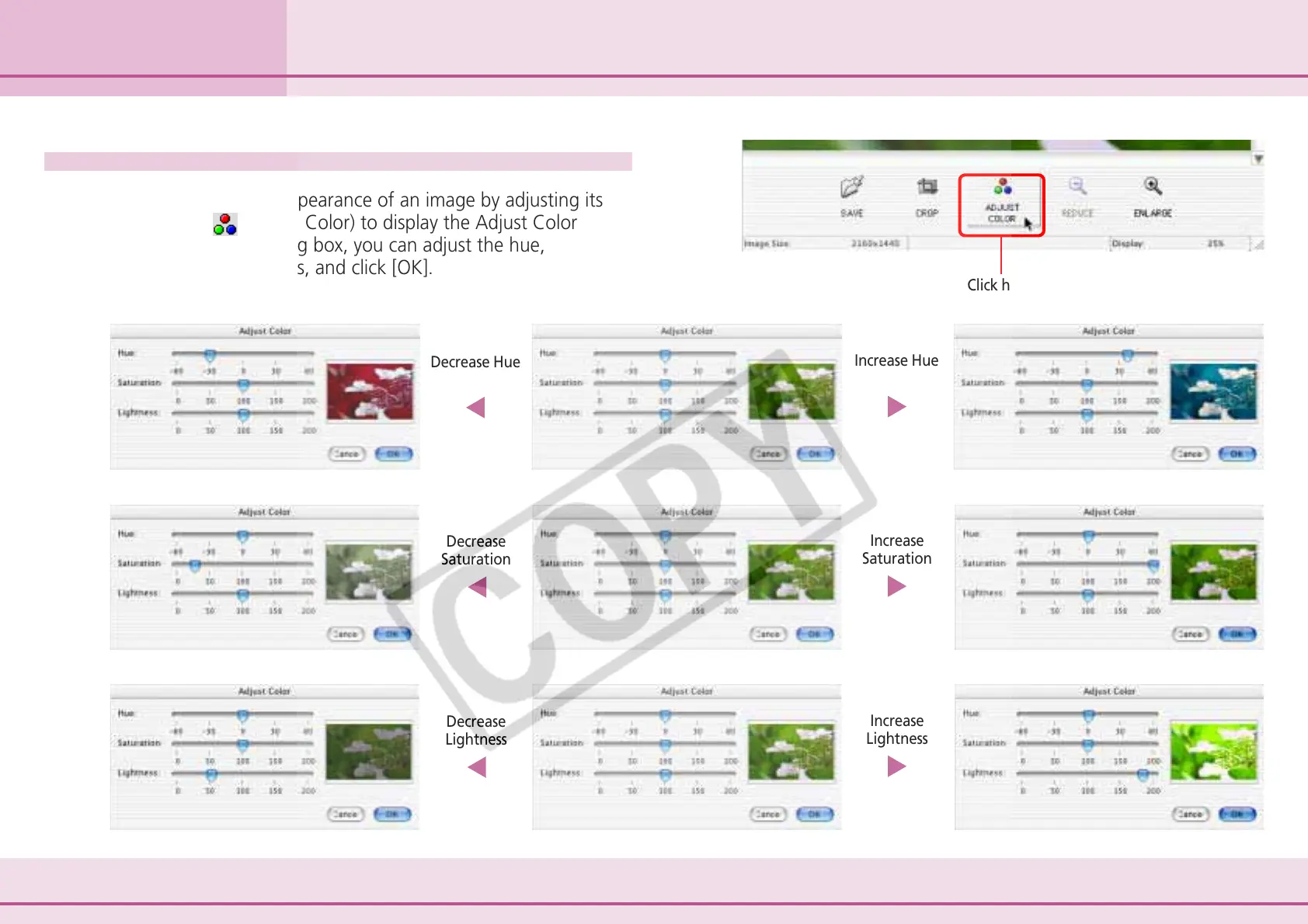
You can change the appearance of an image by adjusting its
colors. Click
(Adjust Color) to display the Adjust Color
dialog box. In the dialog box, you can adjust the hue,
saturation and lightness, and click [OK].
Click here.
Decrease Hue
Decrease
Saturation
Decrease
Lightness
Increase Hue
Increase
Saturation
Increase
Lightness












 To Next Page