54 ImageBrowser Software User Guide
Chapter 6
Using Supplementary Features
Exporting Images (2/ 2 )
4.
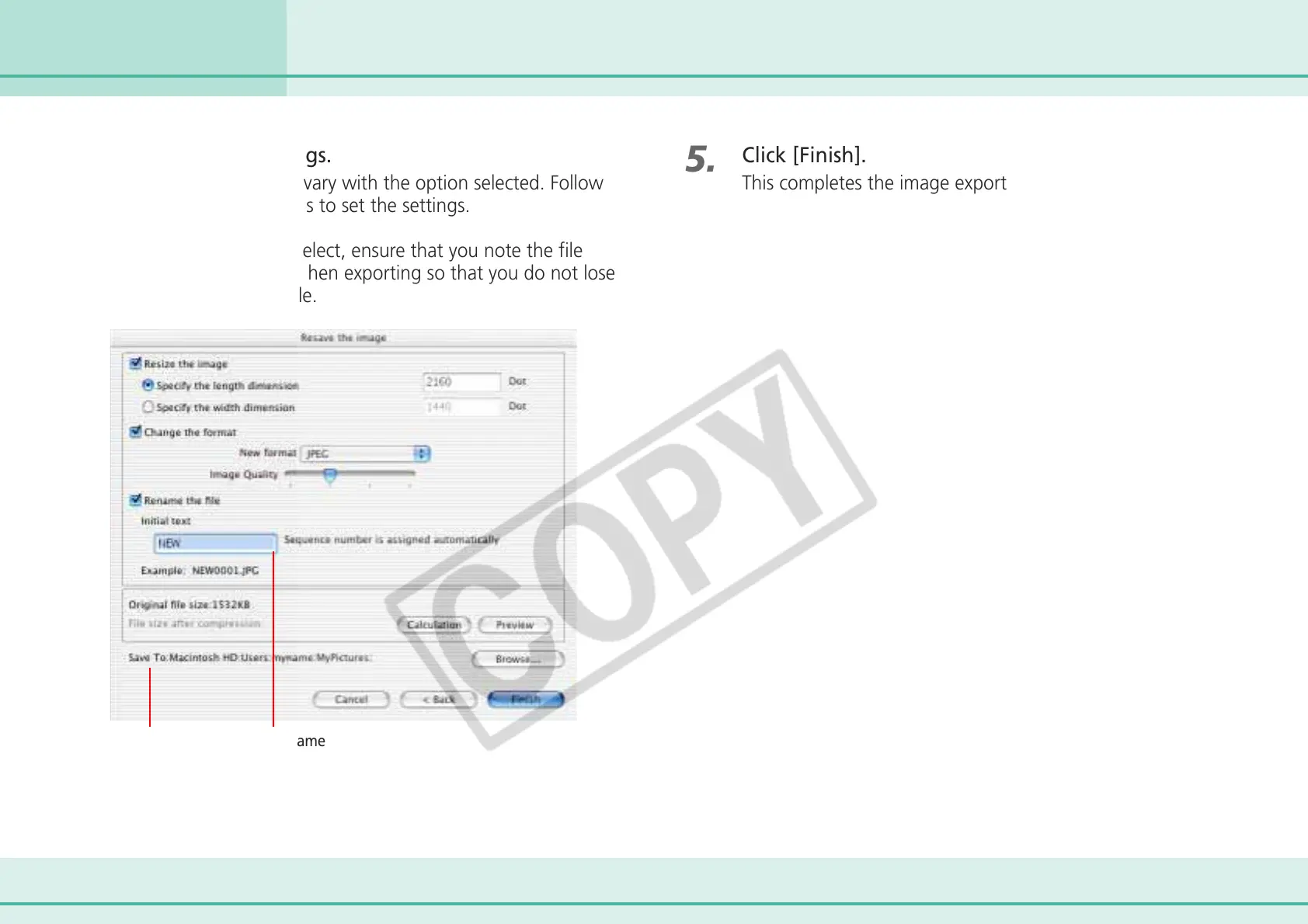
Set the export settings.
The export settings will vary with the option selected. Follow
the onscreen instructions to set the settings.
Whichever option you select, ensure that you note the file
name and destination when exporting so that you do not lose
track of the exported file.
5.
Click [Finish].
This completes the image export.
File NameDestination folder












 To Next Page