57 ImageBrowser Software User Guide
Chapter 6
Using Supplementary Features
Running Slide Shows (3/3)
If you selected “Control with Mouse or keypad” in the Slide Show
Options dialog box, you can control the slide show as follows:
■ To move to the next image
Press the [return] or [ ] key.
Click the image.*
■ To return to the previous image
Press the [ ] key.
Hold the [shift] key and click the image.*
■ To end the show
Press the [esc] key.
○○○○○○○○○○○○○○○○○○○○○○○○○○○○○○○○○○○○○○○○○○
REFERENCE
• The operations marked with an asterisk can only be used when
[Hides buttons] has been selected in the Slide Show Options
dialog. (The mouse actions are disabled when the buttons are
displayed.)
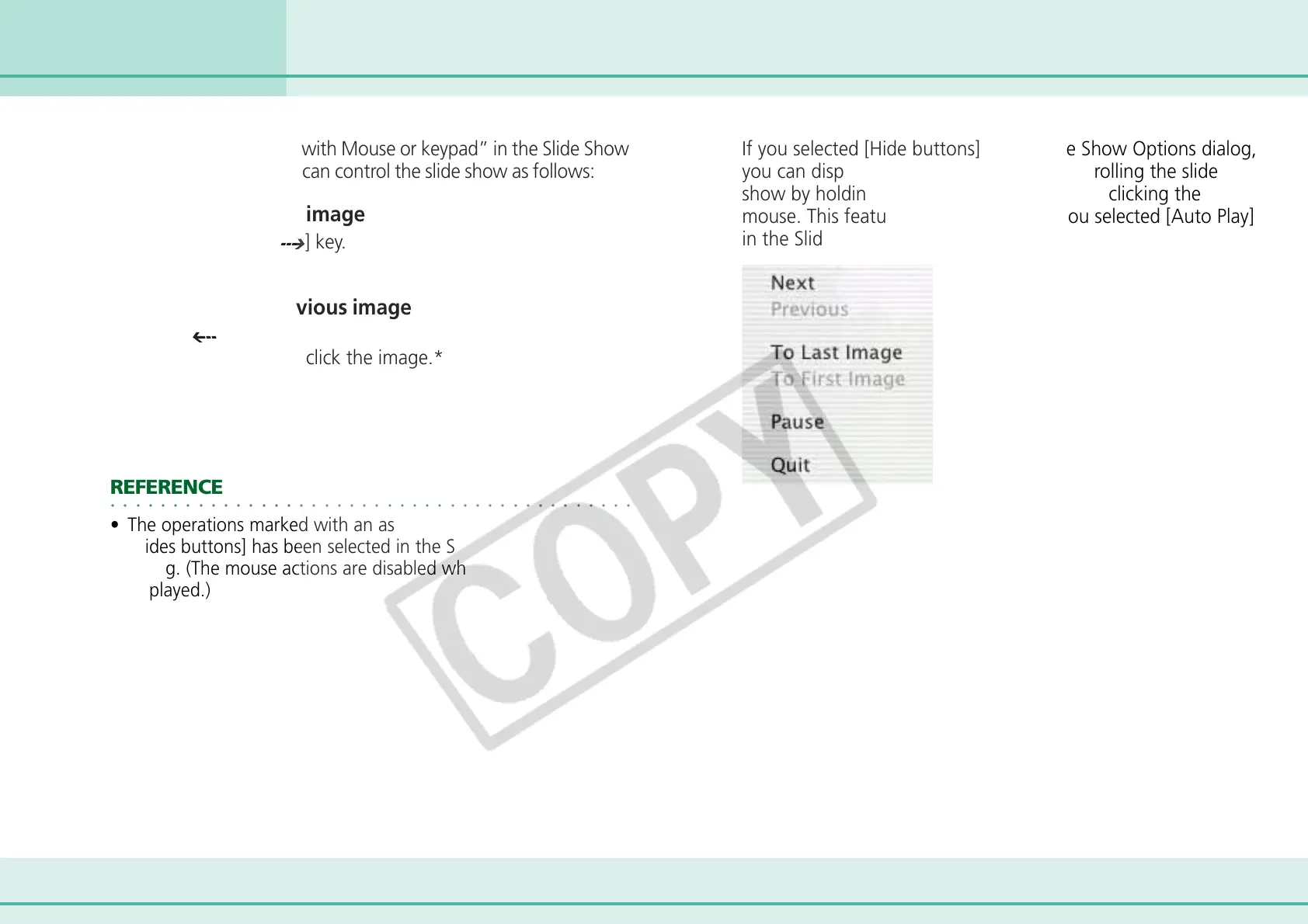
If you selected [Hide buttons] in the Slide Show Options dialog,
you can display a contextual menu for controlling the slide
show by holding down the [control] key and clicking the
mouse. This feature is available even if you selected [Auto Play]
in the Slide Show Options dialog.












 To Next Page