3-7
Chapter 3 ScanFront Setup
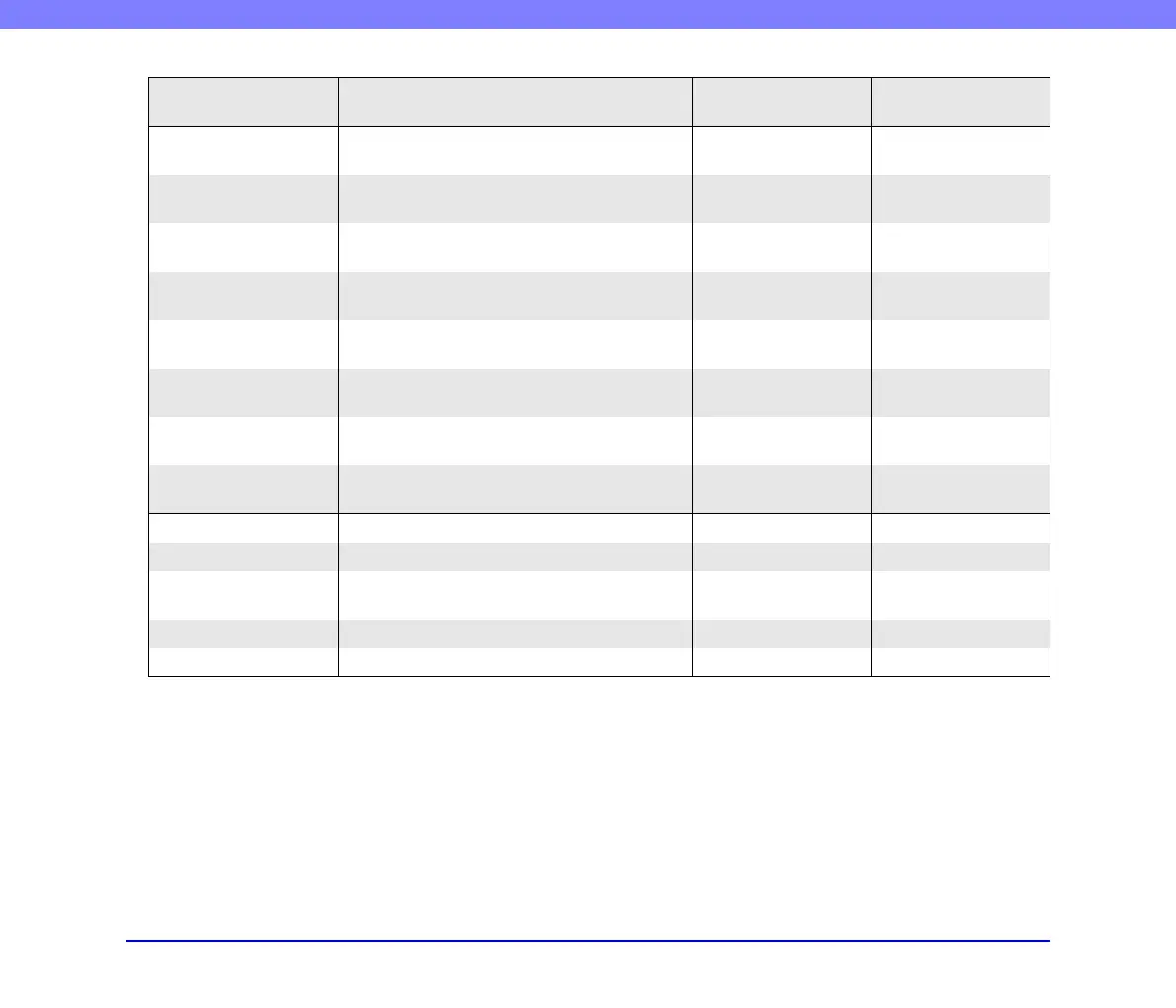
Setting Item Description
Web Menu
(Administrator Mode)
Web Menu
(User Mode)
Server Settings
Register the mail server, address book server and
authorization server.
E-mail Server / Fax
Settings
Register the SMTP server to be used for sending e-
mail and faxes.
Yes (See p. 6-34) No
Authentication Server
Register a domain server that can search users with
Active Directory.
Yes (See p. 6-35) No
Address Book Server
Register an LDAP server that can search e-mail
address books.
Yes (See p. 6-36) No
FTP Server
Configure settings for saving image files to the
FTP server.
Yes (See p. 6-37) No
NTP Server
Register an NTP server to enable automatic
adjustment of the scanner’s clock.
Yes (See p. 6-37) No
ScanFront Service
Server
Register the computer on the network on which
ScanFront Service is installed.
Yes (See p. 6-37) No
Certificates
Import the root certificate of the LDAP server to
the ScanFront.
Yes (See p. 6-37) No
System Settings Configure the settings for managing the scanner.
Backup / Restore Back up or restore the scanner settings. Yes (See p. 6-40) No
Module Version
Information
Display the version information, and update the
version, of the ScanFront module.
Yes (See p. 6-41) No
Log Settings Record usage statistics to a log file. Yes (See p. 6-42) No
Screenshot Saves the ScanFront screen display as a BMP file. Yes (See p. 6-43) No








 To Next Page