5-14
Chapter 5 Operating Procedures
❏ Scanning From the Job Button Screen
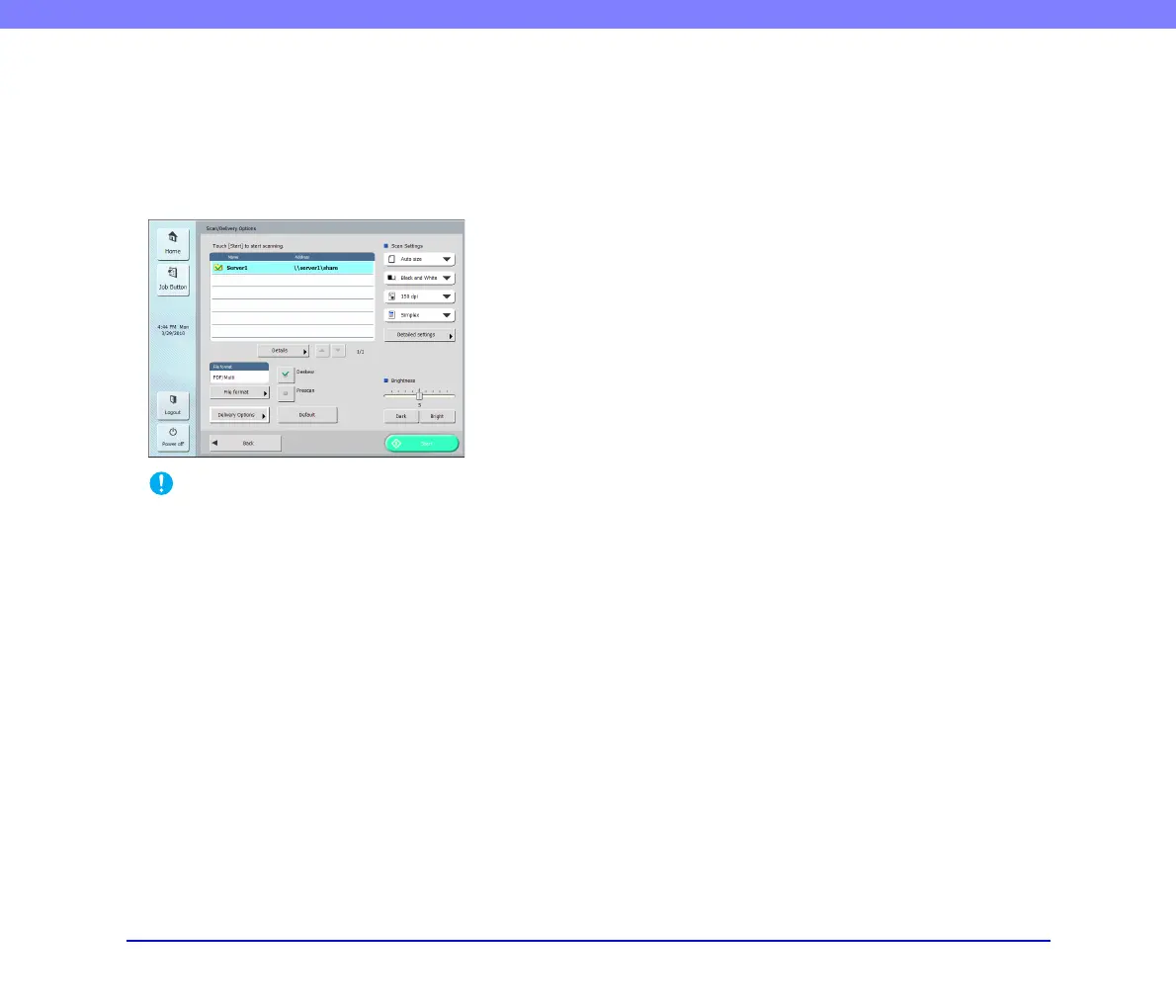
If you press a job button, the Scan/Delivery Options screen
appears. Confirm the address and scanning settings
registered to the job button and then start scanning.
For details on the scanning procedure, read from the
setting of scanning conditions in Step 5.
IMPORTANT
• The settings screen display and the screen displayed after
scanning differ depending on the job button settings. For
details on the overall flow from configuring settings to sending
an image file, see “Flow of Scanner Operations” on p. 5-2.
• Job buttons cannot be used to save image files to USB
memory or send them to printers for printing.








 To Next Page