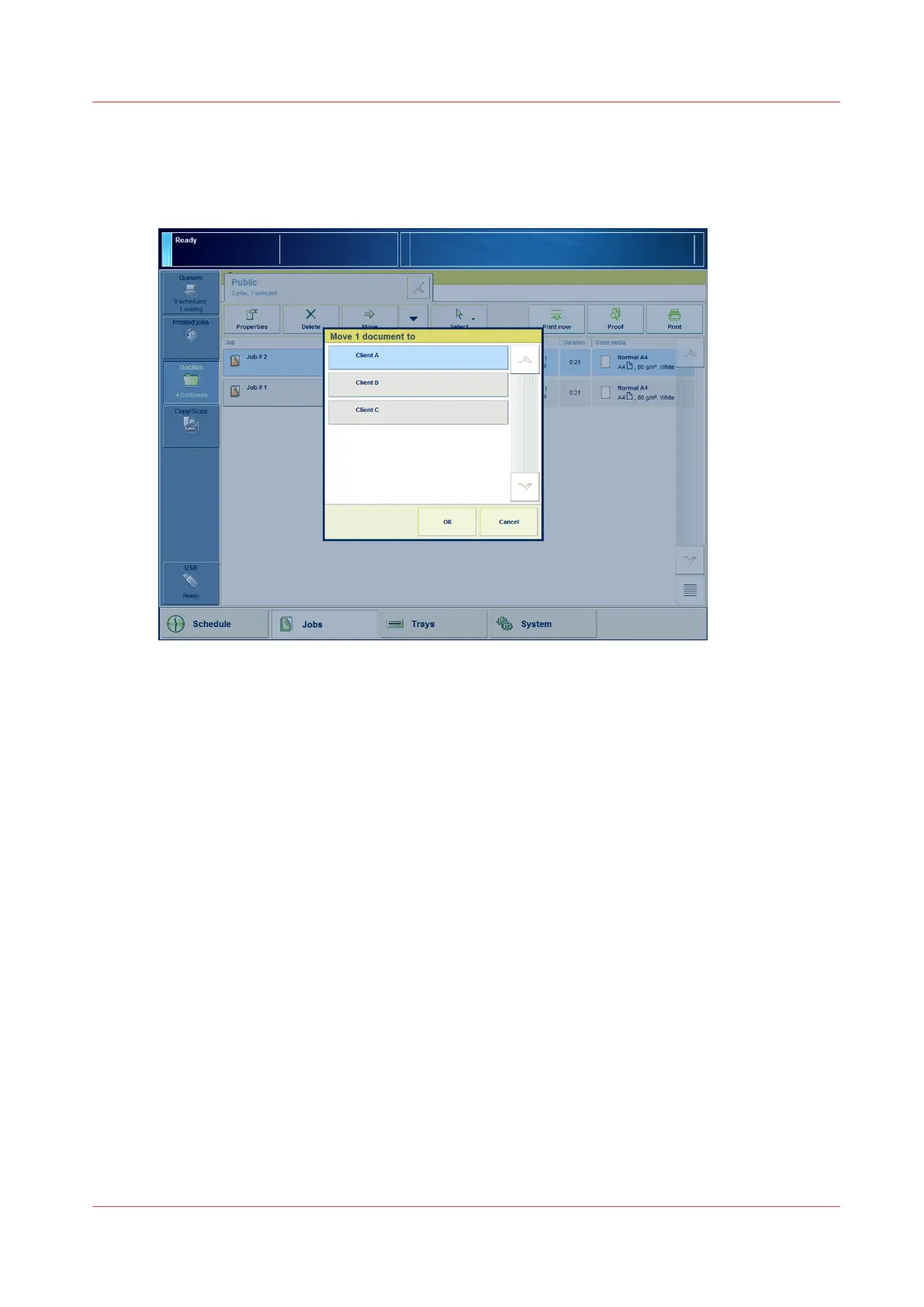
Move a Job from One DocBox to Another
Illustration
[42] Move a DocBox job
Procedure
1.
On the control panel, touch [Jobs] -> [DocBox].
2.
Touch the DocBox button that contains the job you want to move.
3.
Touch the job you want to move.
4.
Touch the [Move] button, or select [Move] from the drop-down menu.
5.
Touch the destination.
6.
Press [OK].
Move a Job from One DocBox to Another
Chapter 8 - Plan the jobs
147
Canon varioPRINT DP line










 To Next Page