Enter an Account ID per Job
Introduction
NOTE
Accounting requires a license. Contact your local authorized dealer for more information.
When the [Identification enabled] setting in the Settings Editor is set to [Yes], the accounting
function becomes available on the control panel. The description below applies to entering an
account ID on the control panel when the [Accounting mode] is set to [Per job(Clear account ID)].
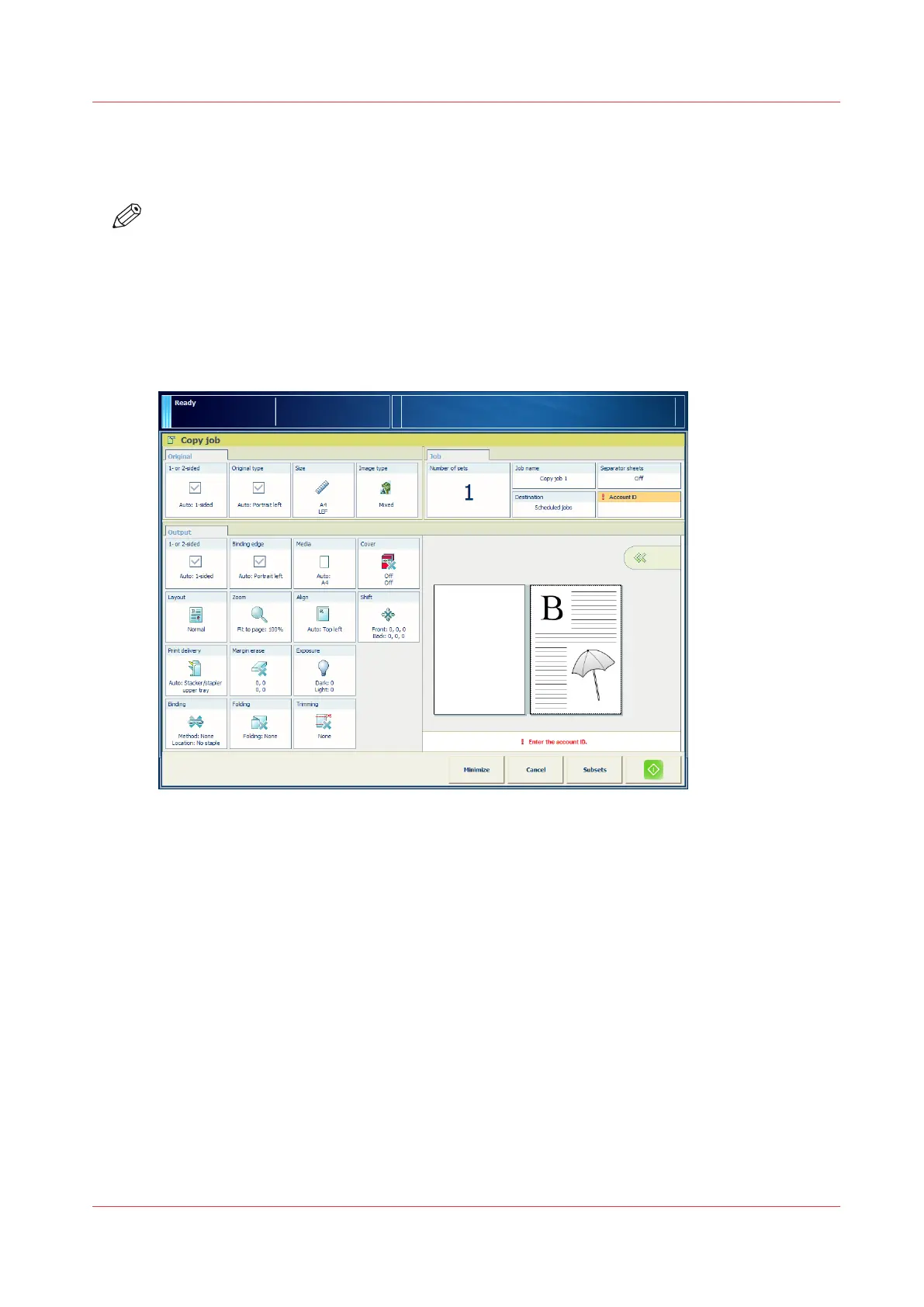
Illustration
[27] The [Account ID] field in the [Job] pane
Procedure
1.
On the control panel, touch the [Account ID] button in the [Job] pane of print, copy and scan jobs.
A numerical keyboard appears.
2.
Enter the account ID for the current job (1 - 12 digits).
Use the "C" button to correct a wrong entry.
3.
Press [OK].
Enter an Account ID per Job
Chapter 5 - Prepare the print system
85
Canon varioPRINT DP line










 To Next Page