Add an Automated Workflow
Introduction
The Settings Editor contains one factory default automated workflow. You can add your own
specific automated workflows to improve your productivity.
NOTE
It is not compulsory to define all the settings. When you put a check mark in front of a setting,
that setting and its values become enabled.
Illustration
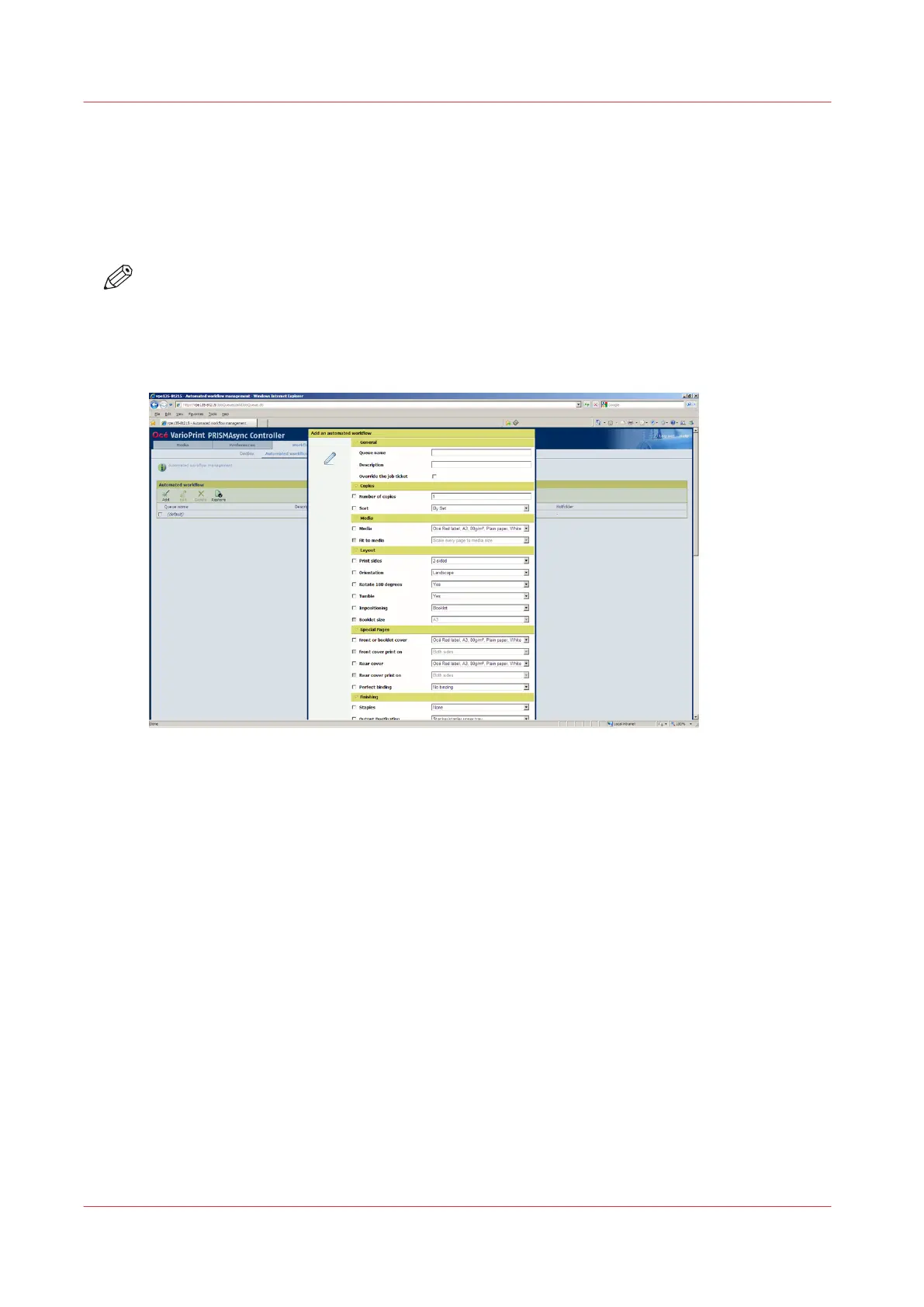
[25] Add an automated workflow
Procedure
1.
Select [Workflow] -> [Automated workflows].
2.
Click the [Add] button.
A pop-up window displays the attributes you can specify for the new workflow.
3.
Tick the checkboxes of the attributes you want to define.
4.
Specify or select the values of the attributes.
5.
Click [Ok].
Add an Automated Workflow
62
Chapter 5 - Prepare the print system
Canon varioPRINT DP line










 To Next Page