[1- or 2-sided]
Setting Values Description
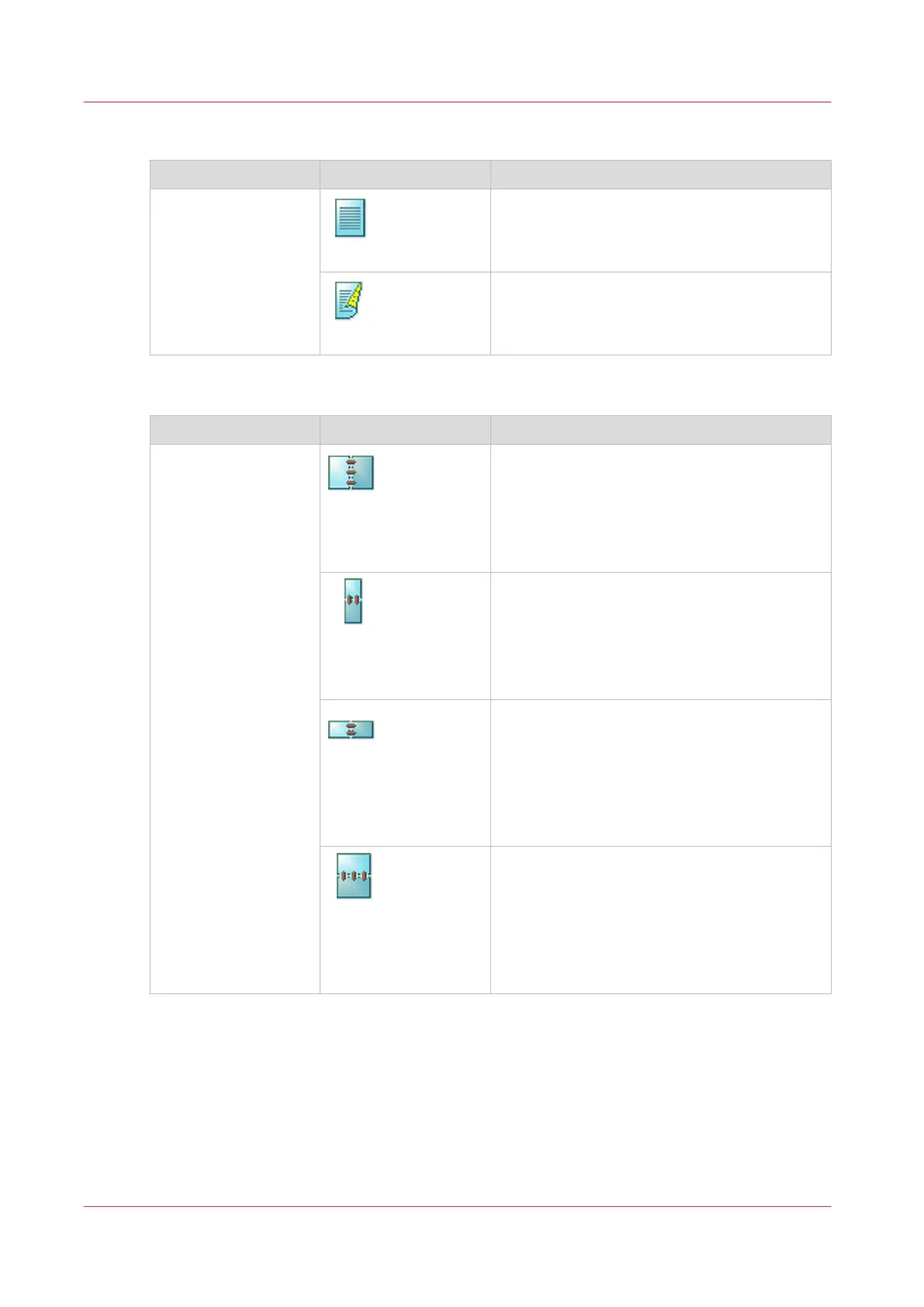
[1- or 2-sided]
[1-sided]
The output contains an image on one side.
[2-sided]
The output contains an image on both sides.
[Binding edge]
Setting Values Description
[Binding edge]
[Portrait left]
• The original has a vertical format (height >
width).
• The binding edge is at the left-hand side.
• When you turn a sheet over the binding
edge, the image or text on the back of the
sheet is in readable form.
[Portrait top]
• The original has a vertical format (height >
width).
• The binding edge is at the top.
• When you turn a sheet over the binding
edge, the image or text on the back of the
sheet is in readable form.
[Landscape left]
• The original has a horizontal format (width >
height).
• The binding edge of the original is at the
left-hand side.
• When you turn a sheet over the binding
edge, the image or text on the back of the
sheet is in readable form.
[Landscape top]
• The original has a horizontal format (width >
height).
• The binding edge of the original is at the
top.
• When you turn a sheet over the binding
edge, the image or text on the back side of
the sheet is in readable form.
Description of the Print Job Settings that You Can Change on the Control Panel
156
Chapter 9 - Carry Out Print Jobs
Canon varioPRINT DP line






 To Next Page