4.
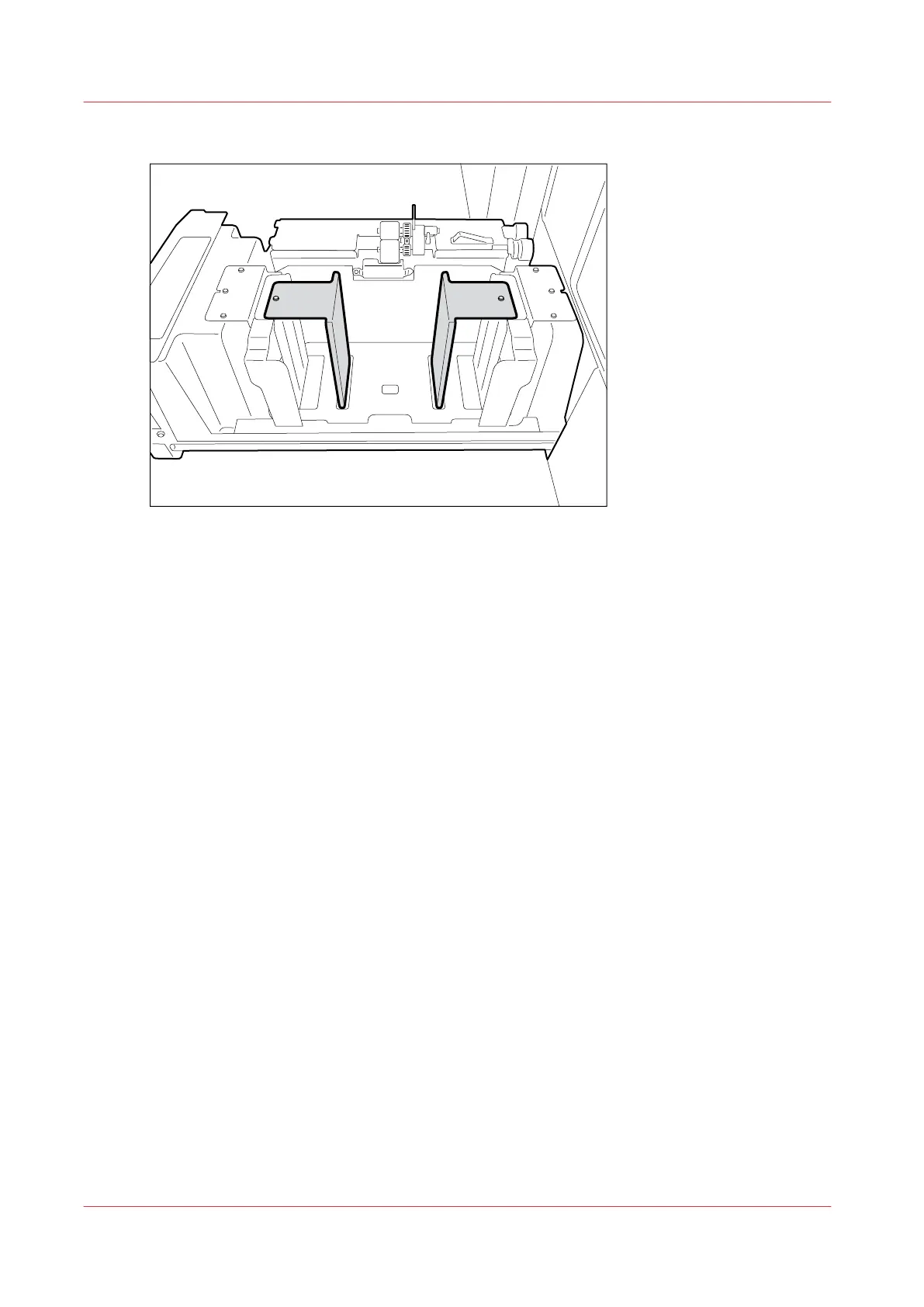
Place the paper guide plates for small format over the existing paper guide plates.
5.
Use the socket wrench to tighten the bolts.
6.
Close the tray.
7.
Change the media size for the selected bulk tray. [System] -> [Setup] -> [System configuration]
(under [Advanced]) -> [System settings] -> [Bulk tray 1 media size] or [Bulk tray 2 media size].
8.
In the [Trays] view on the control panel, assign the new media to the bulk tray.
Adjust the Size of the optional Bulk Tray for small Format
302
Chapter 13 - Media Handling
Canon varioPRINT DP line








 To Next Page