Front-to-Back Side Registration
Introduction
When the front-to-back side registration is not satisfactory:
• Correct the front side registration.
• Correct the back side registration.
Procedure
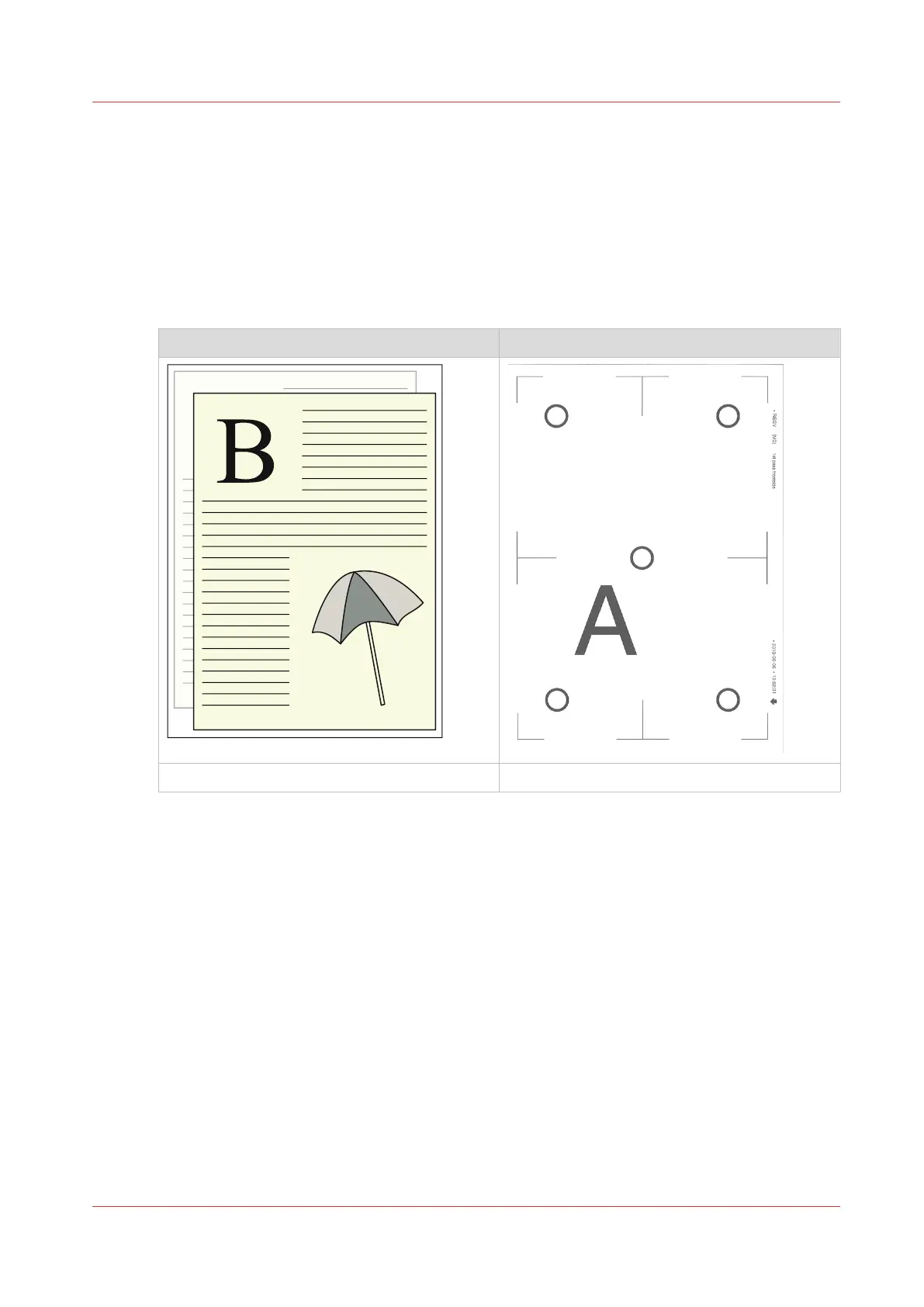
Job Verification chart
<-- Feed direction
Media Registration
Before you begin
To correct the front-to-back side registration, you must first get one side correct and then shift the
other side in such a way that the front-to-back registration is correct.
Procedure
1.
If the verification chart displays a trapezoid image, a diamond shape or skew, use the
corresponding manual actions described in this document to correct the registration.
2.
Correct the image shift to adjust the front-to-back side registration.
3.
If the image is elongated / shrunk, use the corresponding manual actions described in this
document to correct the registration.
4.
Print the verification chart again and verify if the media registration is optimal.
If the media registration is not optimal, change the value or use another setting depending on
how the registration looks.
Front-to-Back Side Registration
Chapter 13 - Media Handling
343
Canon varioPRINT DP line






 To Next Page