Procedure
Replace the separation rollers
Step Action Illustration
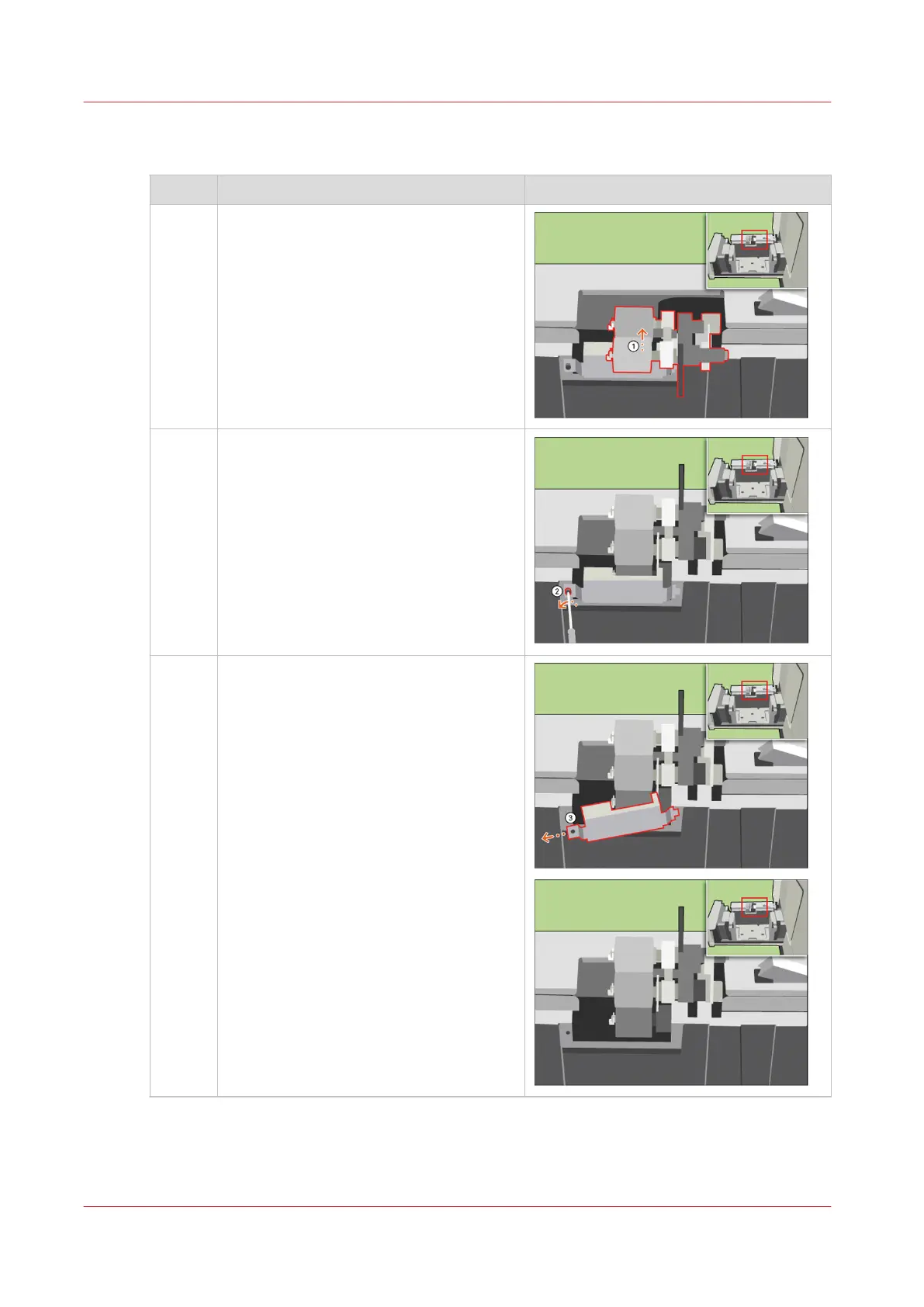
1 [Turn the upper separation roller until the
roller is face up.]
2 [Use the socket wrench to loosen the
bolt.]
3 [Remove the cover plate.]
4
Replace the Separation Rollers
374
Chapter 14 - Maintain the print system
Canon varioPRINT DP line










 To Next Page