Intelligent Function Setting Tool
109
6
Admin Tools
Caution
Notes on Use of This Camera
The intelligent functions are not suitable for applications where high reliability is required. If constant and maximum
reliability is required for surveillance it is not recommended that you use this function. Canon shall assume no
liability for any accident, loss or other undesirable outcomes resulting from intelligent function operations.
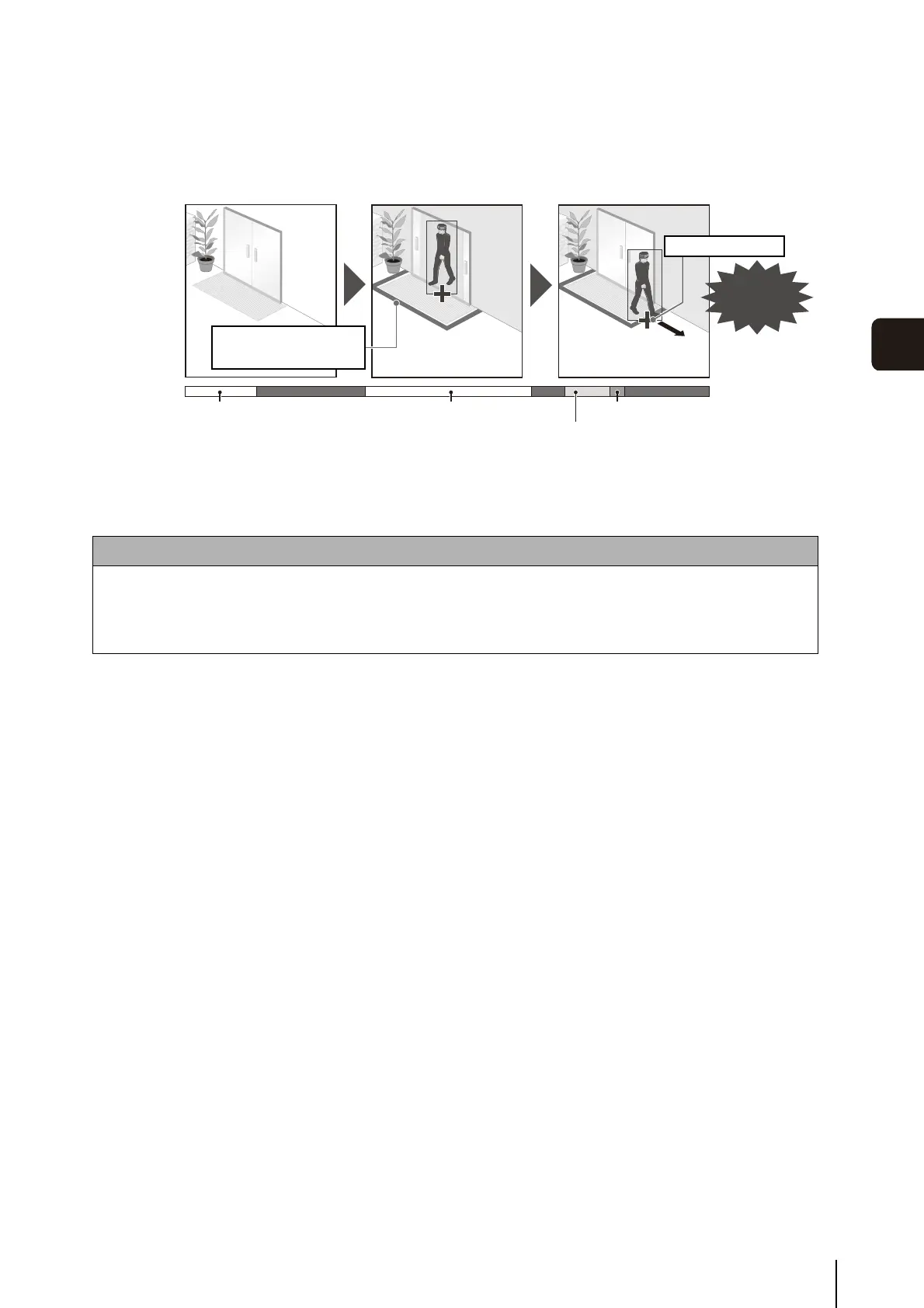
Passing Detection
Detect when a person or moving object crosses a specified line.
It determines that an object is passing when the decision point of the object detection frame
crosses a detection line.
Passing detected.
Background Image
Generated
Alert
Video Area Changes
Analysis
Passing Detected
Detection begins when
decision point of object
crosses detection line.
Volume Detection
Detect specified volume levels. For setting details, see “Chapter 5 Setting Page” [Event] >
[Volume Detection] (p. 67).



 To Next Page