5
User Manuals
This camera comes with an “Installation Guide” and
“Operation Guide” (this manual) included in the Setup
CD-ROM.
In the Setup CD-ROM, the recording software RM-Lite
(“RM-Lite” in “Chapter1 Before Use”) is also included. The
following user manuals are available.
How to Use This Operation Guide
The assumed reading format of this user manual is on a
PC screen.
Software Screenshots
The software screenshots shown in these user manuals
are illustrative samples only. The screenshots may differ
from the actual screens displayed.
Screenshots used with the explanations are generally
from a Windows 7 PC connected to the VB-H43.
Descriptions in this document use [1920 x 1080 / 960 x
540 / 480 x 270] for the video size set. If using a different
video size set, substitute those sizes when reading this
manual.
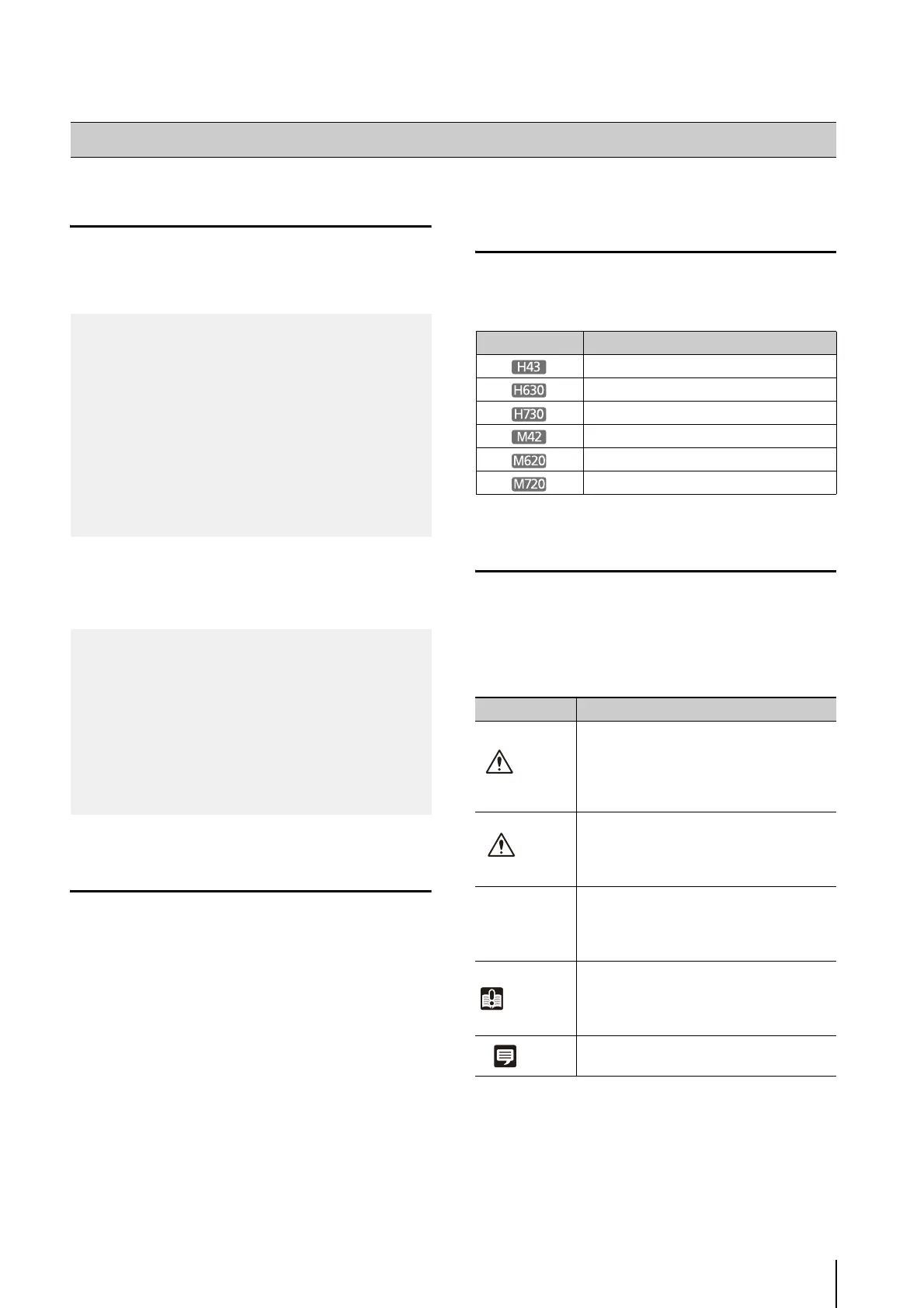
Icons Indicating Particular Camera
Models
In the descriptions of functions limited to particular
models, the model names will appear or the following
icons will be used to indicate those models.
Symbols Indicating Safety Precautions
This section explains symbols used in this “Operation
Guide”. This “Operation Guide” uses the following
symbols to indicate important information the user should
know in order to use the product safely. Be sure to
observe these items.
How to Read This Operation Guide
Installation Guide (Included)
This guide provides notes and procedures on camera
installation as well as the main camera specifications.
Sections you should reference in this guide will be
marked “Installation Guide” along with the name of the
reference items.
Operation Guide (This Document)
This document explains the initial camera settings,
Camera Angle Setting Tool, Admin Tools settings, viewer
operations and troubleshooting, etc. This document is
included in the Setup CD-ROM.
Network Video Recording Software RM-Lite
Administrator Manual
This document gives a detailed explanation of how to
use RM-Lite.
Network Video Recording Software RM-Lite
Viewer Operation Guide
This is the operation guide for RM-Lite Viewer. For more
details on operating procedures for the viewer, see the
Administrator Manual.
Icon Camera Model
VB-H43
VB-H630VE and VB-H630D
VB-H730F
VB-M42
VB-M620VE and VB-M620D
VB-M720F
Symbol Meaning
Warning
Failure to follow the instructions
accompanied by this symbol may result
in death or serious injury. Be sure to
observe these warnings to ensure
safety.
Caution
Failure to follow the instructions
accompanied by this symbol may result
in injury. Be sure to observe these
precautions to ensure safety.
Caution
Failure to follow the instructions
accompanied by this symbol may result
in property damage. Be sure to observe
these precautions.
Important
This symbol indicates other actions or
information that should be noted.
Important notes and restrictions are
provided. Be sure to read this section.
Note
Contains operational reference
information or additional explanations.



 To Next Page