65
Setting Page
5
Video Server
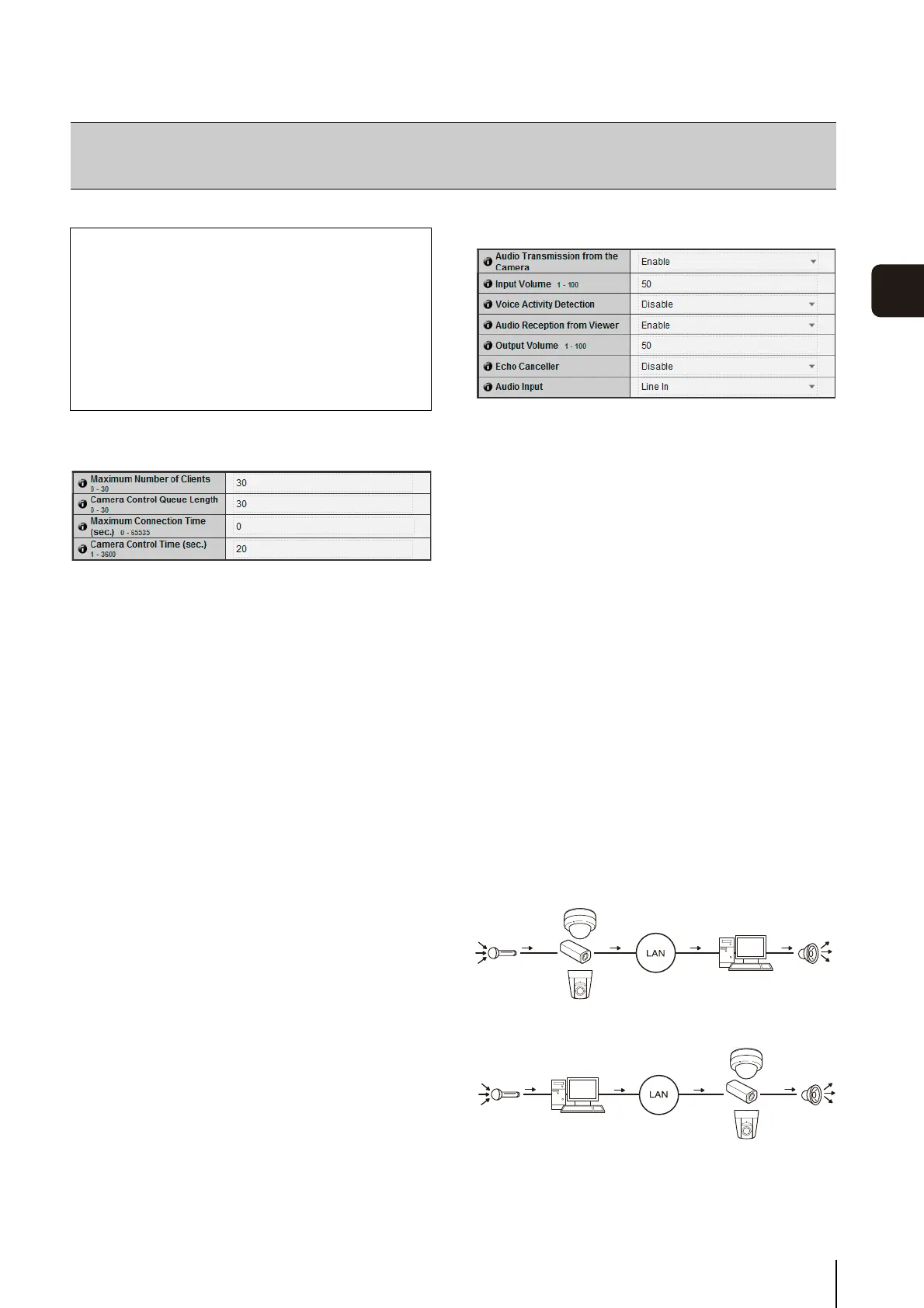
(1) [Maximum Number of Clients]
Set the maximum number of clients that can be
connected to the camera at the same time. Up to 30
clients can be set.
If 0 is set, connection is prohibited except for the
Administrator.
(2) [Camera Control Queue Length]
Set the maximum queue length for clients requesting
camera control privilege from the viewer. The
maximum number is 30. Enter an integer from 0 to 30.
If 0 is set, camera control is prohibited except for the
Administrator.
(3) [Maximum Connection Time (sec.)]
Set the time in seconds during which an individual
client can connect to the camera. The maximum
number is 65535. Enter an integer from 0 to 65535. If 0
is set, the connection time becomes unlimited.
(4) [Camera Control Time (sec.)]
Set the maximum time during which the viewer can
control the camera. The maximum number is 3600.
Enter an integer from 1 to 3600.
Audio Server
(1) [Audio Transmission from the Camera]
When [Enable] is selected, the audio input through the
microphone attached to the camera can be
transmitted to the Viewer.
(2) [Input Volume]
Set the volume of input for the microphone connected
to the camera in the range of 1 to 100. The greater the
value, the larger the input volume becomes.
(3) [Voice Activity Detection]
If [Enable] is selected, the audio transmission is
stopped temporarily when no audio is output. This
way, the load of the applicable network can be
reduced.
(4) [Audio Reception from Viewer]
If [Enable] is selected, the audio received from the
Admin Viewer and RM Viewer can be output from the
speaker with amplifier connected to the camera.
(5) [Output Volume]
Set the volume of output for the speaker connected to
the camera in the range of 1 to 100. The greater the
value, the larger the output volume becomes.
(6) [Echo Canceller]
If [Enable] is selected, echo between the microphone
and speaker is suppressed.
[Server]
Setting the Video Server, Audio Server and HTTP Server
The following can be set here.
•Video Server
Set the video transmission from the camera.
• Audio Server
Set the audio transmission/reception.
• HTTP Server
Set the authentication method, and HTTP port
number.
• Audio Transmission
• Input Volume
• Voice Activity Detection
• Audio Reception
• Output Volume



 To Next Page