126
[Playback with External Player]
Start up the external player (Windows Media Player, etc.)
and the selected video is played back.
[Open Video folder]
Open the folder storing the selected video. Double click
the video file in the folder to play it back.
Note
• When the data size for mov type files is 1 MB or greater, they
are split into several files.
• If mov files are split into several files, only the initial few
seconds of the first file can be played back.
• The downloaded video files can be played back using
QuickTime 7.7 and Windows Media Player 11/12. For the
Windows Vista operating system or earlier, use QuickTime.
Use of these applications does not guarantee playback.
Deleting Videos
You can delete videos from an memory card.
The video is deleted from the camera.
Note
If the selected videos contain [Not Downloaded] videos, a
message prompting you to confirm deletion appears. Click [OK]
to delete the video.
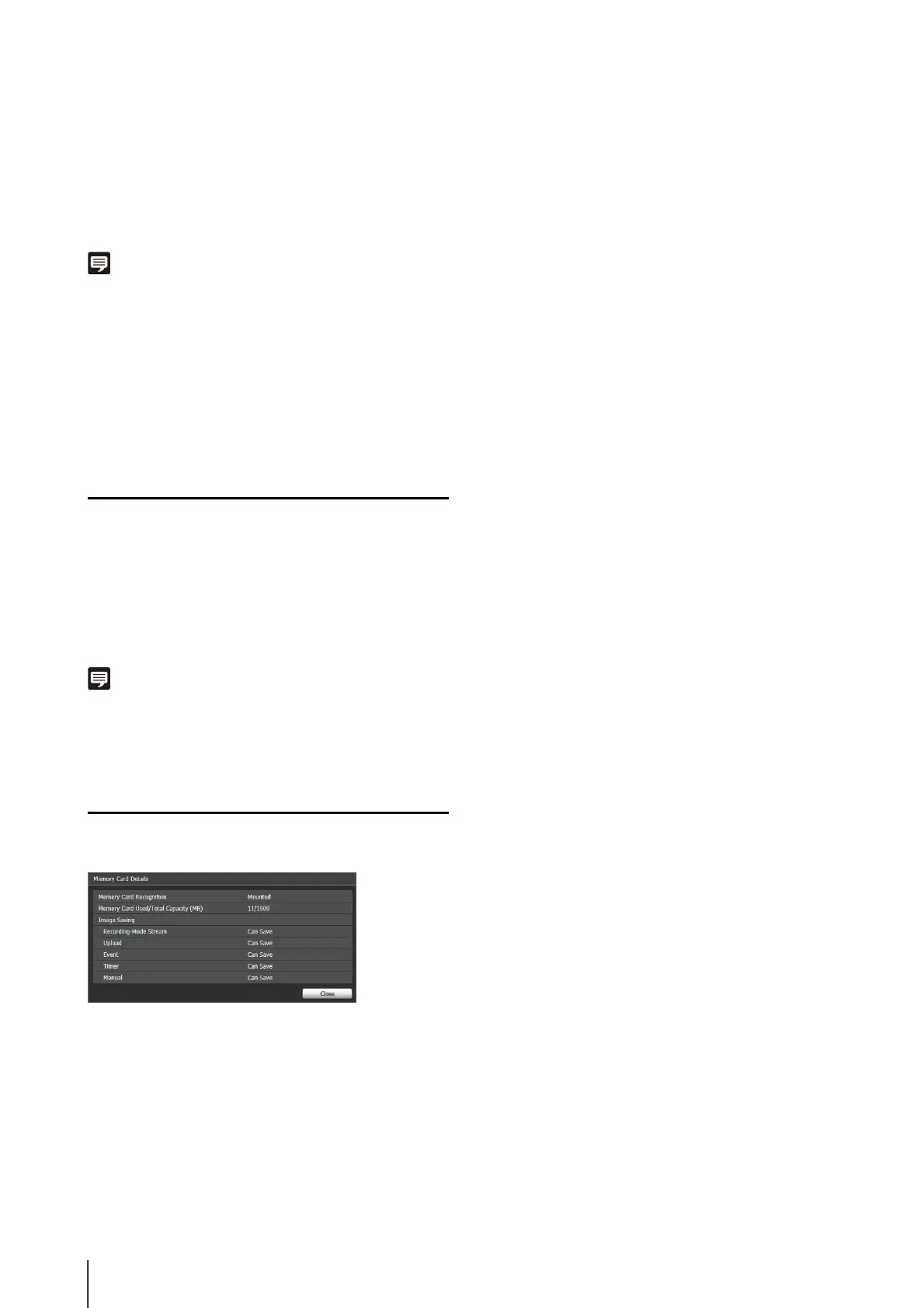
Displaying Memory Card Information
Click [Memory Card Details] to display information on the
memory card inserted in the camera.
1
Select a video to delete in the video list.
2
Click [Delete from Camera].



 To Next Page