50
(3) [Name Server Address (DHCP)]
Select [Use DHCP] or [Use DHCP/DHCPv6] in [Auto-
Setting of Name Server Address] to display the name
server address acquired from the DHCP server.
(4) [Name Server Address (DHCPv6)]
Select [Use DHCPv6] or [Use DHCP/DHCPv6] in
[Auto-Setting of Name Server Address] to display the
name server address acquired from the DHCPv6
server.
(5) [Host Name]
You can register the host name of the camera in the
name server.
Characters A to Z, a to z, 0 to 9, “-” (hyphen), “_”
(underscore) and “.” (period) may be used up to 63
(single-byte) characters in length.
(6) [Host Name Registration with DDNS]
Select [Enable] to register the entered name server
address and host name of the camera.
(7) [Search Domain]
When domain names are specified in the server
domain list, search domains in the form “host name +
domain name” by specifying the host name for a
server, such as the upload server, without specifying
a domain name. Enter a domain name and click [Add]
to add the domain name to the search domain list.
(8) [Search Domain List]
A list of domain names added using [Search Domain]
appears. The function queries DNS server for each
domain name starting from the top of the list.
Use the ▲▼ buttons on the right to change the order
of the domain names.
To delete a domain name, select one from the list and
then click [Delete].
Note
• Use [Host Name Registration with DDNS] if the camera IP
Address Setting Method is [Auto (DHCP)] (p. 48). DNS server
registration settings must be set in advance. Contact your
System Administrator for the DNS server settings.
• If the name server address 1 is unavailable, the name server
address 2 will be accessed. However, the name server
address 2 must be set in advance.
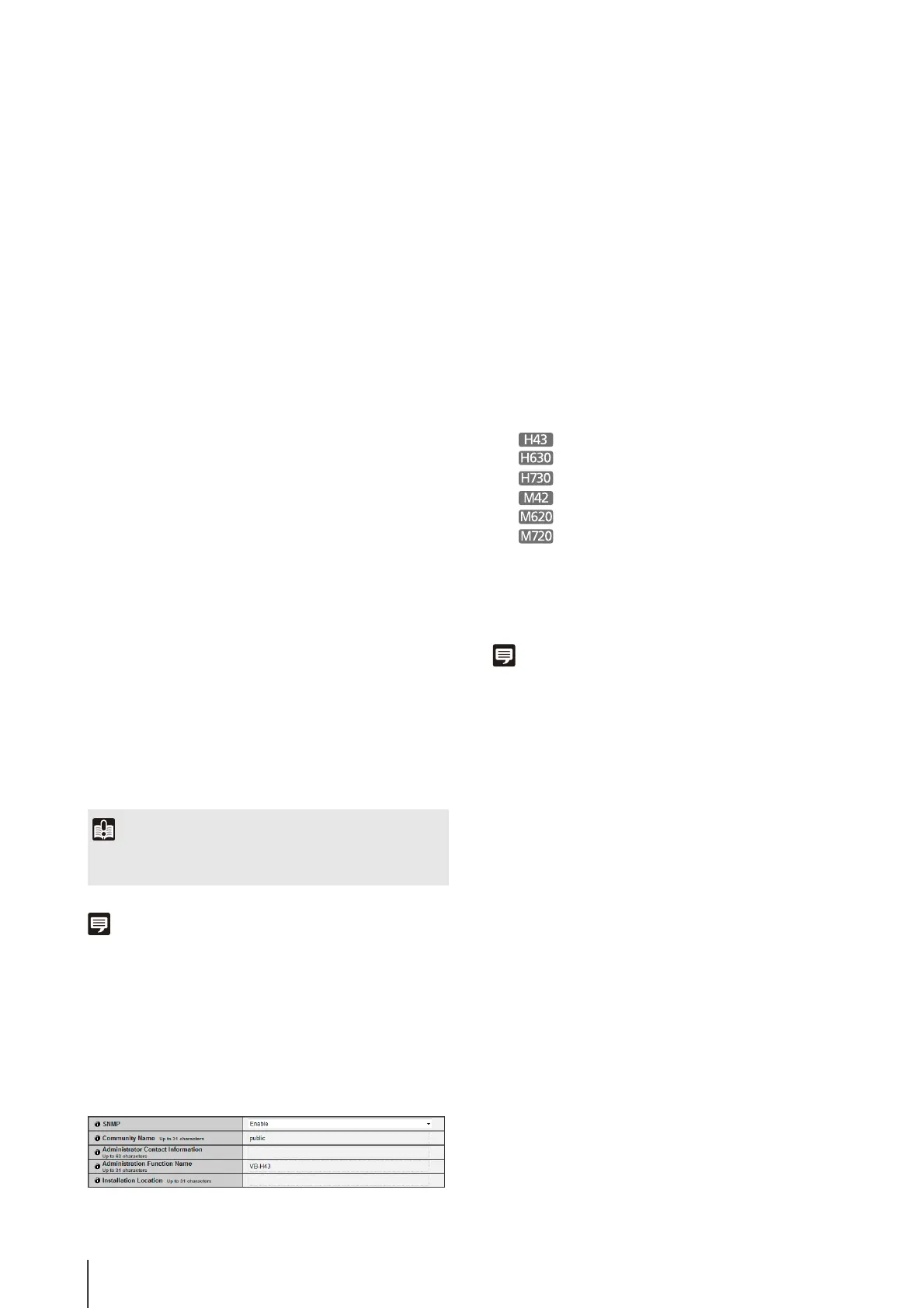
SNMP
(1) [SNMP]
Set SNMP use to [Disable] or [Enable]. Camera
information can be referenced by the SNMP Manager
if [Enable] is specified.
(2) [Community Name]
Set a community name for SNMP. It is recommended
that you change the community name to ensure
system security.
(3) [Administrator Contact Information]
Set contact information (e-mail address, etc.) for the
Administrator of the camera. Setting information can
be referenced by the SNMP manager.
(4) [Administration Function Name]
Set the camera name used for administration. Setting
information can be referenced by the SNMP manager.
If left blank, the following will be used by default:
VB-H43
VB-H630VE or VB-H630D
VB-H730F
VB-M42
VB-M620VE or VB-M620D
VB-M720F
(5) [Installation Location]
Set information regarding the installation location of
this camera. Setting information can be referenced by
the SNMP manager.
Note
• The information set in the camera is read-only from the SNMP
manager.
• Use the SNMP Manager that supports SNMP MIB2 (supporting
RFC1213).
• Supports SNMP protocol versions v1 and v2c (v3
unsupported).
Important
Do not use “_” (underscore) in [Host Name] and [Search
Domain] in Internet Explorer 8/9/10/11.



 To Next Page