7-18
2 [Intelligent Function (Image Detection)]
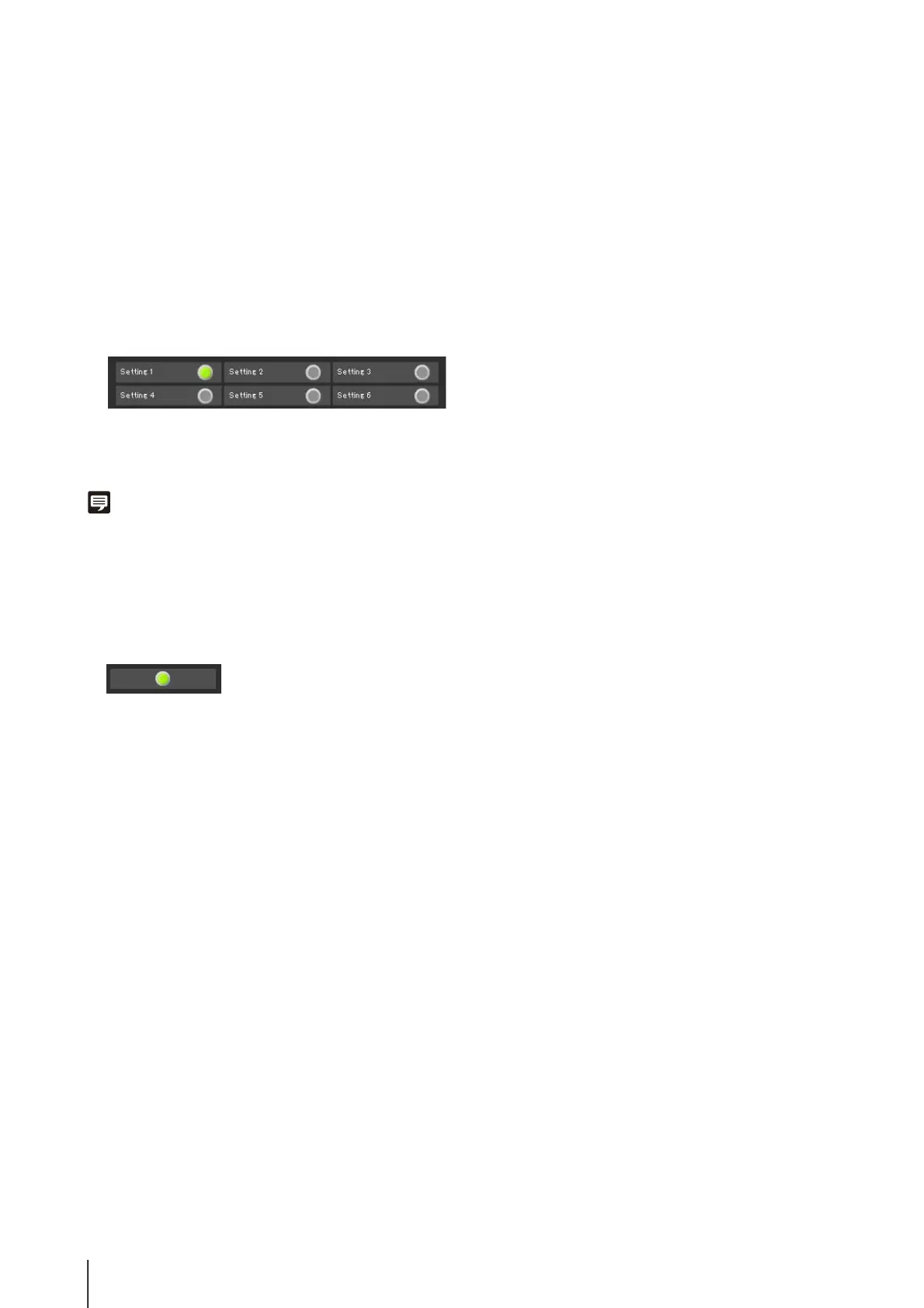
The status of intelligent function (image detection) will
be displayed. When the detection settings configured
in intelligent functions (Moving Object Detection,
Abandoned Object Detection, Removed Object
Detection or Camera Tampering Detection) enter
Detected mode, the corresponding icon will turn green
(P. 6-27).
If names are entered in [Detection Setting Name] in
Intelligent Function Setting Tools (P. 6-27), [Setting 1]
to [Setting 15] will be displayed with the corresponding
name.
Example:
Setting 1: Image Detection status ON
Other settings: Image Detection status OFF
Note
The icon signifying Detection mode will be displayed for a
maximum of five minutes (except for Moving Object Detection).
3 [Intelligent Function (Volume detection)]
The volume detection status is displayed. When sound
that meets the criteria selected under [Event] >
[Volume Detection] in the Setting Menu is detected, the
icon turns green.
Example:
Volume Detection status ON





 To Next Page