2-4
Install the VB Initial Setting Tool to perform initial settings for the camera.
Also install the Camera Angle Setting Tool to perform angle adjustments when installing the camera.
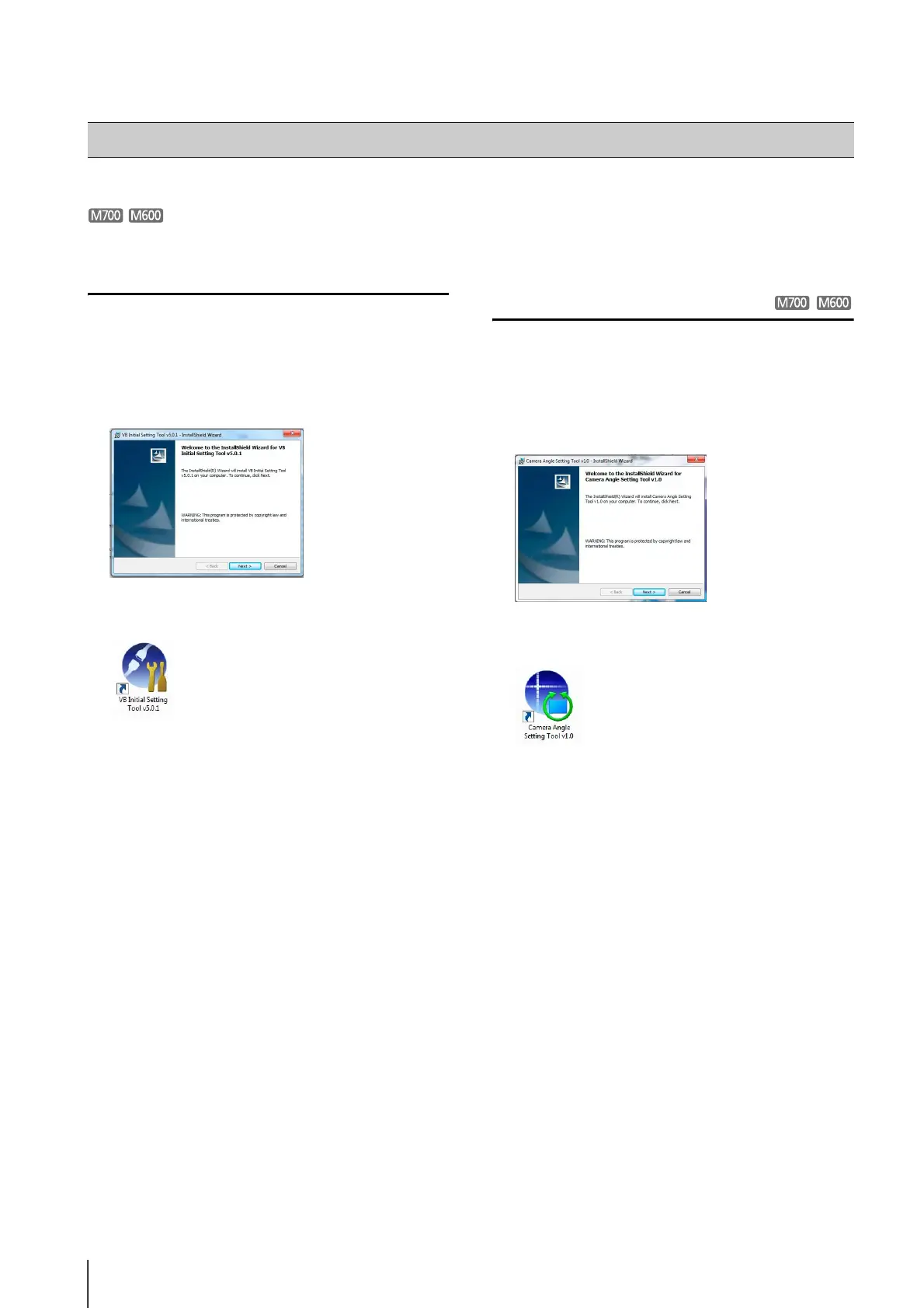
Installing the VB Initial Setting Tool
When installation is complete, an icon will appear on the
desktop.
Installing the Camera Angle Setting Tool
When installation is complete, an icon will appear on the
desktop.
Installing the Necessary Software
1
Double-click VBInitInstall.exe in the Applications folder
on the Setup CD-ROM bundled with the camera.
2
Click [Next] and follow the on-screen instructions to
install.
1
Double-click AngleInstall.exe in the Applications folder
on the Setup CD-ROM bundled with the camera.
2
Click [Next] and follow the on-screen instructions to
install.




 To Next Page