6-22
This tool is used to set intelligent functions that perform uploads, notify the viewer, audio playback, etc., if a change has
occurred in the captured image due to movement of a subject.
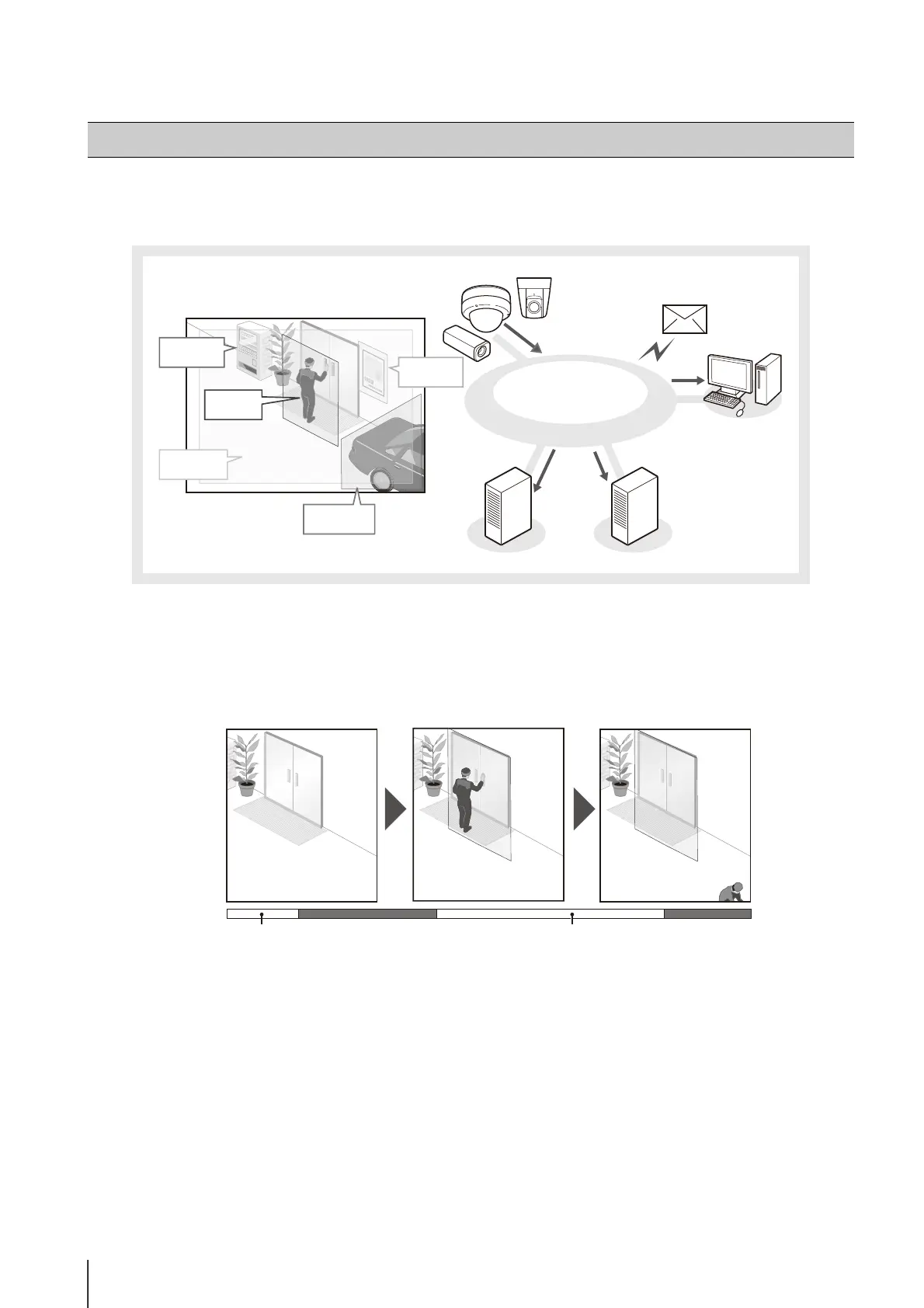
The intelligent functions can perform the following 5 types of detection. Use detection types that best serve your needs.
Intelligent Function Setting Tool
Admin Viewer
RM Viewer
Camera
E-mail notification
Network
Video recording on storage server
Upload to FTP
server/HTTP
server
Volume
Moving
object
Camera
tampering
Abandoned
object
Removed
object
Moving Object Detection
Detect moving objects. This function can be used to detect visitors or suspicious individuals.
Moving object detection is triggered when moving objects are inside the detection area.
Background initialization
Moving Object Detection





 To Next Page