EasyManua.ls Logo

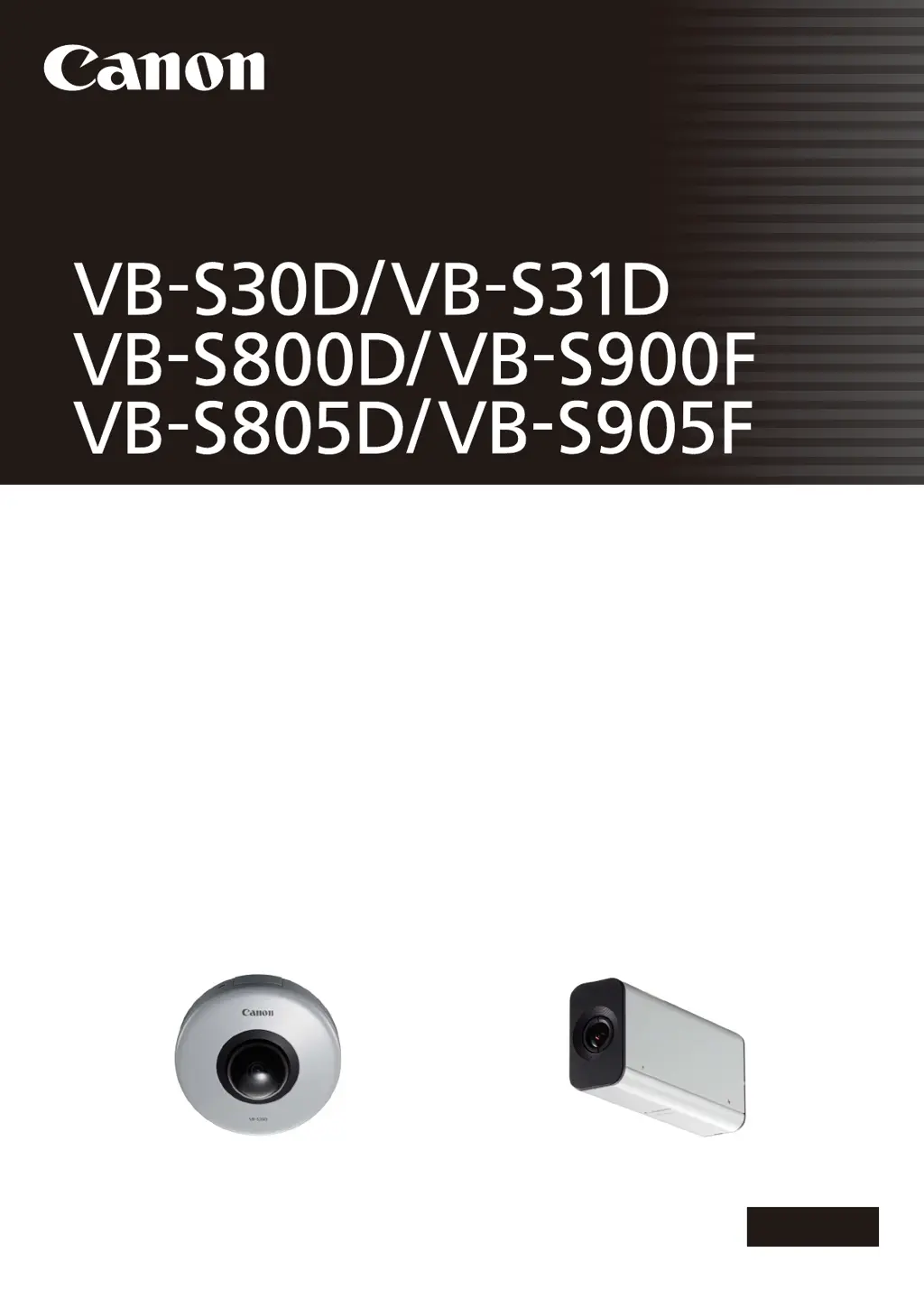
Canon VB-S30D - User Manual

Canon VB-S30D
185 pages
Print Icon
To Next Page IconTo Next Page
Loading...
ENGLISH
Network Camera
Network Camera
Operation Guide
Be sure to read this User Manual before using the network camera.

Table of Contents

Other manuals for Canon VB-S30D

Questions and Answers

  • J
    James OneillSep 12, 2025
    Why does my Canon Security Camera have no audio?
    • P
      Perry BowmanSep 12, 2025
      If there is no audio from your Canon Security Camera: * Check the audio server settings of the camera and the sound and audio device settings for the computer. * If using the Admin Viewer with administrator authorities, verify that the camera is not connected to the RM Viewer or another viewer that allows the administrator to use audio. * In VB Viewer, audio cannot be used if the Canon Network Camera Audio Receiver 3.0 add-on is not installed.
  • P
    Paul MillerSep 10, 2025
    What to do if my Canon Security Camera cannot be controlled?
    • A
      Adam PatrickSep 12, 2025
      If your Canon Security Camera cannot be controlled, it might be because: * If you are connected to the Admin Viewer as an administrator, you have exclusive control. If connected as an Authorized User, you need the administrator to release control. * The pan, tilt, focus, and zoom functions may operate abnormally if the operational durability estimates have been exceeded.
  • C
    Charles CantrellSep 9, 2025
    What to do if Canon VB-S30D video is not displayed?
    • P
      peter74Sep 9, 2025
      If video is not displayed on your Canon Security Camera, there are a couple of potential causes: * You may need to adjust video settings to improve video quality. Change settings and make adjustments to [Video] Setting Video Size, Quality and Frame Rate. * The maximum number of viewers (30) may have been exceeded.
  • J
    Jeffrey SantosAug 22, 2025
    What to do if I forgot my Canon Security Camera password?
    • R
      Robert HansenAug 23, 2025
      If you've forgotten your password for the Canon Security Camera, you can initialize all the camera settings, except for the date and time, using the reset switch. The default administrator password required for initialization is “camera”.
  • M
    mckeekeithSep 6, 2025
    What does 'Cannot access the memory card' mean on Canon VB-S30D Security Camera?
    • B
      Bradley GutierrezSep 7, 2025
      If a message indicating “Cannot access the memory card. Please recreate the video management information on the Setting page.” appears when starting the Recorded Video Utility for your Canon Security Camera, select [Memory Card Information] under [Memory Card] in the setting page to check [Video Management Information Status]. After recreating video management information, ensure that [Video Management Information Status] is [Normal].
  • R
    Richard MckeeSep 5, 2025
    Why files cannot be saved in the Settings page of Canon Security Camera?
    • K
      kimpierceSep 5, 2025
      If files cannot be saved in the Settings page or Admin Tools of your Canon Security Camera, it may be due to Windows prohibiting saving to certain folders. Try specifying folders like [Documents] or [Pictures].
  • M
    Mark CollierSep 4, 2025
    Why video cannot be recorded on a memory card on Canon Security Camera?
    • J
      Jenna FigueroaSep 4, 2025
      If video cannot be recorded on a memory card with your Canon Security Camera, check the [Video Record Action] settings under [Event] in the setting page to record video when an event occurs. If recording-mode stream video or HTTP/FTP upload failed video is not stored on the memory card, check [Operation Settings] under [Memory Card] in the setting page. To manually save recordings, obtain camera control privileges.
  • M
    Michele JacksonSep 3, 2025
    How to fix Canon VB-S30D Security Camera recording-mode stream transmission?
    • T
      Thomas HowardSep 3, 2025
      If you cannot use recording-mode stream transmission on your Canon Security Camera, it may be because [Upload] > [Upload] is set to HTTP or FTP. Set [Upload] to [Upload Disabled].
  • F
    fishersharonSep 2, 2025
    Why data cannot be uploaded from Canon Security Camera?
    • A
      Anthony McmahonSep 2, 2025
      If data cannot be uploaded from your Canon Security Camera, verify the upload destination in the [Upload] menu and the upload operation upon event in the [Event] menu on the Setting page to ensure both are correctly configured. Perform an operation check from the [Upload] menu to test the currently set upload destination. Check [Maintenance] > [View Logs] or server logs for detailed operating environment information. For server settings, contact your System Administrator.
  • S
    susan31Sep 1, 2025
    What to do if Canon VB-S30D viewer gets disconnected?
    • E
      emarquezSep 1, 2025
      If your Canon Security Camera viewer gets disconnected, check the network and computer for any abnormalities. Try rebooting the computer and connecting again.

Canon VB-S30D Specifications

General IconGeneral
Max Resolution1920 x 1080
Digital Zoom4x
Camera TypePTZ
Image Sensor1/3" CMOS
Video CompressionH.264, MJPEG
Frame Rate30 fps
Network InterfaceRJ-45 (10Base-T/100Base-TX)
Power SupplyPoE (IEEE802.3af)
Focal Length2.8-8 mm
Aperturef/1.2-2.0
Resolution1920 x 1080
Audio CompressionG.711
Audio Input/OutputInput: Monaural, Output: Monaural
ProtocolsHTTP, HTTPS, TCP/IP, UDP, ARP, ICMP, FTP, SMTP, DHCP, DNS, DDNS, RTP/RTSP, SNMP, ONVIF
SecurityPassword protection, IP address filtering
Operating Temperature0°C to 40°C (32°F to 104°F)

Related product manuals