EasyManua.ls Logo

Canon VB-S30D - User Manual

Canon VB-S30D
185 pages
Print Icon
To Next Page IconTo Next Page
Loading...
ENGLISH
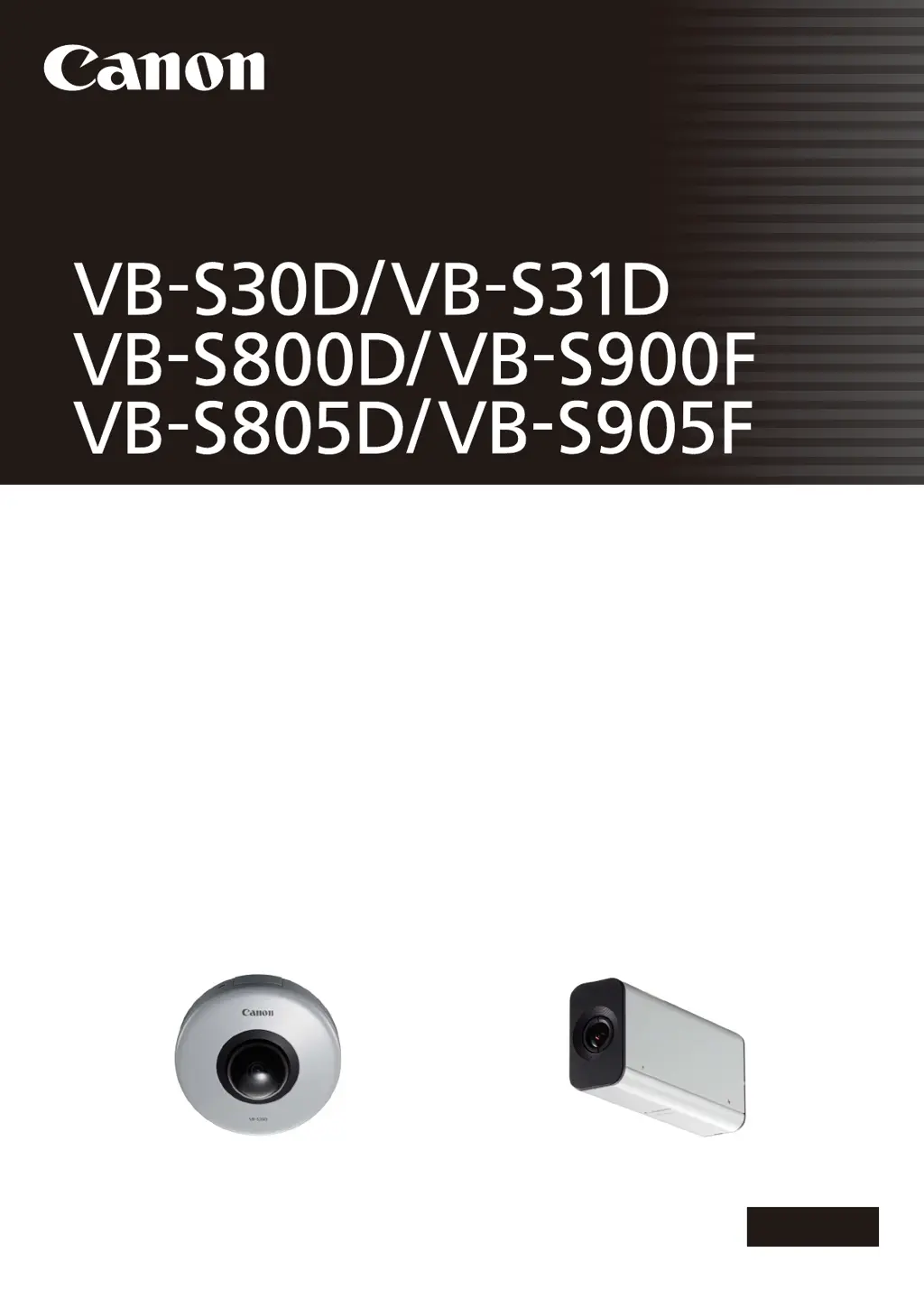
Network Camera
Network Camera
Operation Guide
Be sure to read this User Manual before using the network camera.

Table of Contents

Other manuals for Canon VB-S30D

Questions and Answers

  • D
    Duane CarterAug 31, 2025
    Why my Canon VB-S30D Security Camera cannot be controlled?
    • R
      Robyn SolisAug 31, 2025
      If the Canon Security Camera cannot be controlled, it might be because you have connected the Admin Viewer as an administrator, giving you exclusive control. If connected as an Authorized User, you need the administrator to release control. Also, abnormal operation of pan, tilt, focus, and zoom may occur if the operational durability estimates are exceeded.
  • J
    John SimonAug 30, 2025
    Why is there no audio from my Canon VB-S30D?
    • S
      Sabrina ThorntonAug 30, 2025
      If there is no audio from your Canon Security Camera, check the camera's audio server settings and the computer's sound and audio device settings. If using Admin Viewer with administrator authorities, ensure the camera isn't connected to RM Viewer or another viewer where the administrator uses audio. Also, in VB Viewer, audio requires the Canon Network Camera Audio Receiver add-on. When using Internet Explorer 10 or 11 in a 64-bit operating system and the camera is registered as a trusted site and protected mode is enabled, try disabling protected mode, as it may disable audio reception and playback.
  • D
    Derek PhillipsAug 28, 2025
    Why is video not displayed on my Canon VB-S30D?
    • C
      charles35Aug 28, 2025
      If video is not displayed on your Canon Security Camera, refer to “[Video] Setting Video Size, Quality and Frame Rate” in “Chapter 3 Setting Page” to change settings and make adjustments to improve video quality. Note that up to 30 viewers can access the camera simultaneously. If you are using Internet Explorer 10 or 11 in a 64-bit operating system and the camera is registered as a trusted site with protected mode enabled, try disabling protected mode, as it may disable H.264 video reception and playback.
  • S
    Stephen ShieldsAug 27, 2025
    How to fix a Canon Security Camera that does not start?
    • P
      patrickmartinAug 27, 2025
      If your Canon Security Camera is not starting, check if the LAN cable is connected correctly. Also, try turning the camera off and on again.
  • W
    William PopeAug 27, 2025
    Why is the top page of my Canon VB-S30D Security Camera not displayed?
    • V
      Victoria WebbAug 27, 2025
      If the top page of your Canon Security Camera is not displayed, consider the following: * Check if the LAN cable is correctly connected. * Verify that the network to which the camera is connected is correctly set up. * If you changed the IP address, reboot the camera for the new address to take effect. * Ensure the correct URI (camera IP address) is entered in your web browser. * Check if the connection is from a computer blocked in [Access Control] on the Setting page. * Verify the authentication method, [User Name], [Password], combination of certificates, and network rules for connection in [802.1X] on the Setting page with the system administrator.
  • J
    Joyce GibbsAug 25, 2025
    How to reset password on Canon Security Camera?
    • T
      Tina CurtisAug 26, 2025
      If you forgot your password for the Canon Security Camera, you can initialize all settings (excluding date and time) using the reset switch. The default administrator password required for initialization is “camera”. Note that network settings like IP address and subnet mask will be reset and must be configured again.

Canon VB-S30D Specifications

General IconGeneral
Max Resolution1920 x 1080
Digital Zoom4x
Camera TypePTZ
Image Sensor1/3" CMOS
Video CompressionH.264, MJPEG
Frame Rate30 fps
Network InterfaceRJ-45 (10Base-T/100Base-TX)
Power SupplyPoE (IEEE802.3af)
Focal Length2.8-8 mm
Aperturef/1.2-2.0
Resolution1920 x 1080
Audio CompressionG.711
Audio Input/OutputInput: Monaural, Output: Monaural
ProtocolsHTTP, HTTPS, TCP/IP, UDP, ARP, ICMP, FTP, SMTP, DHCP, DNS, DDNS, RTP/RTSP, SNMP, ONVIF
SecurityPassword protection, IP address filtering
Operating Temperature0°C to 40°C (32°F to 104°F)

Related product manuals