31
Connecting with [Easy connection]
9
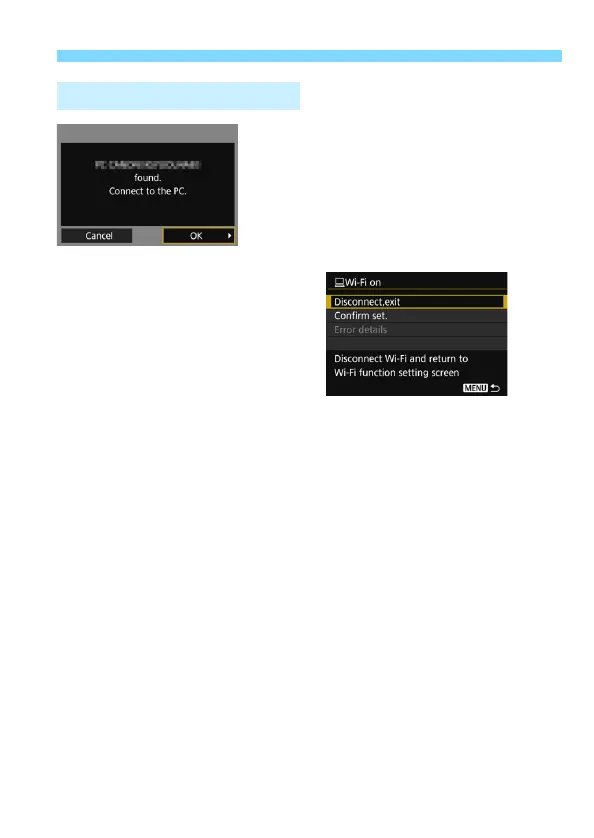
Connect to the camera.
When the camera detects the
computer on which you clicked
[Connect] in step 8, the screen on
the left is displayed.
Select [OK] and press <0>. The
[DWi-Fi on] screen will appear.
To return to the menu, press the
<M> button.
The settings for connecting to EOS Utility are now complete.
For operations after setting up a connection, see page 59.
Once pairing is complete, there is no need to perform pairing from
the next time on if you continue using the same camera and
computer together without changing the settings.
Operation on the Camera-3



 To Next Page