70
Checking, Changing, or Deleting Connection Settings
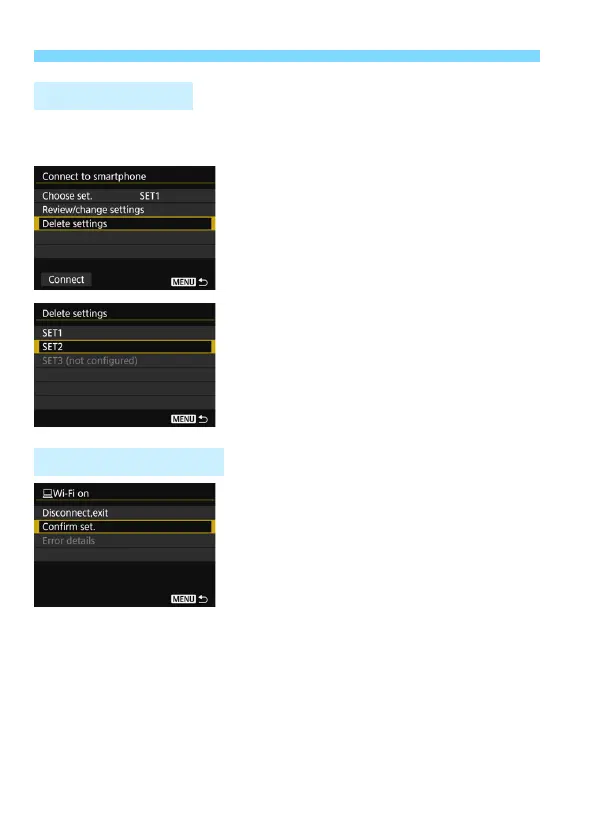
Select [Delete settings] on the following screen to delete connection
settings saved on the camera.
1
Select [Delete settings].
2
Select the setting to delete.
Select [OK] on the confirmation
dialog to delete the setting.
When the [Wi-Fi on] screen is displayed
during a wireless connection, select
[Confirm set.] to check the settings.
Deleting Settings
During a Connection



 To Next Page