91
Setting up the Network Manually
4
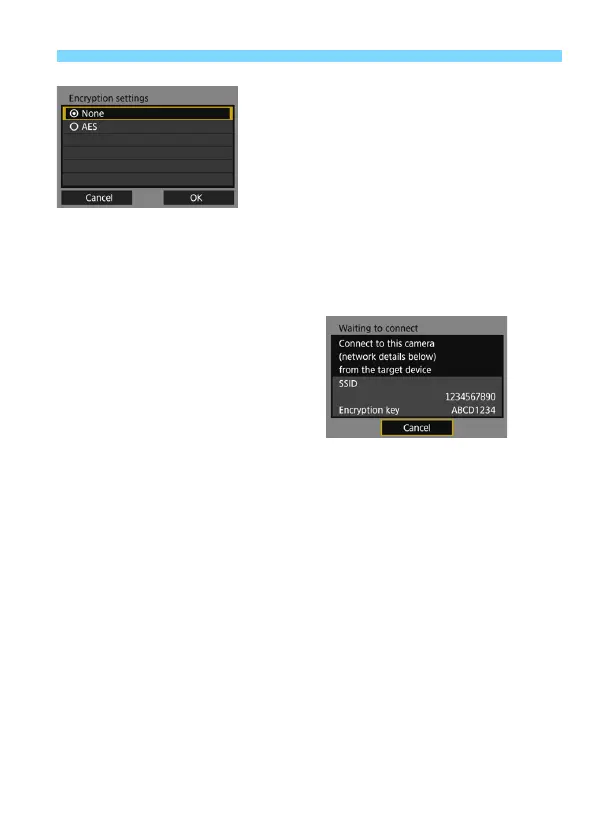
Select the desired encryption
setting.
For encryption, select [AES].
Select [OK] and press <0>.
When [AES] is selected, the virtual
keyboard (p.15) is displayed. Enter
any encryption key of eight
characters, then press the <M>
button to set.
The set SSID and encryption key are
displayed.
For subsequent operations, see
“Easy Connection” (p.19).



 To Next Page