Appendix: Onscreen Icons and Displays
112
Appendix: Onscreen Icons and Displays
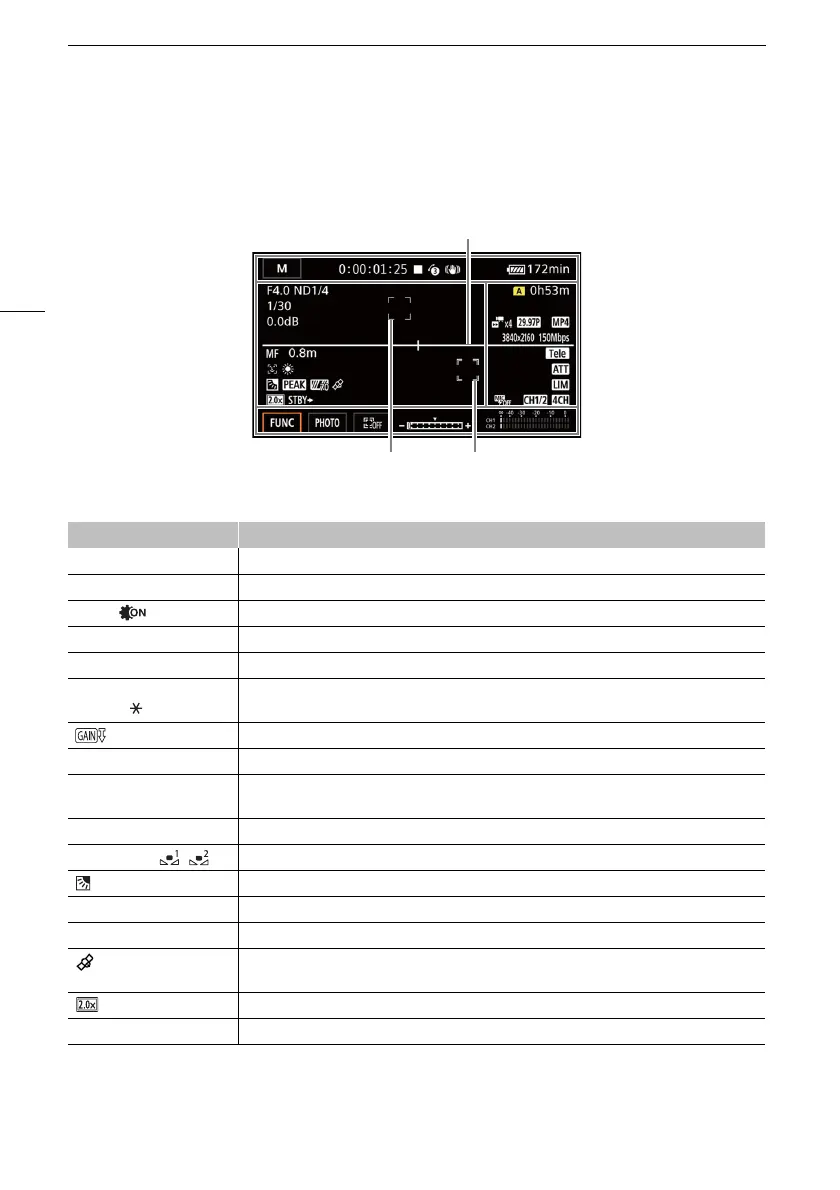
Left side of the screen
Recording
Icon/Display Description
F00.0 Aperture value (A 43)
ND1/0 ND filter (A 46)
=, Infrared light (A 80)
1/00000 Shutter speed (A 42)
00.0dB Gain value (A 42)
AE +/-0 0/0
+/-0 0/0
Exposure compensation (A 45)
Exposure lock (A 45)
00.0dB AGC limit (A 48)
=, ?, @, D Focus (A 57)
0.0ft, 000ft, G Focusing distance
• While adjusting the focus, the estimated focusing distance will be displayed.
}, ~ Face detection & tracking (A 61)
¼, É, È, , White balance (A 49)
Backlight correction (A 47)
O, N Peaking (A 59)
z, { Zebra pattern (A 46)
GPS active (A 82)
Only when the optional GP-E2 GPS Receiver is attached to the camcorder.
Digital tele-converter (A 56)
REC`, STBY` Recording command (A 35)
Onscreen markers (A109)
Tracking (A61)
Face detection frame (A61)



 To Next Page