Shooting Modes
40
Special Scene Modes
Using a Special Scene mode can be an easy and convenient alternative to adjusting detailed exposure
settings.
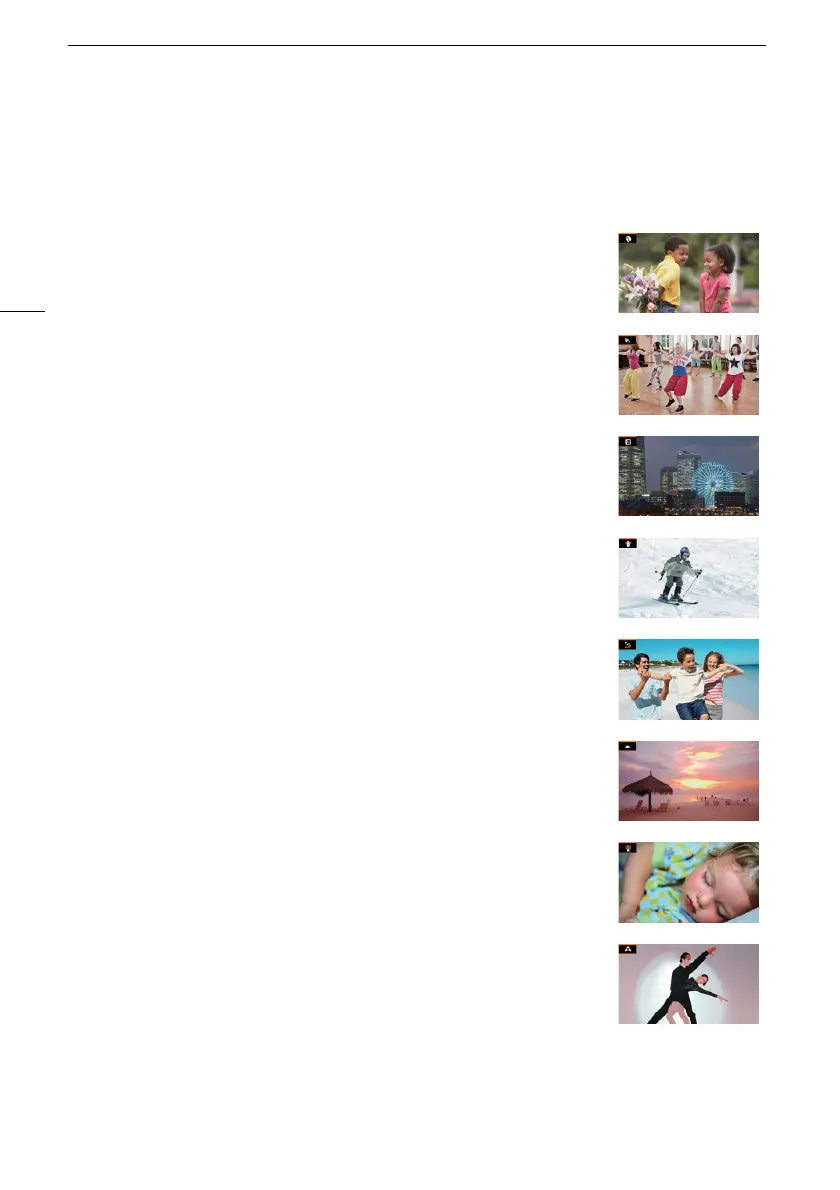
[HPortrait] The camcorder uses a large aperture, to achieve a sharp focus
on the subject while blurring the background.
[ûSports] To record sports scenes, such as sporting events or dance
scenes.
[Q Night Scene] To record nightscapes with lower noise.
[K Snow] To record in bright ski resorts without the subject being
underexposed.
[L Beach] To record on a sunny beach without the subject being
underexposed.
[M Sunset] To record sunsets in vibrant colors.
[R Low Light] To record in low-light situations.
[S Spotlight] To record spotlit scenes.



 To Next Page