Shooting Modes
41
•[H Portrait]/[û Sports]/[K Snow]/[L Beach]: The picture may not appear smooth during
playback.
•[H Portrait]: The blur effect of the background increases the more you zoom in (S).
•[K Snow]/[L Beach]: The subject may become overexposed on cloudy days or in shaded places.
Check the image on the screen.
•[R Low Light]:
- Moving subjects may leave a trailing afterimage.
- Picture quality may not be as good as in other modes.
- White points may appear on the screen.
- Autofocus may not work as well as in other modes. In such case, adjust the focus manually.
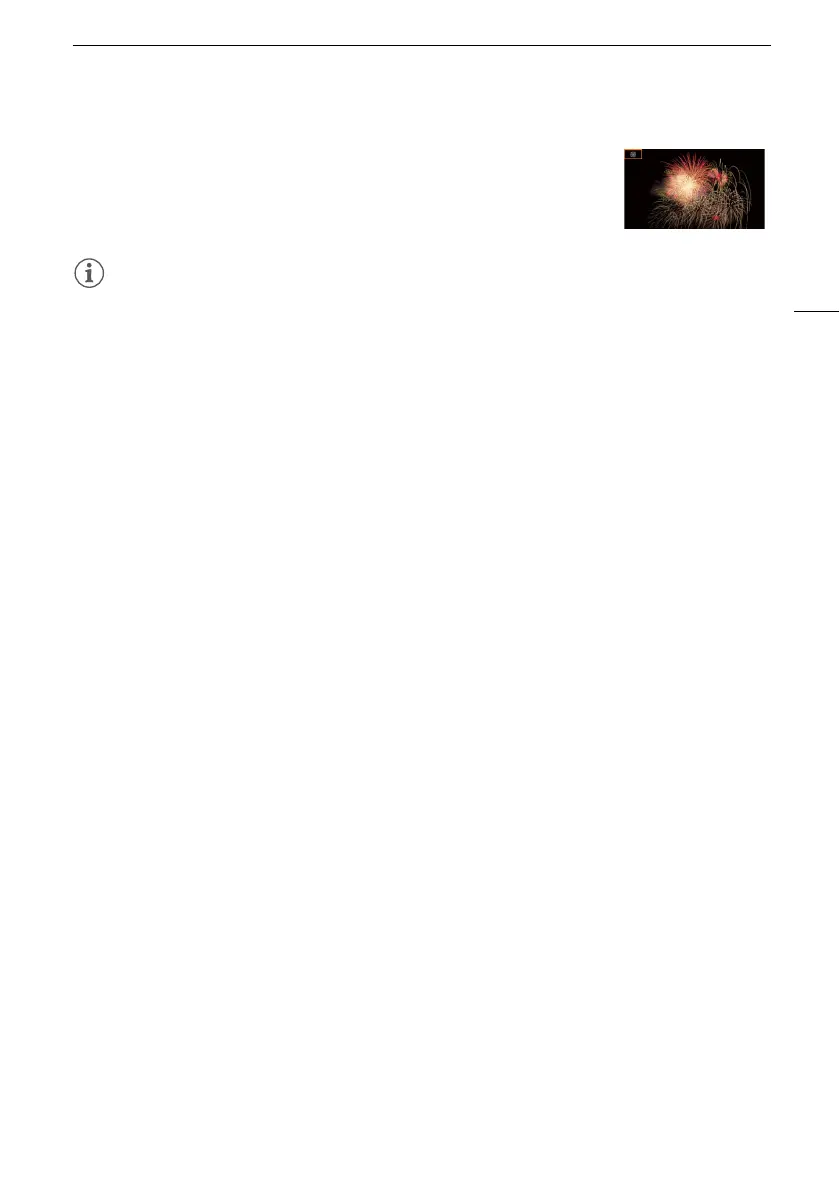
•[R Low Light]/[T Fireworks]: To avoid camcorder blur (blur due to the camcorder moving) we
recommend using a tripod.
[T Fireworks] To record fireworks.



 To Next Page