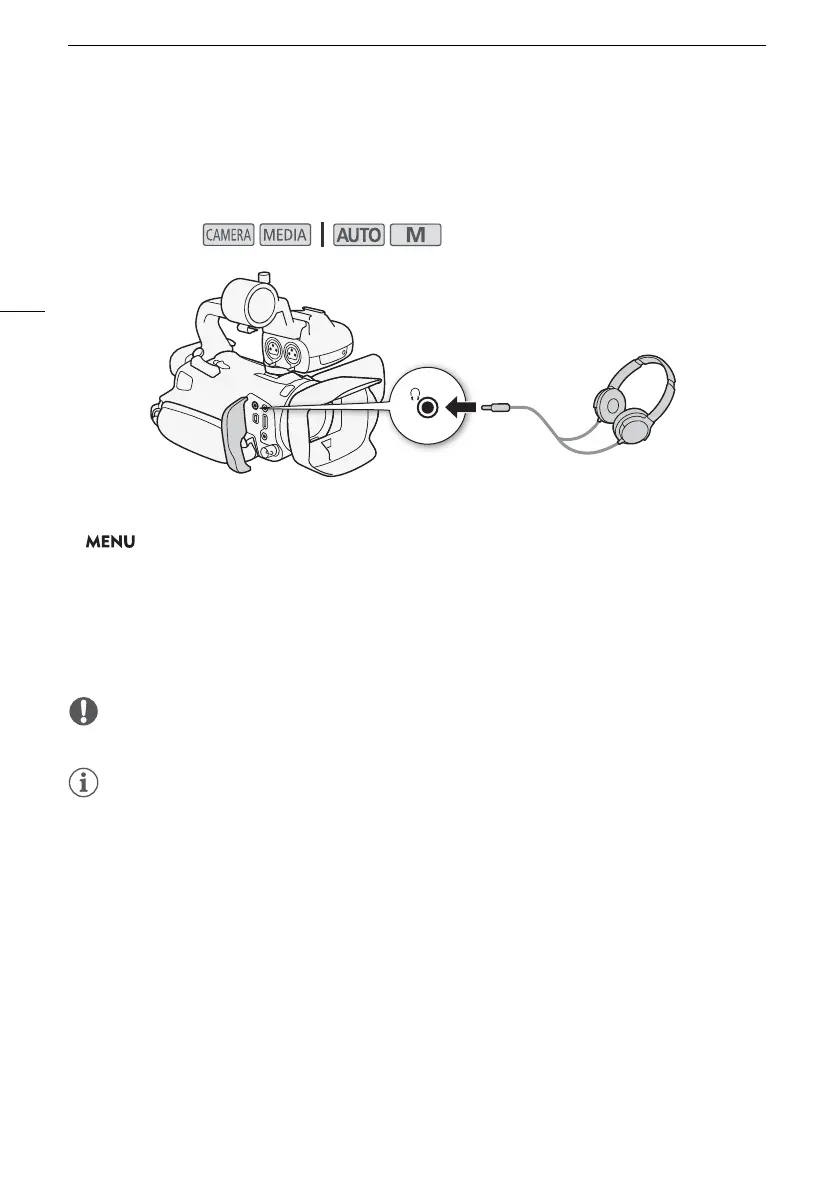
Using Headphones
76
Using Headphones
Use headphones for playback or to check the audio level while recording. The following procedure
explains how to adjust the volume.
1 Select [Headphone Volume].
> [C # Audio Setup] > [Headphone Volume]
2 Select [Ô] or [Õ] to adjust the volume and then select [X].
• You can also drag your finger along the volume bar.
To adjust the volume during playback
During playback, adjust the headphones volume the same way you adjust the speaker’s volume
(A 91).
• When using headphones, make sure to lower the volume to an appropriate level.
• Use commercially available headphones with a 3.5 mm minijack.
Operating modes:



 To Next Page