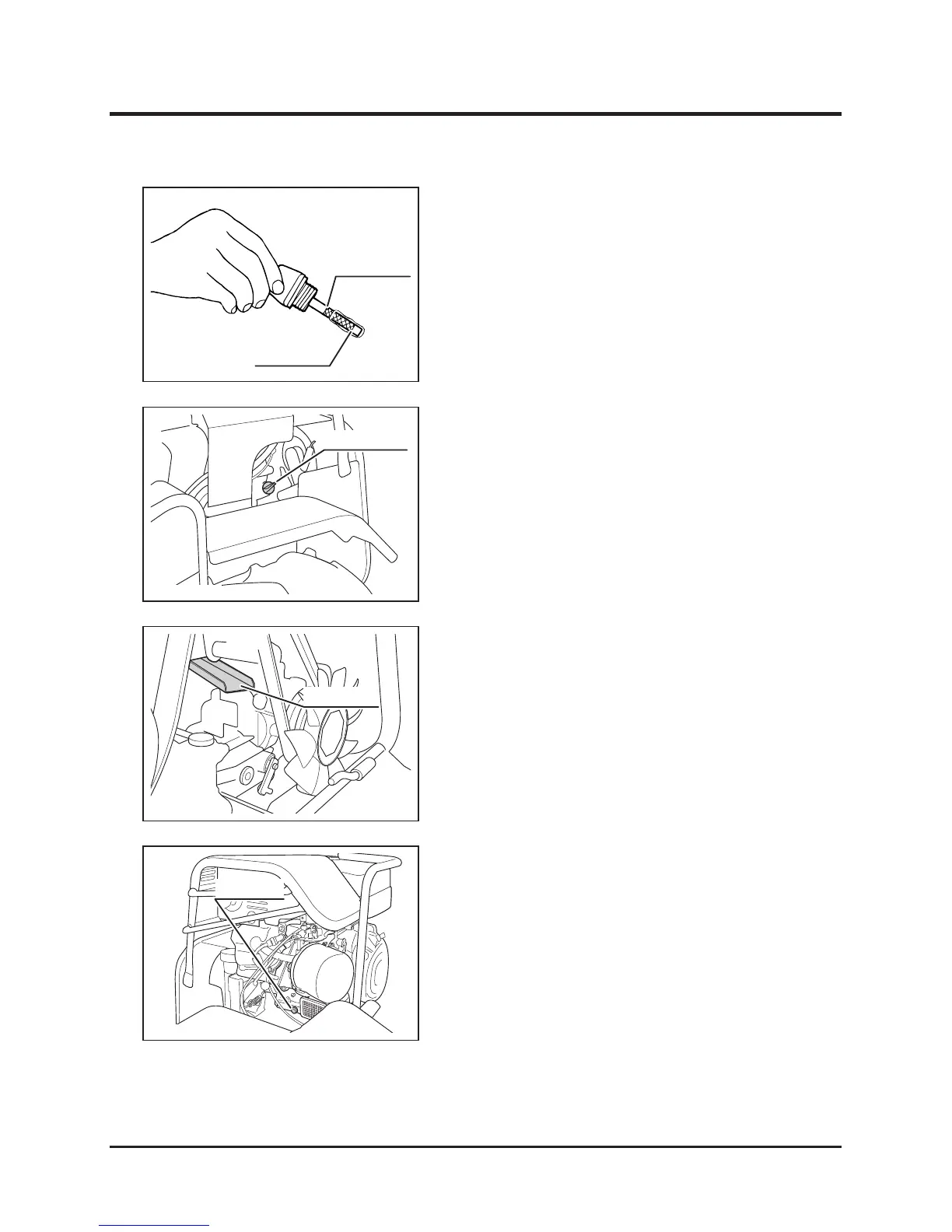
4. Visually inspect oil level. Make sure oil level
is between upper and lower limits. If it is
below lower limit, add oil.
5. Visually inspect condition of oil. If it is too
dirty or viscosity is not normal, change oil.
6. Put oil gauge back in place.
Filling
1. Remove oil ller cap.
2. Fill specied amount of correct oil into ller.
3. Check oil level. Make sure oil level is
between upper and lower limits.
4. Put oil ller cap back in place.
Changing
1. Have an appropriate oil drain pan.
2. Open rear cover and place oil drain pan
under the guide plate.
3. Remove oil ller cap.
4. Remove drain plug and drain oil.
5. Put drain plug back in place.
6. Fill specied amount of correct oil into ller.
7. Check oil level. Make sure oil level is
between upper and lower limits.
8. Put oil ller cap back in place.
9. Close rear cover.


 To Next Page