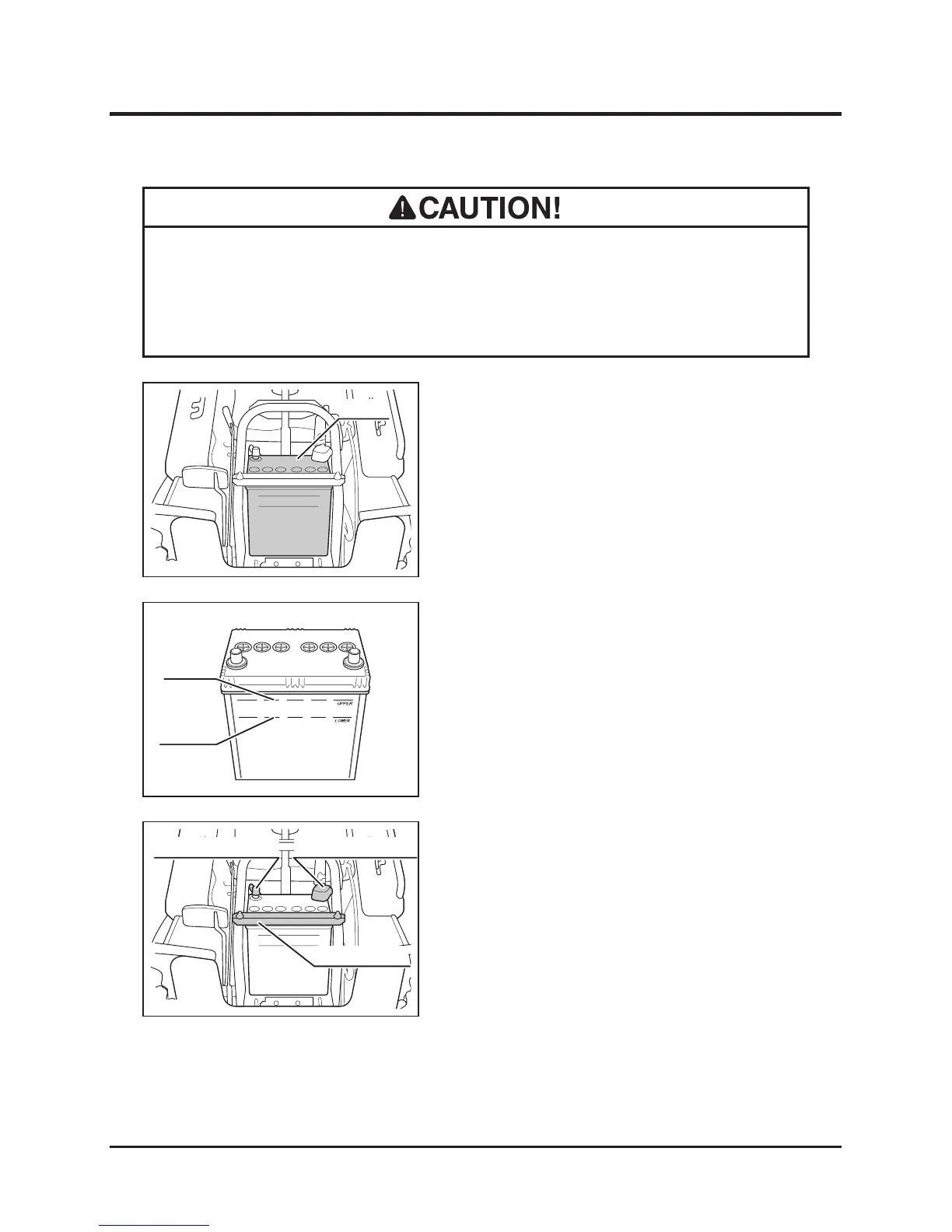
1. Remove front cover.
2. Remove negative (-) cable from battery.
3. Remove positive (+) cable from battery.
4. Remove mounting plate and remove battery
from machine.
1. Park machine on level ground.
2. Remove front cover.
Inspecting
•
Never ll battery uid beyond "UPPER" level line. Battery uid may spill and
cause damage to machine or injury to person.
• Follow battery charger user's manual when charging.
Filling
3. Visually inspect that battery uid level is
between "UPPER" level and "LOWER" level
lines.
4. If uid level is near or below "LOWER" level
line, ll.
5. Install front cover back in place.


 To Next Page