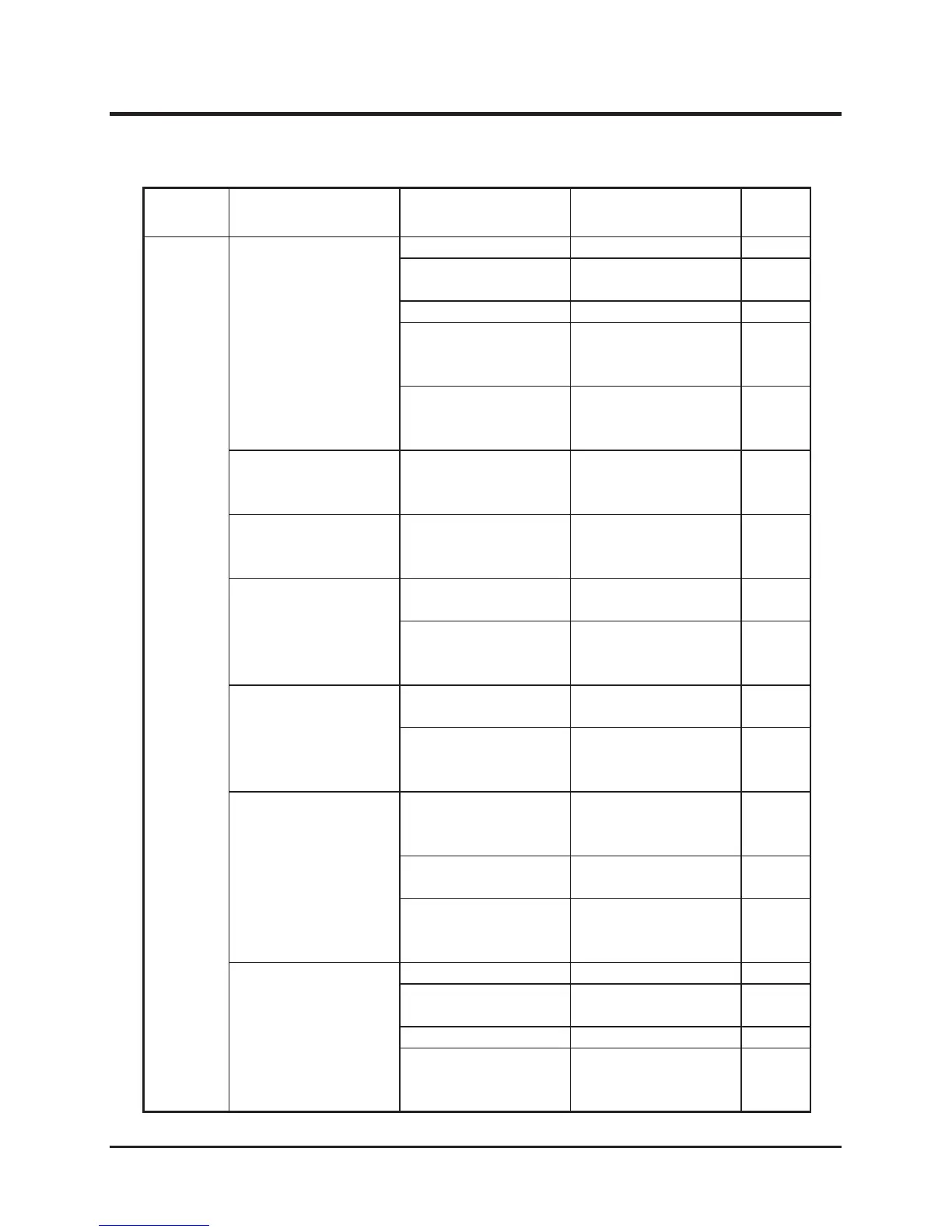
Area Malfunction Possible Cause Corrective Measure Ref.
Engine
Poor power or
acceleration
Bad fuel →Change fuel.
Insufcient intake air
(clogged air cleaner).
→Clean or replace the
air cleaner.
Page 43
Loose drive belt. →Adjust. Page 47
Excessive load
→
Reduce load. (by
adjusting cutting
height)
Other (other than the
above).
→Please contact
your CANYCOM
representative.
Irregular noise or
vibration from or
around the engine
→Please contact
your CANYCOM
representative.
Excessive oil
consumption
→Please contact
your CANYCOM
representative.
Engine overheats
Insufcient amount of
engine oil.
→Fill oil. Page 41
Rotating screen
or cooling ns are
clogged or blocked.
→Clean.
Excessive fuel
consumption
Clogged air cleaner. →Clean or replace the
air cleaner.
Page 43
Other (other than the
above).
→Please contact
your CANYCOM
representative.
Black smoke comes
out of exhaust
Choke is not fully
open.
→Open the choke fully.
Clogged air cleaner. →Clean or replace the
air cleaner.
Page 43
Other (other than the
above).
→Please contact
your CANYCOM
representative.
White or blue smoke
comes out of exhaust
Bad fuel. →Change fuel.
Engine oil level is too
high.
→Adjust the oil level. Page 41
Improper engine oil. →Change oil. Page 41
Other (other than the
above).
→Please contact
your CANYCOM
representative.


 To Next Page