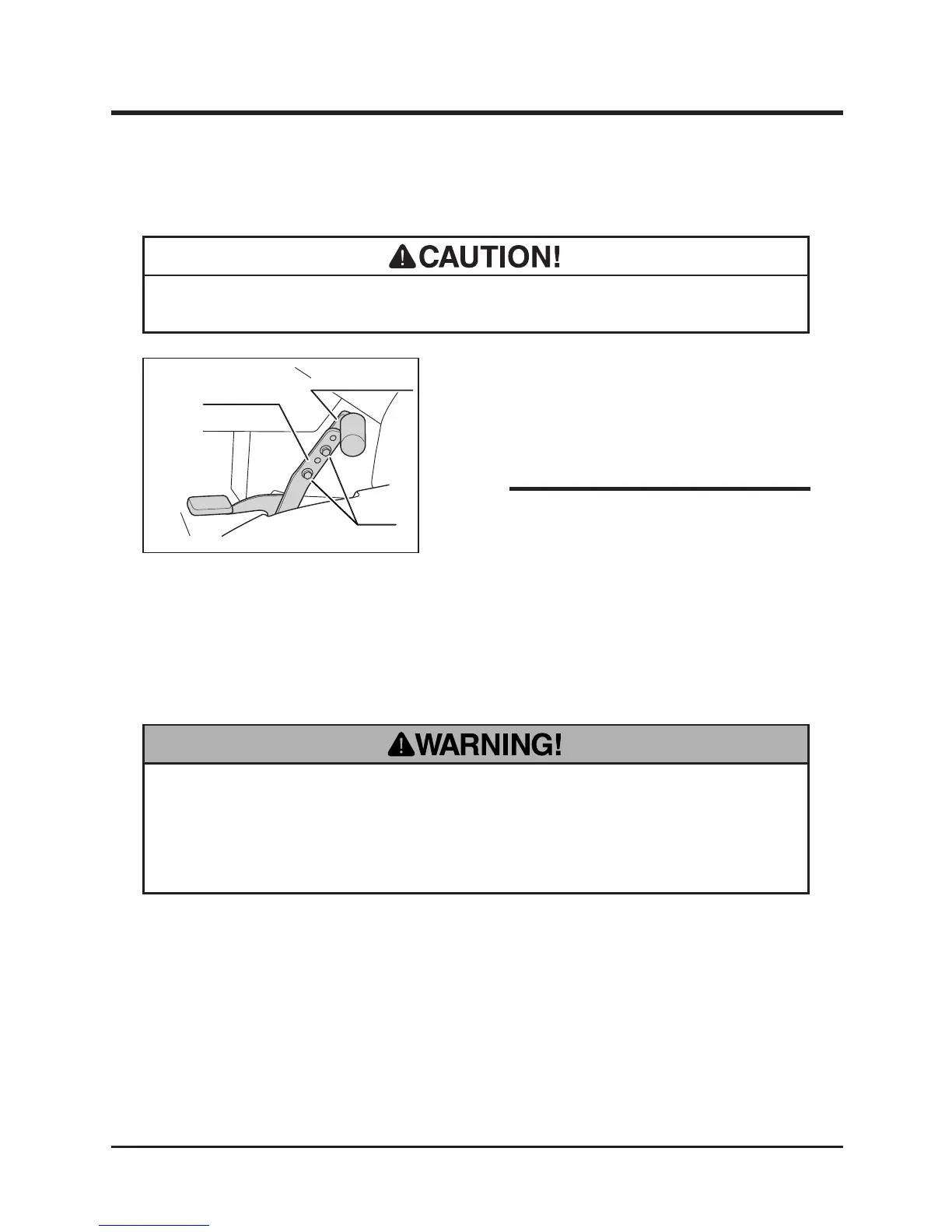
Adjusting Drive Pedal
• Always check if the drive pedal is xed rmly after adjusting.
1. Remove two bolts xing forward pedal with
drive pedal.
2. Adjust the pedal (forward) into the desired
position and x with bolts.
• Drive pedal can be adjusted in 3 positions
and angle.
Driving
• Always start and run engine in a well ventilated place.
• Always stay on seat when starting engine. Never attempt to start engine away
from machine. Run over accident may result.
Starting
NOTE



 To Next Page