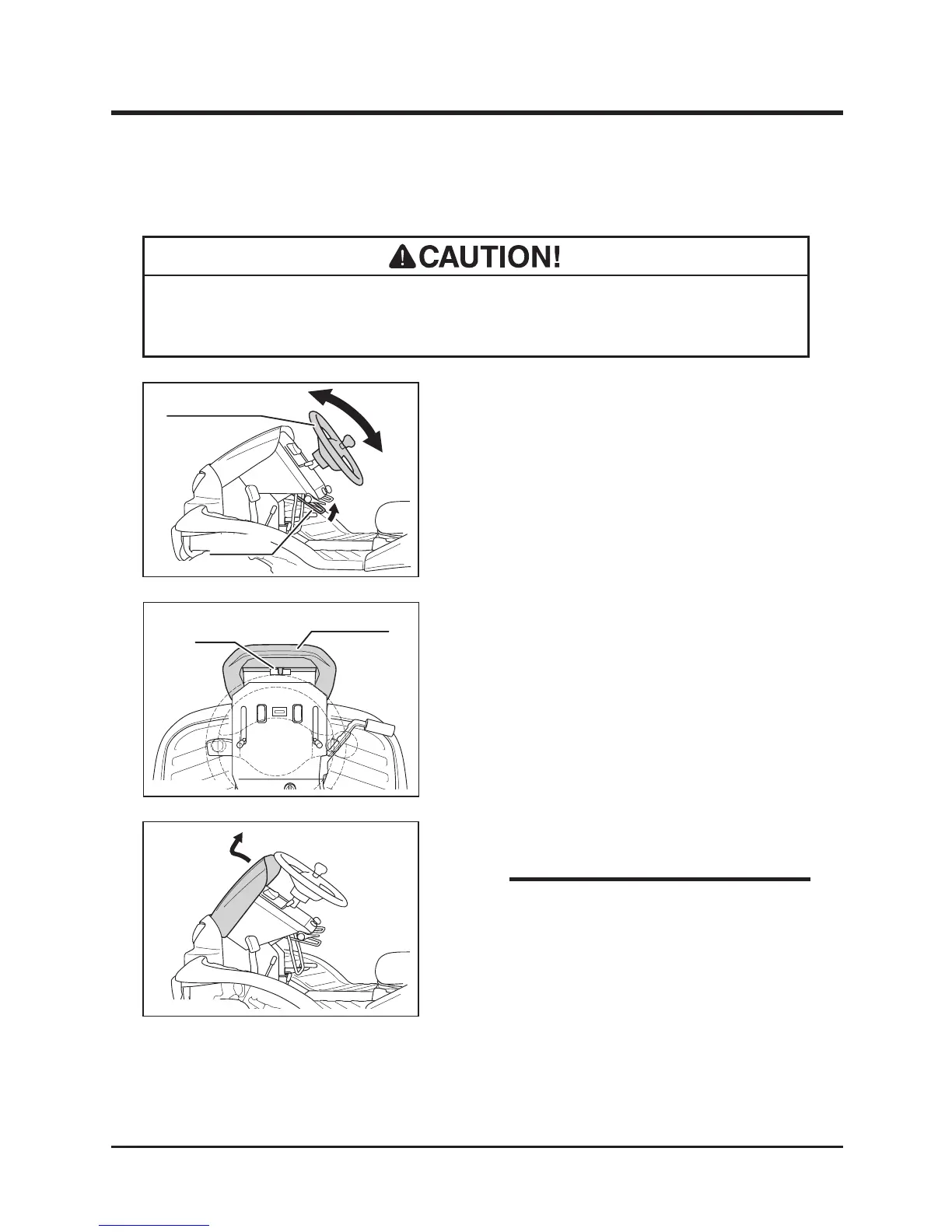
2. Pull out front cover.
• Inside of the front cover is made as tool
box. Use this box to store items such as
tools or substitute cutting blades.
• After adjusting steering wheel, try moving steering wheel back and forth and up
and down to make sure it is securely locked in its position.
Adjusting Steering Wheel
1. Pull up tilt lever to adjust steering wheel
angle.
2. There are ve positions for steering wheel
angle.
3. After adjusting angle, return tilt lever to lock
steering wheel securely.
Adjusting Angle (Tilting)



 To Next Page