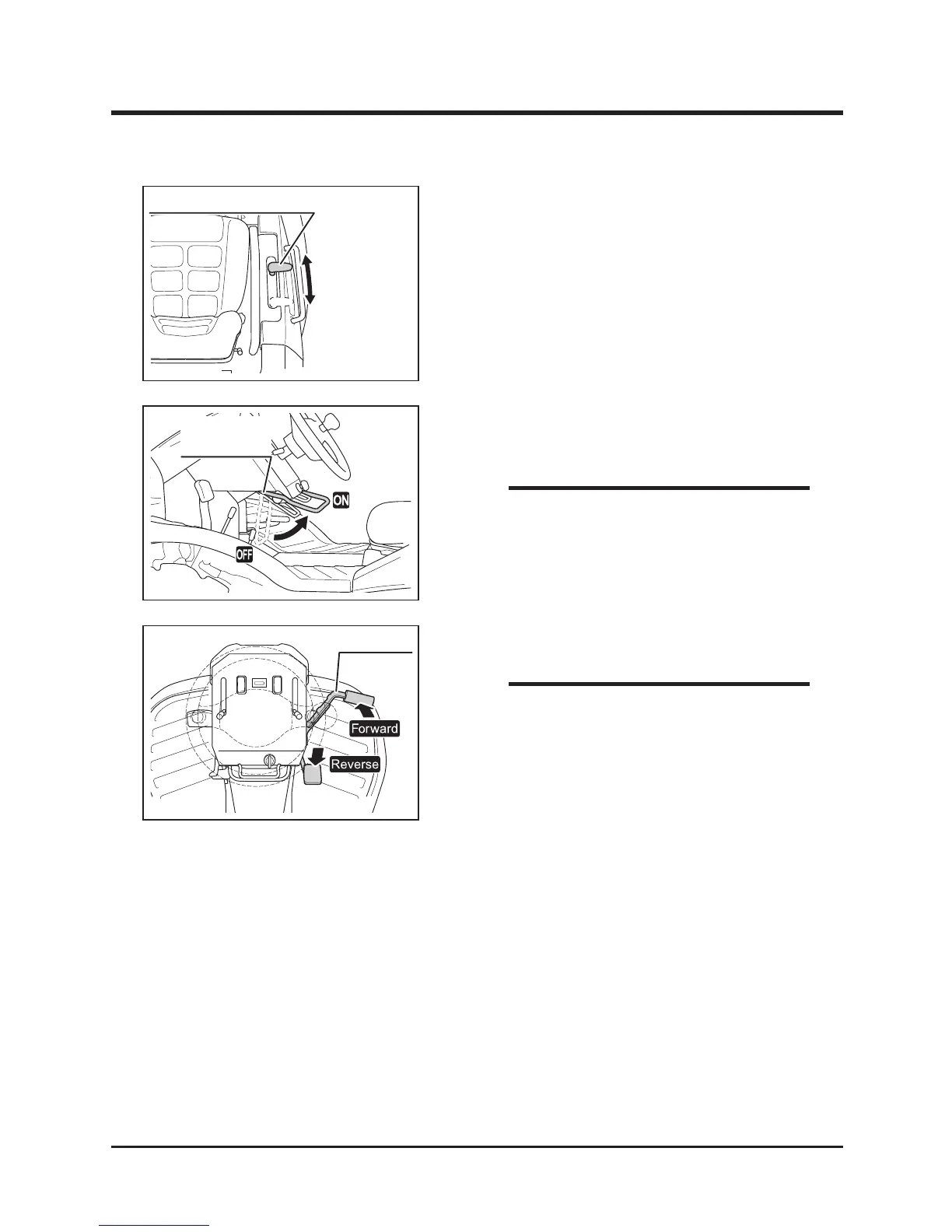
5. Move rotary clutch lever to [ON] to start
cutting blade.
• Safety feature: engine stops automatically if
operator leaves seat while cutting blade is
rotating.
NOTE
4. Move cutting height adjust lever to a desired
height.
• When cutting with this machine for the rst
time, start on a at surface. Drive slowly
and in an overlapping pattern.
• If load to cutting blade is high, drive slowly,
or cut twice.
NOTE



 To Next Page