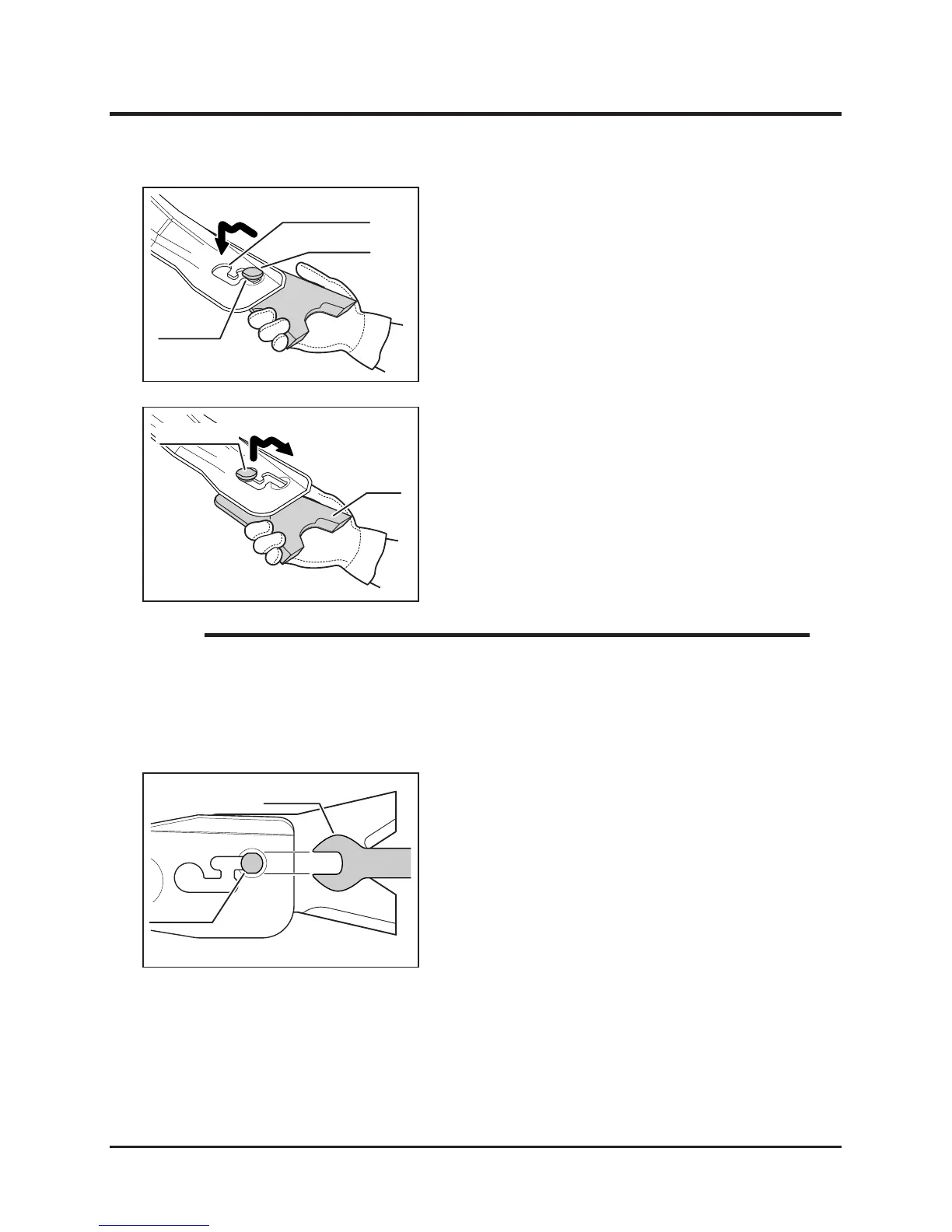
1. Open cutting blade shield.
2. Noting the direction of the at faces on
mounting pin, shift blade along mounting slot
to remove blade.
Replacing
3. Install new mounting pin and wave washer
to blade and shift blade along mounting slot,
noting the direction of the at faces.
• Always put thick gloves on and be cautious when handling blade because both
edges of rotor stay can get sharp by wear.
• Wear Limit: See page 64
• If it is difcult to remove blade, use 24mm spanner to remove
NOTE



 To Next Page