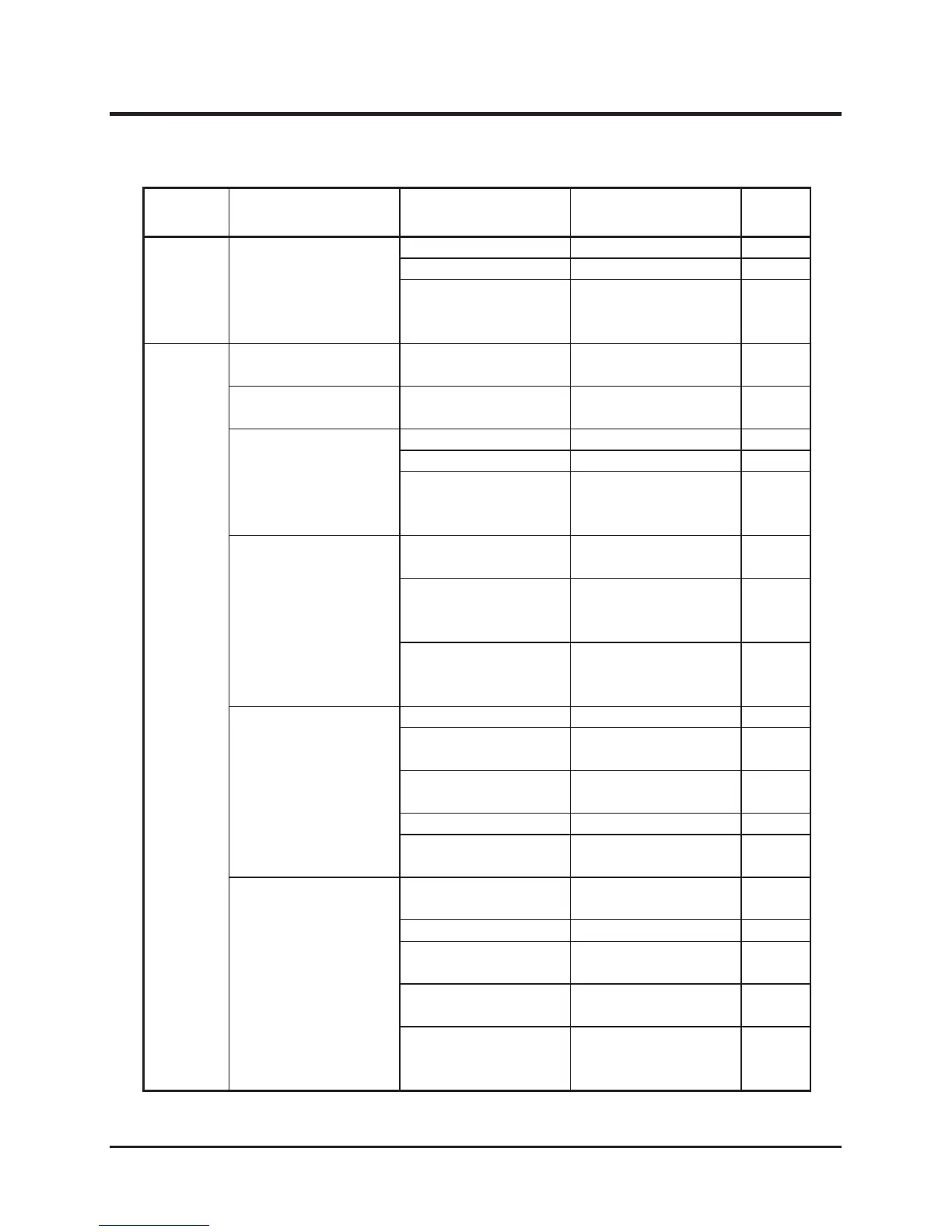
Area Malfunction Possible Cause Corrective Measure Ref.
Electrical
System
Head lamp does not
illuminate properly.
Blown bulb. →Replace bulb. Page 71
Blown fuse. →Replace fuse. Page 70
Other (other than the
above).
→Please contact
your CANYCOM
representative.
Cutting
System
Cutting blade does not
rotate
Cutting rotary drive
belt is severed.
→Replace.
Cutting blade does not
stop
Brake lining is worn. →Replace.
Cutting rotary drive
belt slips.
Belt is loose. →Adjust belt tension. Page 66
Belt is worn. →Replace. Page 66
Cut grass or vines
accumulate in the
cutting blade shield.
→Clean. Page 73
Abnormal vibration
occurs when cutting
blade is rotated..
Cutting blade is
damaged or lost.
→Replace cutting
blades.
Page 63
Foreign object is
caught by cutting
blade.
→Remove or clean
foreign object.
Other (other than the
above).
→Please contact
your CANYCOM
representative.
Cut grass is not
discharged properly.
Grass is wet. →
Cut when grass is dry.
Grass is too long. →Cut in several steps
at different heights.
Cutting height is too
low.
→Raise cutting height.
Engine speed is too low.
→Raise engine speed.
Driving speed is too
high.
→Drive slow.
Some grass is left
uncut.
Grass is too long. →Cut in several steps
at different heights.
Engine speed is too low.
→Raise engine speed.
Driving speed is too
high.
→Drive slow.
Cutting blade is
damaged or worn.
→Replace.
Cut grass or vines
accumulate in the
cutting blade shield.
→Clean. Page 73



 To Next Page