8
Description of the appliance
Technical data
Type
Total
Power
Diameter Nominal Power * Booster Power *
Minimum diameter
detection
C950I 7400 w
2 zones: 300mm
2 zones: 270mm
2300 W
1100 W
3000 W
1400 W
120 mm
90 mm
* The given power may change according to the dimensions and material of the pan.
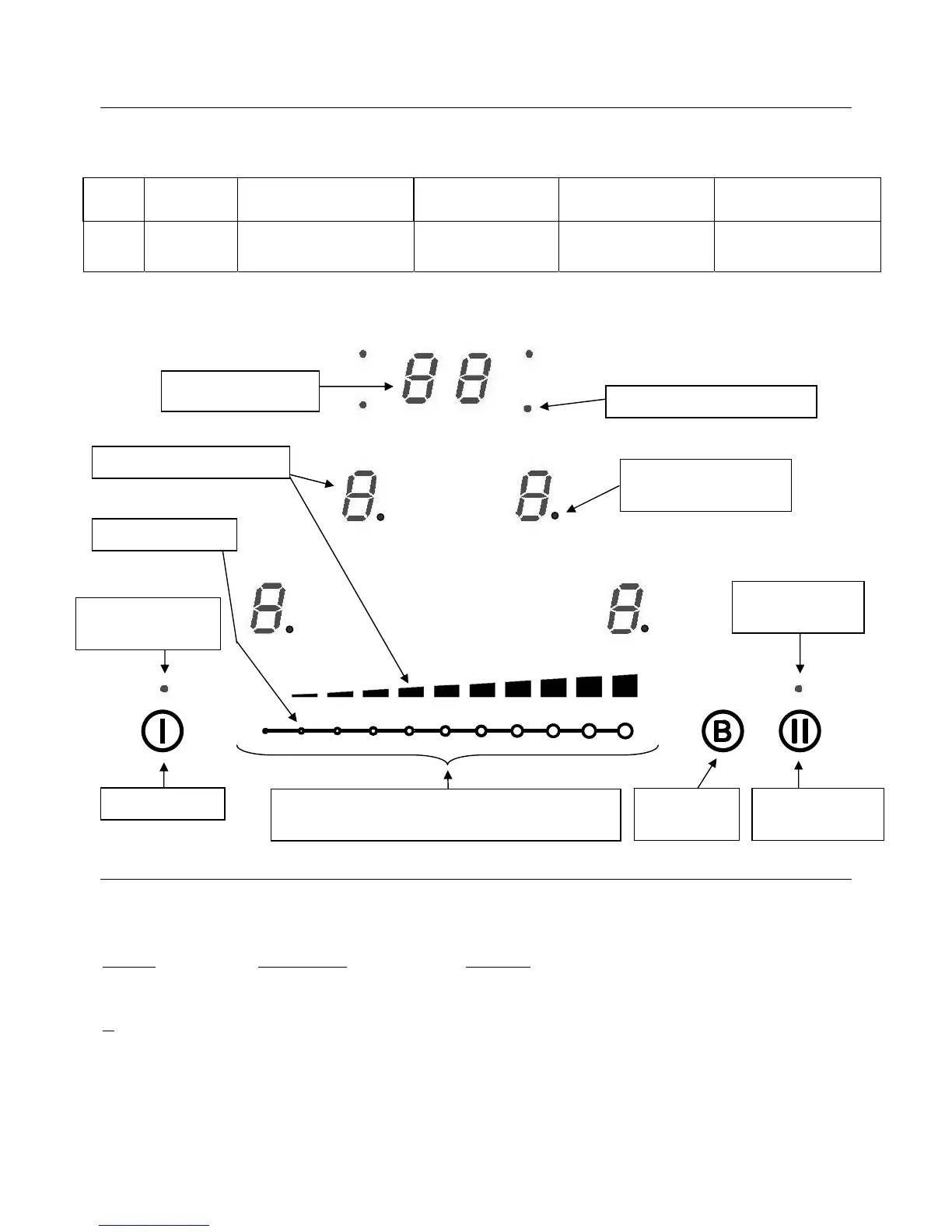
Control panel
Using the hob
Display
Display Designation Function
0. Zero The heating zone is activated.
1…9 Power level Selection of the cooking level.
U Pan detection No pan or inadequate pan.
A Heat accelerator Automatic cooking.
E Error message Electronic failure.
H Residual heat The heating zone is hot.
P Booster The boosted power is activated.
L Lock Control panel is locked.
U Keep warm Automatically maintains a temperature of 70°C.
II Pause The hob is in pause mode.
Power selection zone “Slider” and timer
settin



 To Next Page